Release notes are a document about one release. A changelog is the page all of them live on, newest first.
That is the entire difference. Everything else people say about these two words follows from it, and most of the confusion comes from teams treating them as two names for the same job and then producing neither.
Changelog vs change log, is it one word or two?
One word. That is the form we use, and the one you will see most often on software sites.
You will see change log with a space, usually in older or more formal writing, and nobody will misunderstand you. If you are naming a page or a URL, changelog as one word is the safer choice, because it is what people type.
There is a working version of this on the demo board, which is open without an account.
What is the difference between a changelog and release notes?
One is a document, the other is a place.
Release notes belong to a single release. They can be long, they can be technical, they can list every fix by identifier, and they exist for somebody who is deciding whether to upgrade or working out why something behaves differently than it did last week.
They are written once, at the moment of shipping, and then they stop changing.
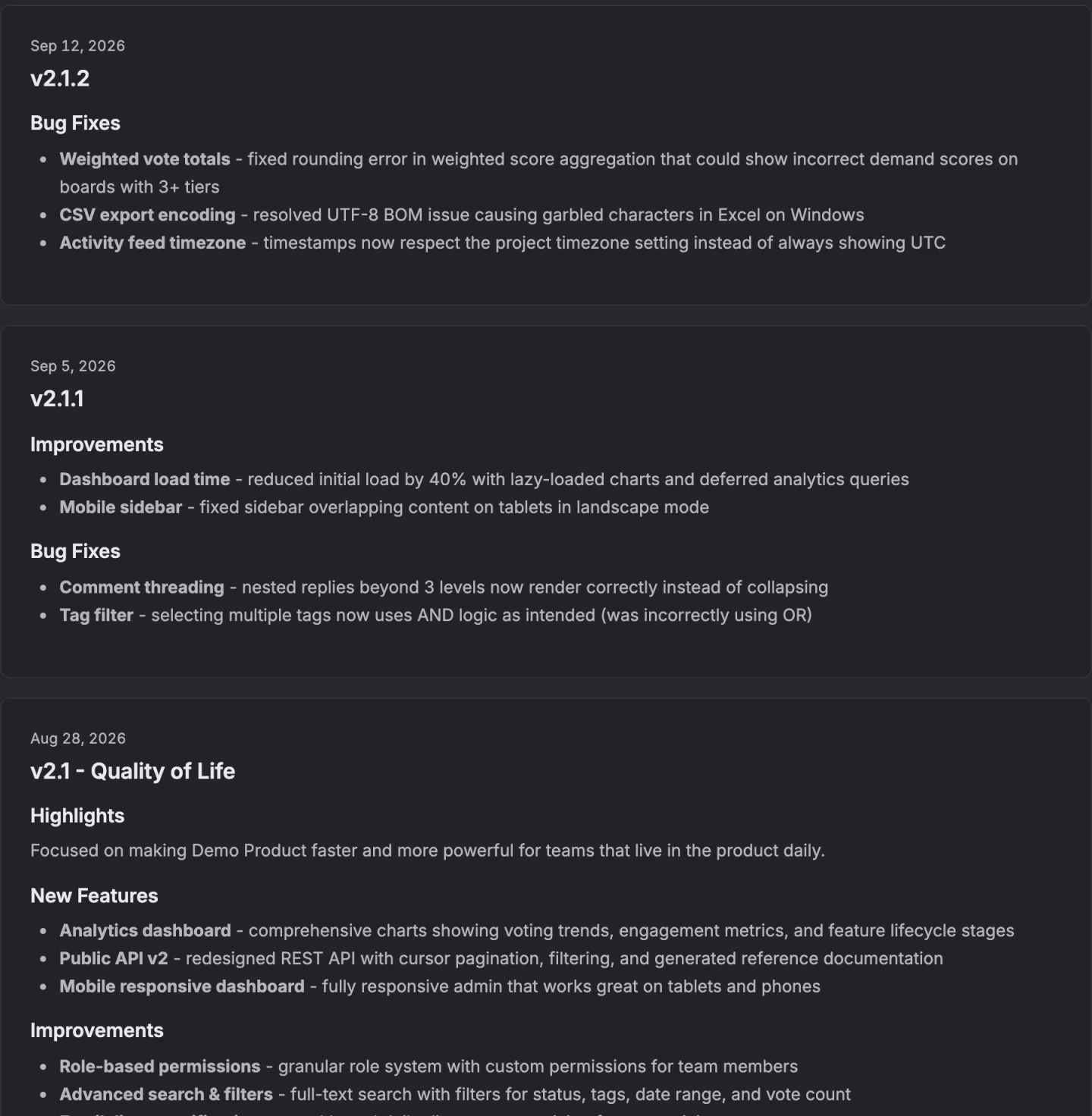
A changelog is the running record. It is a page rather than a document, ordered by date, and its job is to answer a question nobody asks out loud.
Is this product still alive, and what has happened since the reader last looked. A visitor reads three entries and forms an opinion about whether the team ships.
The practical consequence is that a changelog needs rhythm more than it needs detail. Three short entries a month beats one enormous one a quarter, because the thing being communicated is momentum.
Release notes are the opposite. Nobody wants a rhythm of upgrade instructions. They want the right detail, once, at the moment they need it.
If you are only after the definition and what happens when you publish one, release notes have their own page and it covers the three ways the announcement quietly fails to arrive.

Who is each one actually for?
Release notes are for the person upgrading. A changelog is for the person deciding.
That difference in reader changes the tense and the length. Release notes are written for somebody who already uses the thing, so they can assume the vocabulary and get specific. Breaking changes go first, because that reader's real question is what will stop working.
A changelog entry is often read by somebody who is not a customer yet. It is a shop window. The useful entry says what somebody can now do that they could not do before, in a sentence that makes sense to a person who has never opened your settings page.
Version numbers and internal identifiers mean nothing to that reader and quietly tell them the page was not written for them.
Both can live in one place. The changelog is the page, and any entry on it can carry as much detail as that release deserves.
Does anybody actually read them?
Mostly not, and pretending otherwise is how these pages end up abandoned.
A changelog nobody visits is still worth keeping, for two unglamorous reasons. It is the thing you point at when somebody asks what you have been doing, and it is where a prospect goes when they are deciding whether the product is maintained. Neither of those needs traffic to work.
There is one thing that changes the arithmetic completely, and it is telling the specific people who asked for a thing that the thing now exists, rather than writing better entries.
A general announcement competes with everything else in an inbox. A message saying the feature you voted for last March has shipped is about them, and it lands very differently.
On ours that happens automatically when a release is published, and there are three limits on it worth knowing before you rely on it. Only items in the release that are marked Completed count.
Only voters with a registered account are emailed, so an anonymous voter who never signed in is not told. And the moment those emails go out is stamped on the release, so republishing to fix a typo does not notify anybody a second time.
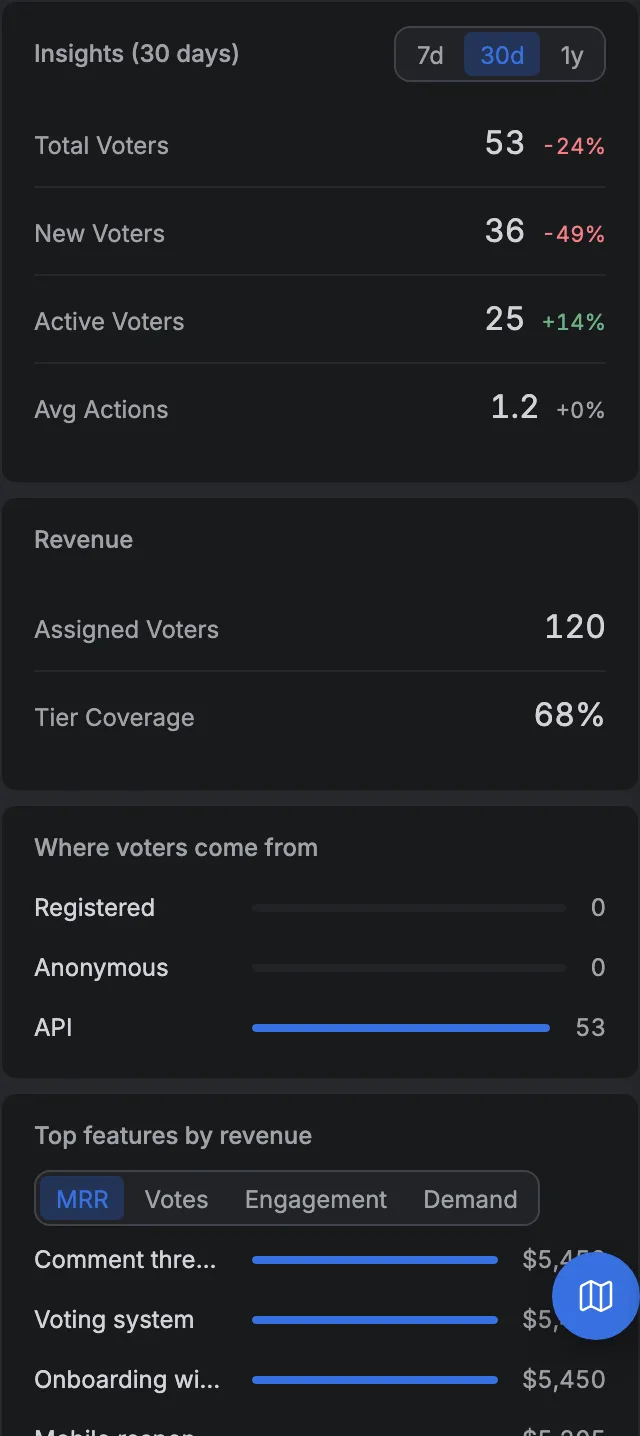
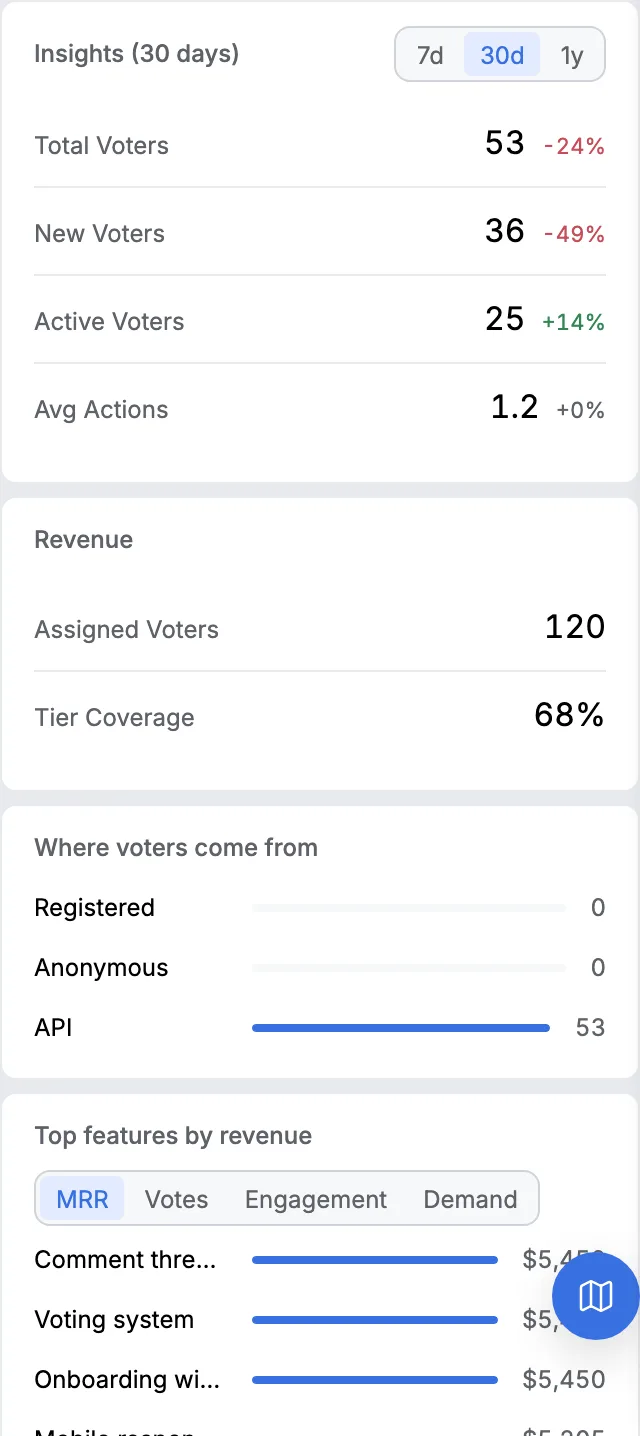
The middle one is a real limitation rather than a detail. If your board is open and most of your voters never make an account, that email reaches fewer people than you would guess. The board explains which votes come from which kind of visitor, and it is worth reading before you plan around this.
How do you write one without it becoming a second job?
By not writing it twice. The entry should be made out of work you already tracked.
Release notes die because they are a separate document that somebody has to remember. Six weeks after the good intentions, nobody does. The fix is structural rather than motivational.
A release is a container, the items in it are the requests you already had on the board, and each one carries a category, being a new feature, an improvement, a bug fix, a security change or a breaking change.
The prose you write is the part that needs a human, which is a short paragraph saying why this release matters. The list underneath assembles itself.
That is how our changelog works, and it is also why the categories are fixed rather than free text. The same five are in a generator on this site if you want to draft one before deciding anything.
A reader scanning a year of entries can see at a glance how much of your year was fixes and how much was new work, and free text destroys that the first time somebody writes Bugfix instead of Bug Fix. What each category is for, and which audience it belongs to, has its own entry.
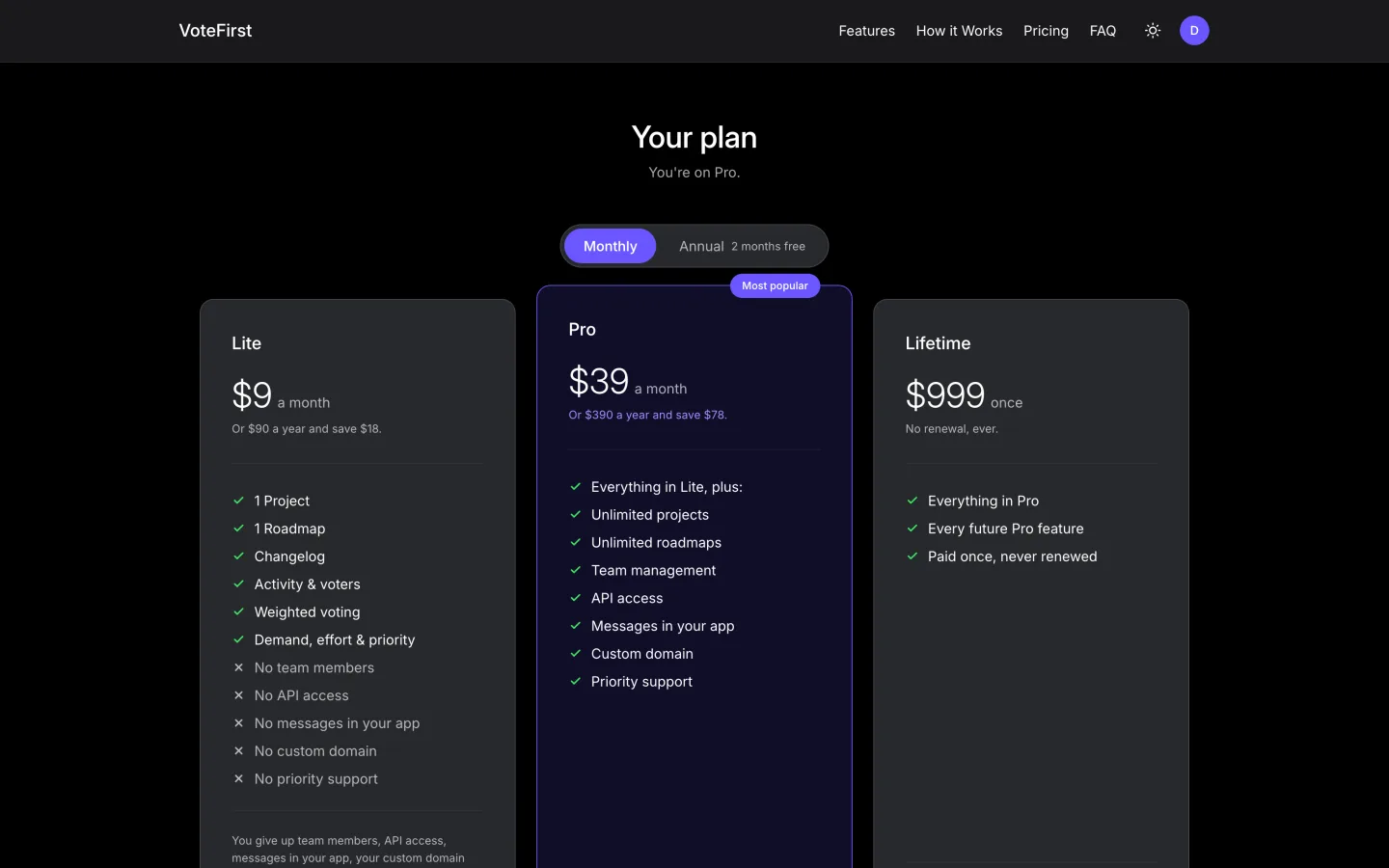
If you want the same list inside your own product rather than on a page of ours, the widget draws it wherever you put it. All of this is on the nine dollar plan, and a card is required for the fourteen day trial.
14 days, a card at signup, then $9 or $39 a month.