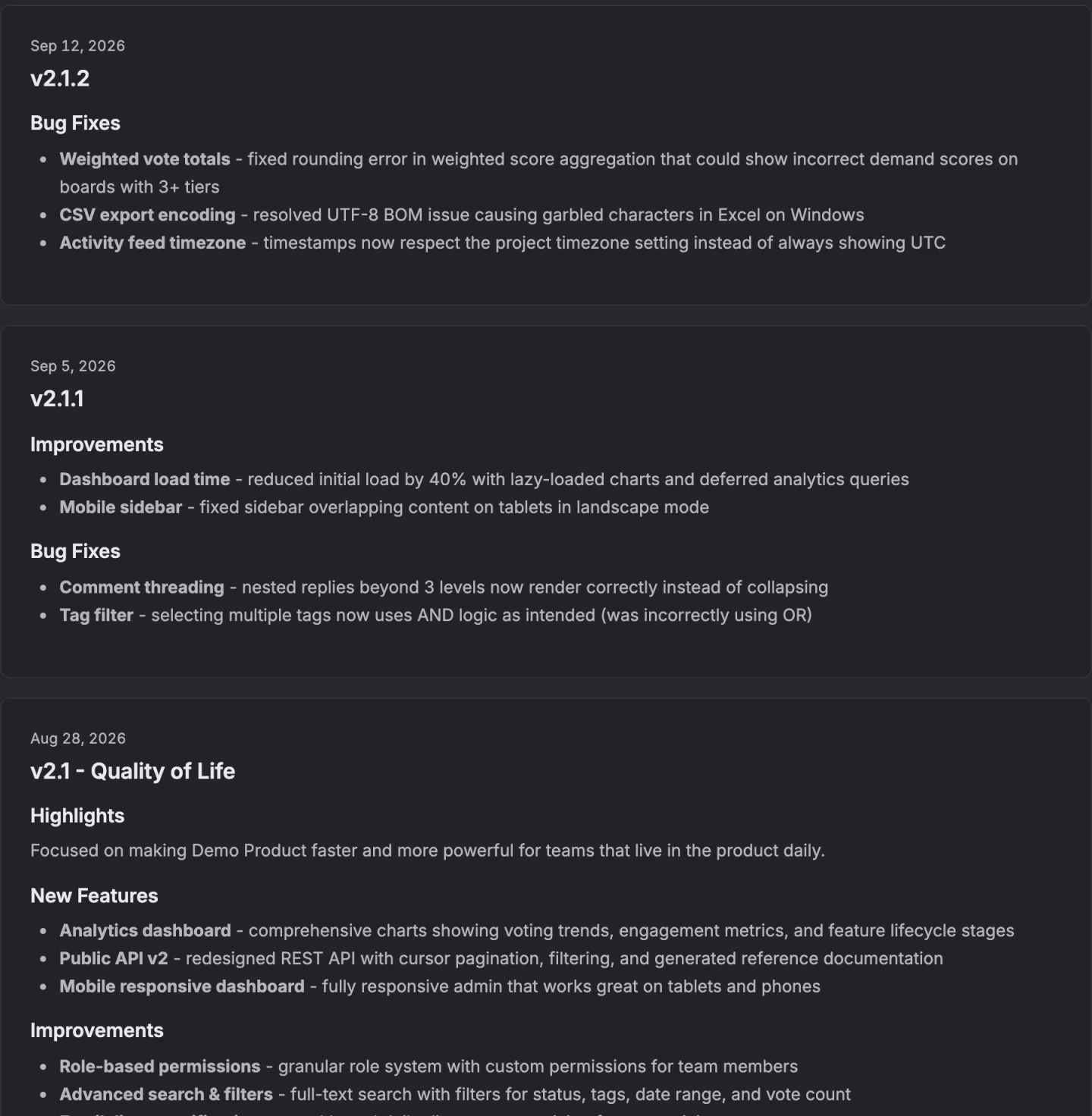
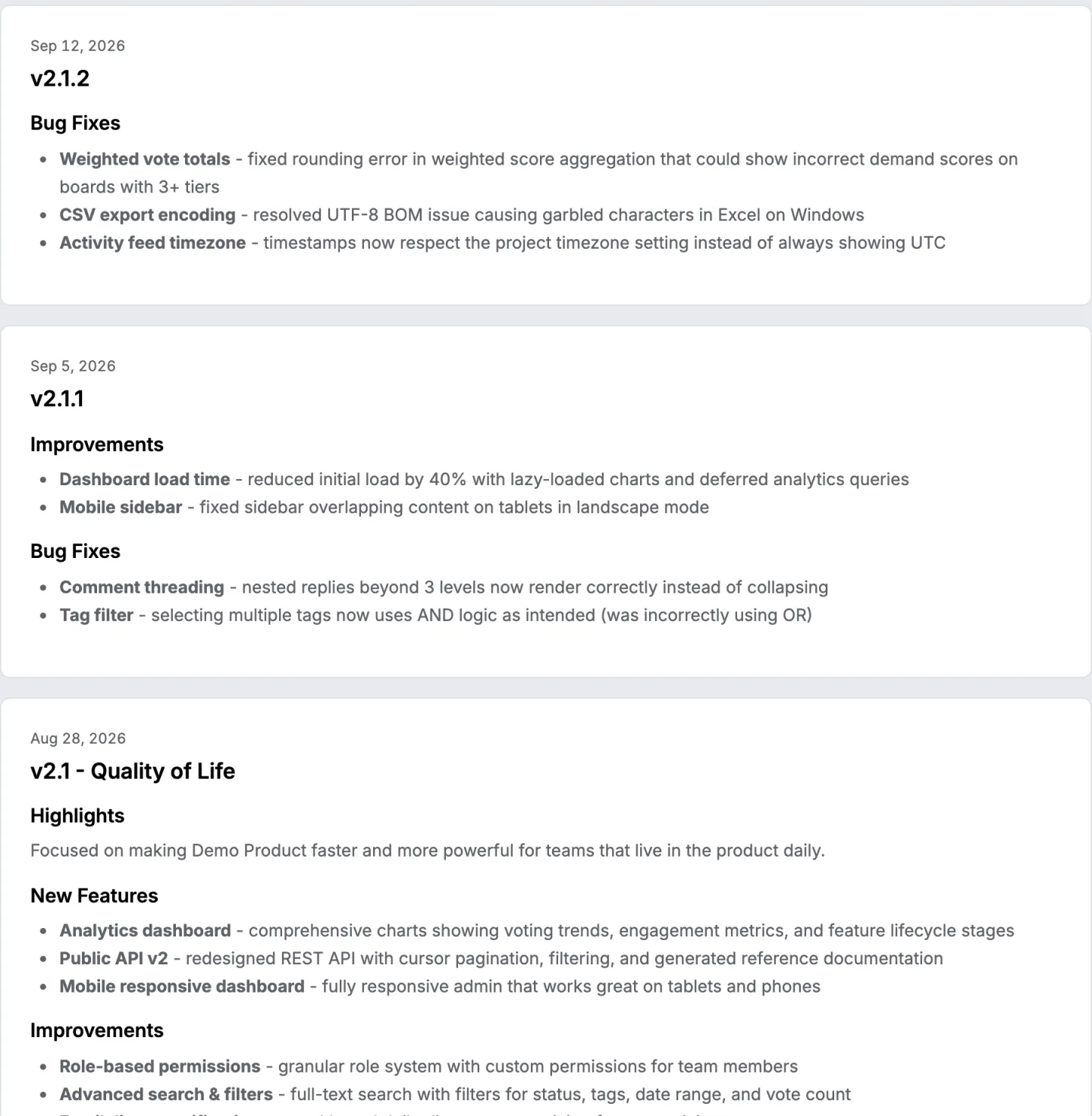
A release note is a short, published statement attached to one version or one date. It says what changed in a product and what the reader should do about it. The reader is somebody already using the product, not somebody deciding whether to buy it.
In short
- A release note is one version's worth of change, written for people already using the product.
- Four readers open the same note and want four different things from it.
- A release note, a changelog entry, a patch note and a product update email are four shapes for the same material.
- A version number is not a title.
- Software someone else installs needs resolved issues, known issues and upgrade notes, with ticket numbers.
- On 327 public changelogs, the median team posts 4 entries a year, at 84 words an entry.
What goes in a release note
A release note groups what changed into a few plain categories, usually new, improved and fixed, and leads with whichever of those matters most. A breaking change goes first regardless of category, because the reader who has to act on it is the one most likely to be skipped.
The three labels are measurable. Of 16,060 entries on 327 public Canny and Featurebase changelogs read on 3 October 2026, 53.5 percent carry new, 31.3 percent improved and 17.1 percent fixed, and the median entry runs 84 words. A quarter run 45 words or fewer.
Here is a complete example, for Kettlebox, a fictional habit tracking app. Kettlebox is not a real product.
Kettlebox 3.4
Streaks now survive a missed day if you log a reason within 24 hours. Turn this on under Settings, then Streaks.
New
- A weekly summary email, off by default, on under Settings, then Notifications.
- Habits can be grouped into a folder.
Improved
- The home screen loads in under a second on older phones, down from three to five seconds.
- Exporting to CSV keeps your column order instead of resetting it.
Fixed
- Reminders no longer fire twice when a phone's clock changes for daylight saving.
- The streak counter no longer resets when the app is force closed mid sync.
Breaking change
- API keys issued before 2025 stop working on March 1, 2027. Generate a new key under Settings, then Developer, before that date.
That shape, a short lead line, then grouped lists, then a breaking change called out on its own, holds for almost any product. What should go in a release note covers each section in more depth, and the release notes template has the same structure ready to copy.
Release note, changelog entry, patch note or product update email
The words get used interchangeably, but each one is written for a different moment.
| Release note | Changelog entry | Patch note | Product update email | |
|---|---|---|---|---|
| Covers | One version | Every version, in order | One fix, usually urgent | Usually a month |
| Audience | People affected right now | Anybody, later, including evaluators | People hit by the specific bug | Everyone on the list, whether it affects them or not |
| Tone | An announcement | A record | An apology plus a fix | A summary |
| Typical length | A lead line and a grouped list | Often one line per change | A sentence or two | Several items, lightly grouped |
| Where it lives | Sent, and on a page | On a page, in order | Sent fast, sometimes shown in the app | Sent on a schedule |
In practice one piece of writing often does two of these jobs. A release note becomes a changelog entry the moment it is filed under its version number. A patch note is a release note for a single urgent fix, stripped to the one thing that matters. A product update email takes a release note's content and reformats it for a reader who did not ask to be told about any single item, only about the month as a whole, which is why it reads as a summary rather than an announcement. What a changelog is covers the record half of this pair in full.
Who reads them, and what each one needs
Four groups, reading the same document for different reasons.
| Who | What they want | What they do with it |
|---|---|---|
| Somebody who asked for the thing that shipped | Confirmation it is live | Go and use it, or stop waiting |
| Somebody who has to act | The breaking change, stated first | Schedule the work before the cutover date |
| A support person | Everything that changed, so tickets make sense | Read the whole note, once |
| Someone deciding whether to buy | Evidence the product is alive | Skim three entries and check the dates |
The first group is the one release notes exist for, and the one most often let down. Somebody who asked for a feature months ago and never learns it shipped has been told nothing twice over, once when the feature went quiet and again when the note went out with no sign that their request was in it.
The fourth group is why a changelog works as a trust signal almost by accident. An evaluator rarely reads the content of any one entry. They read the cadence and the dates, because a page with a four month gap in the middle of it reads as a stalled product even when plenty shipped that never got written up.
Release notes for software someone else installs
When the reader runs the software rather than just using it, an administrator deciding whether to upgrade a server or a fleet of laptops, the note changes shape. The question is no longer "what is new" but "is it safe to install, and is the reported problem fixed". Notes for installed and enterprise software answer that with fixed sections, in roughly this order:
- Version, build and date, exact enough to match against what is already installed.
- Compatibility, the operating systems, databases or earlier versions the release supports, and any it stops supporting.
- Upgrade notes, steps that have to happen before or after installing, such as a database migration or a setting that moved.
- New features and changes, short, because this reader cares less about them than anyone else does.
- Resolved issues, one line each, with the ticket number and the symptom as a customer would have described it.
- Known issues, what is still broken in this release, and the workaround if there is one.
- Deprecations, what will stop working in a later release, and when.
The ticket number is what makes the resolved list useful. An administrator who filed a support case searches the note for its number, and a symptom written the way the customer saw it ("reminders fired twice after the clock changed") finds the right reader in a way an internal description ("fixed DST handling in scheduler") does not.
The known issues section turns a problem that shipped knowingly into a sentence a support agent can link to. Left out, it becomes a fresh ticket from every customer who hits it.
Here is the same Kettlebox release, written for the people who host it:
Kettlebox Server 3.4.0, build 1187, released 14 September 2026
Compatibility: runs on database versions 14 to 17. Version 13 is no longer supported.
Upgrade notes: the database migration runs on first start and takes about two minutes per million habits. Back up first.
Resolved issues
- KB-1182. Reminders fired twice after a daylight saving clock change.
- KB-1190. The streak counter reset when a sync was interrupted.
Known issues
- KB-1203. The weekly summary email shows times in UTC rather than the user's time zone. Workaround: set a default time zone under Settings, then Server.
Deprecated
- API keys issued before 2025 stop working on March 1, 2027.
How to write them well
Four rules, each with a line that follows it and a line that breaks it.
Lead with the one thing that matters, not the version number. A number carries no information on its own.
Bad. 3.4.0
Good. Streaks survive a missed day now
Say what changes for the reader, not what the team did internally. The work is not the news. The result is.
Bad. The billing pipeline was rebuilt for performance.
Good. Invoices generate in under a second now, down from up to a minute.
Put the breaking change first and name the date, never bury it in a bullet list. The reader who has to act is the one most likely to skim past item six.
Bad. Also, old API keys are being phased out eventually.
Good. API keys issued before 2025 stop working on March 1. Generate a new one before then.
Write it the week it ships, not the week after. A note written from memory a week later collapses into one line that says everything and nothing.
Bad. Various improvements and bug fixes.
Good. Fixed the export losing column order, and two crashes on the settings screen.
The bad version is the most common release note there is. Of 4,664 current notes on the top charts of the US App Store, read on 3 October 2026, at least 856 said nothing but bug fixes and improvements, and 169 apps carried Bug fixes and performance improvements word for word. What the rest of those notes say is measured on the app release notes page.
Where they get published, and how often
A release note that only exists in an internal document reaches nobody. It needs a page people already visit, usually a changelog, and often a second channel too, an email, a banner inside the product, or a line in a store listing for a mobile release. Ten changelog tools, checked on their own sites, covers what each one sends and where.
Frequency follows the product, not a calendar. A team that ships weekly writes a short note every week. A team that batches releases writes less often, and a quiet changelog reads as a stalled product even when the work was invisible.
A read of 327 public changelogs on 3 October 2026 shows what teams with a public Canny or Featurebase board actually do. The median posted 4 entries in the year, a quarter posted 15 or more, and 99 of the 327 posted none. On 198 of them, 61 percent, the newest entry was more than 90 days old. Entries go out on weekdays, with Saturday and Sunday together carrying 8.5 percent.
Mobile apps publish far more often, since every store release after the first carries a note. Of the 275 top chart iPhone apps with a million ratings or more, half had shipped a version in the 4 days before the same read, and 273 within 90 days.
Release notes for a first version
A first release has nothing to compare against, so a list of changes makes no sense. Its note does a different job: it says what the product does, who it is for, what is deliberately not in it yet, and where to report a problem. Listing every feature turns it into a launch post. One line naming the known gaps is worth more, because the first readers are the ones most likely to hit them and to say so.
Every note after it is a difference from the one before, which is where the grouped list and the version number start to earn their place.
The mistakes
A version number as the title. 2.4.1 tells nobody anything, and it looks the same as 2.4.0 at a glance.
Publishing somewhere nobody visits. A note that is not sent, shown in the app, or placed where people already look gets read only by whoever already knew to look for it, usually support.
Skipping the small releases. A month with nothing published reads as a stalled product, even when three bugs quietly got fixed. A short note beats no note.
Writing it from memory, days later. Everything compresses into one vague line once nobody remembers the detail, which is the direct cause of "various improvements."
Treating it as a commit log. A list of merged branches records work, not change, and a reader cannot tell which of it touches them.
Treating it as a launch post. A launch post is written for people who do not use the product yet. A release note is written for people who already do, and mixing the two serves neither reader.
How this looks without a tool, and with one
By hand, a release note is a page with one entry per release, newest first, each with a date, a title made of words rather than a number, and a grouped list. A fix for something small still gets a line, because a month of silence costs more trust than a short boring entry.
VoteFirst is one tool built around this. A release carries a name, a date, a body and the list of items that shipped, pulled from the cards that reached the board's completed column rather than typed by hand. It publishes as a changelog entry on its own page, and it emails the signed in voters whose own vote is inside that release, so the people who get told are the people who asked.
The changelog generator turns a short list of what shipped into a grouped Markdown entry without a board behind it, and an app release notes example covers the shorter version written for a store listing.
14 days, a card at signup, then $9 or $39 a month.