VoteFirst's CSV export writes one row for every feature request in a project, twelve columns wide. It works the same on Lite and Pro, and the file downloads the moment the button is pressed.
What the twelve columns hold
| Column | What it holds |
|---|---|
| ID | The request's own database id |
| Heading | The request's title |
| Description | The full text behind the title |
| Developer Response | The owner's reply, blank where none was written |
| Status | The column the request sits in today: Suggested, Denied, In Review, In Progress or Completed, or a renamed version of one of those |
| Votes | The plain count, one voter one vote |
| Weighted Votes | The same votes after each voter's tier multiplier is applied |
| Comments | How many comments the request has, not their text |
| Views | How many times the request's own page has been opened |
| Progress | The percentage on its progress bar |
| Changelog Type | New Feature, Improvement or Fix, set once the request ships in a release and blank before that |
| Created | The date and time the request was made, to the minute |
Weighted Votes is its own column rather than a second meaning for Votes, because the two numbers answer different questions. Votes is one person, one vote, counted the way the public board counts it. Weighted Votes is the same votes after each voter's tier multiplier is applied, which is the number to rank by once tiers carry multipliers. A request can lead on one column and trail on the other.
A heading or a description that opens with =, +, - or @ gets a leading quote mark in the file, so it opens as text in Excel or Sheets rather than running as a formula (csvCell, dashboard_export.go:16-25).
The rows come out newest first and the file stops at fifty thousand rows (dashboard_export.go:155). There is no filter and no column picker. Every request in the project goes in, in the same twelve columns, including a suggestion still waiting on approval, one marked hidden, and one sitting in an archived column. The query behind the export carries no status or visibility condition at all (dashboard_export.go:154-155), which is different from the public board, where several of those same requests never show.
Who can run it
Pressing the button needs editor access to the project or better; a viewer is refused (exportAccess, dashboard_export.go:27-41). There is no plan check in that function, so the export itself is the same on Lite and Pro. The difference is who can hold editor access to get there: Lite has no team members, so only the project's owner reaches the button; on Pro, an editor-level teammate can run it as well.
The buttons sit in Settings, under Import and export, beside Export Project (JSON), Export Activity (CSV) and Export Voters (CSV) (settings_sections.html:657-686). They stay reachable even after a trial ends and no plan is active, so a project's data is never held back by a lapsed subscription (trial_expired.html:26-29).
The JSON export carries more, the activity export is a different file
Beside the CSV sits a JSON export of the same project (exportProjectJSON, dashboard_export.go:73-144). It carries the same fields plus one more: every comment on every request, in full, with the name behind it and when it was posted. The CSV's Comments column is a count for exactly this reason, not the words themselves.
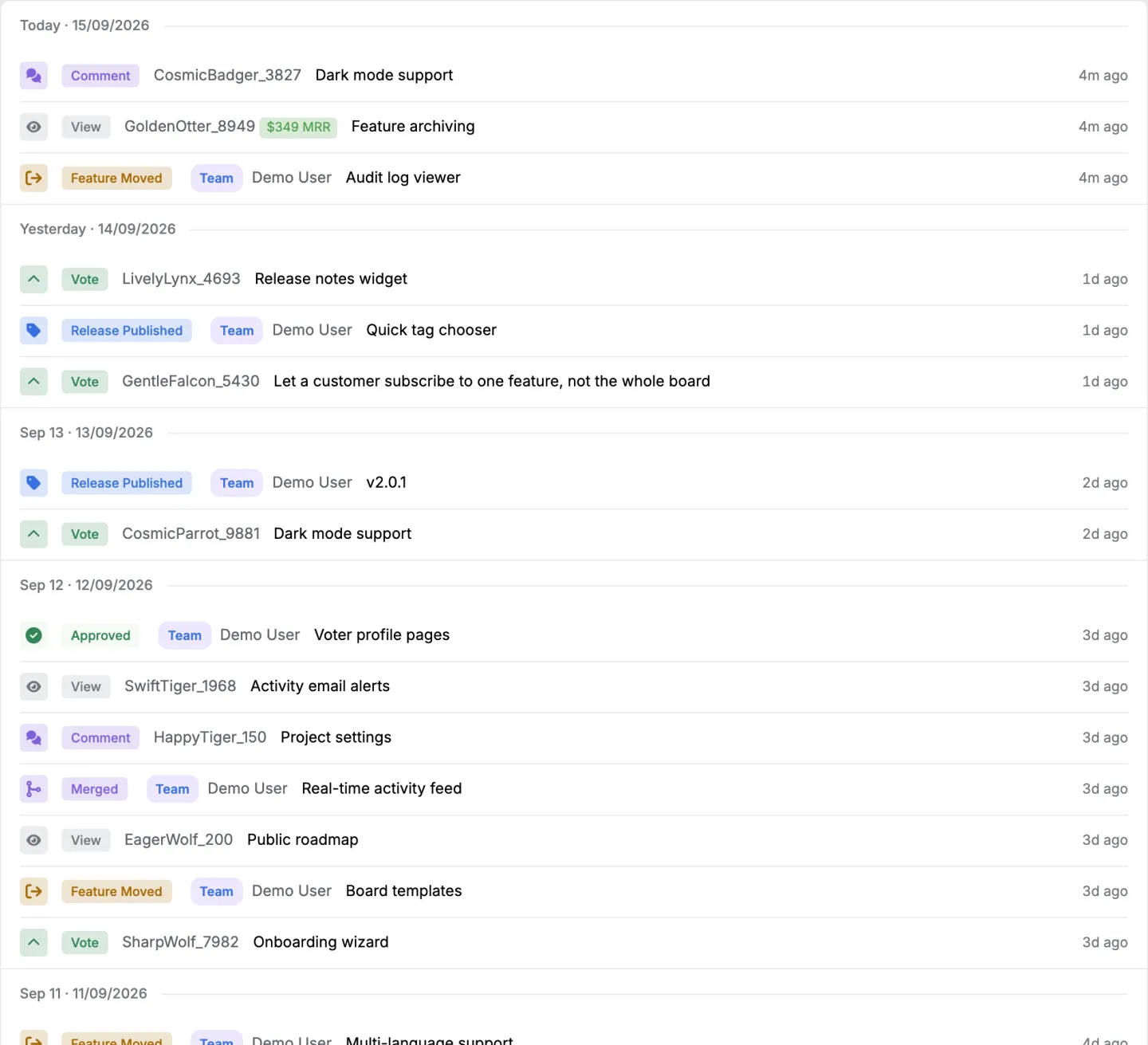
A separate Export Activity button writes a different file, five columns: Date, Type, Feature, Actor, Description (exportActivityCSV, dashboard_export.go:200-243), capped at a hundred thousand rows. The Actor column carries a real name for a signed-in teammate and a generated placeholder name for an anonymous visitor, since an anonymous action has no real name to put there (activityActorNames, dashboard_export.go:245-269).

What a row looks like
justRead, a reading app built by the people behind VoteFirst, runs its own board on VoteFirst. Its public Most Wanted list on 2 October 2026 showed these open requests by vote count: AI features at 39 votes, Read Together at 31, and StarDict Dictionary Integration at 28. Each would arrive in the CSV as a Suggested row with those same votes, plus the Weighted Votes, Views, Progress and Developer Response columns the public page never prints. What a Canny export actually contains is the other half of this comparison.
What this is next to the other feedback tools' exports
Read from each vendor's own help pages, 2026-10-02.
| VoteFirst | Canny | Featurebase | Upvoty | Feature Upvote | |
|---|---|---|---|---|---|
| Columns | 12 fixed, Weighted Votes among them | Title, Detail, Score, Comment Count, Created, Image URLs, Status, URL, Tags, Author, Category, Owner, MRR | Title, description, created, link, author name/id/email, category, labels, status, ETA, requester count, MRR | Posts, voters, comments and activity in separate files, custom fields included | Suggestions, comments and votes, CSV or Excel |
| Filtered export | No, whole project only | Yes, by board, tag or owner | No, whole workspace only | Yes, by filter or segment | Suggestions only, not votes or comments |
| Scheduled export | No | Not stated | Not stated | Yes, daily or weekly to email | Not stated |
| Revenue in the export | Weighted Votes, the vote total after tier multipliers | An MRR column | An MRR column | Not stated | Not stated |
Canny and Featurebase export revenue as an MRR column and leave the ranking to the reader. VoteFirst's Weighted Votes column is already the ranked number. Upvoty is the only one of the four offering a scheduled export; VoteFirst's export is a button, every time.
What this does not do
No scheduled or automatic export. The button has to be pressed, on the day the file is wanted.
No filter and no column choice on the CSV. It is always every request in the project, in the same twelve columns.
No comment text in the CSV, only a count. The JSON export is where the words are.
No per-board export. The export is scoped to the project, not to one board inside it.
Questions about the export
Does Lite get the export? Yes. Nothing in the export handler checks plan, only role, and a Lite project's owner always has that role on their own project.
Does a pending suggestion show up? Yes. The export has no approval filter, so a request still waiting in the moderation queue comes out in the same file as a shipped one.
Does exporting cost anything extra? No. It is part of the plan already being paid for, Lite or Pro.
Can the export run from a script instead of a click? The export endpoints answer to the same session a signed-in browser carries; the API is the documented route for reading a project's features without a browser.
The Most Wanted list is the other way to see which open requests carry the most votes, without downloading anything. Weighting is what turns a vote count into the Weighted Votes column, and the voter list is where a tier gets assigned.
14 days, a card at signup, then $9 or $39 a month.