The short version
- Ten board shapes, with the columns each one needs.
- A board exists to collect the same want once instead of forty times.
- Start with four columns, two settings and one habit.
- A form and a spreadsheet does eight of the ten properly.
Ten feedback board ideas are set out below, and every one of them is columns plus two settings.
The columns decide what the board is for, and the two settings, who may post and what appears without approval, decide whether anybody uses it. Almost every board that fails does so on the settings, not the columns.
Below are ten boards worth running, each with the columns it needs and the rule that makes it work. They're written for this post, not lifted off anybody's site.
What is a feedback board for?
Collecting the same want once instead of forty times, and telling the forty people when it happens.
That's a smaller claim than the category usually makes and it's the one that survives. A board doesn't tell you what to build.
It removes the part of the job where you try to remember how many people asked for a thing, and it removes the part where you've to write to each of them afterwards.
Anything a board promises beyond those two is a promise about your judgement, not about the software. There's one running without an account if you would rather look than read.
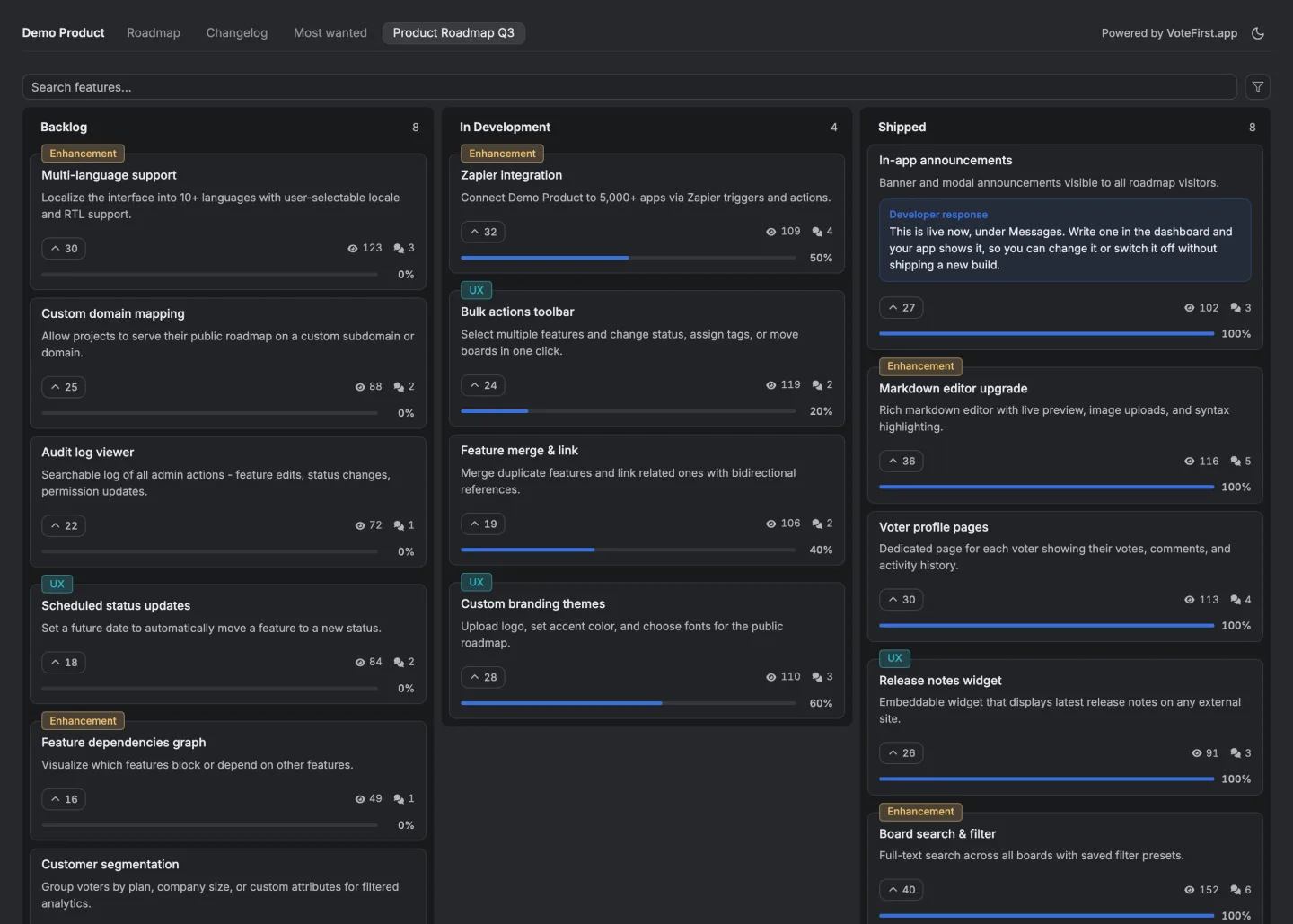
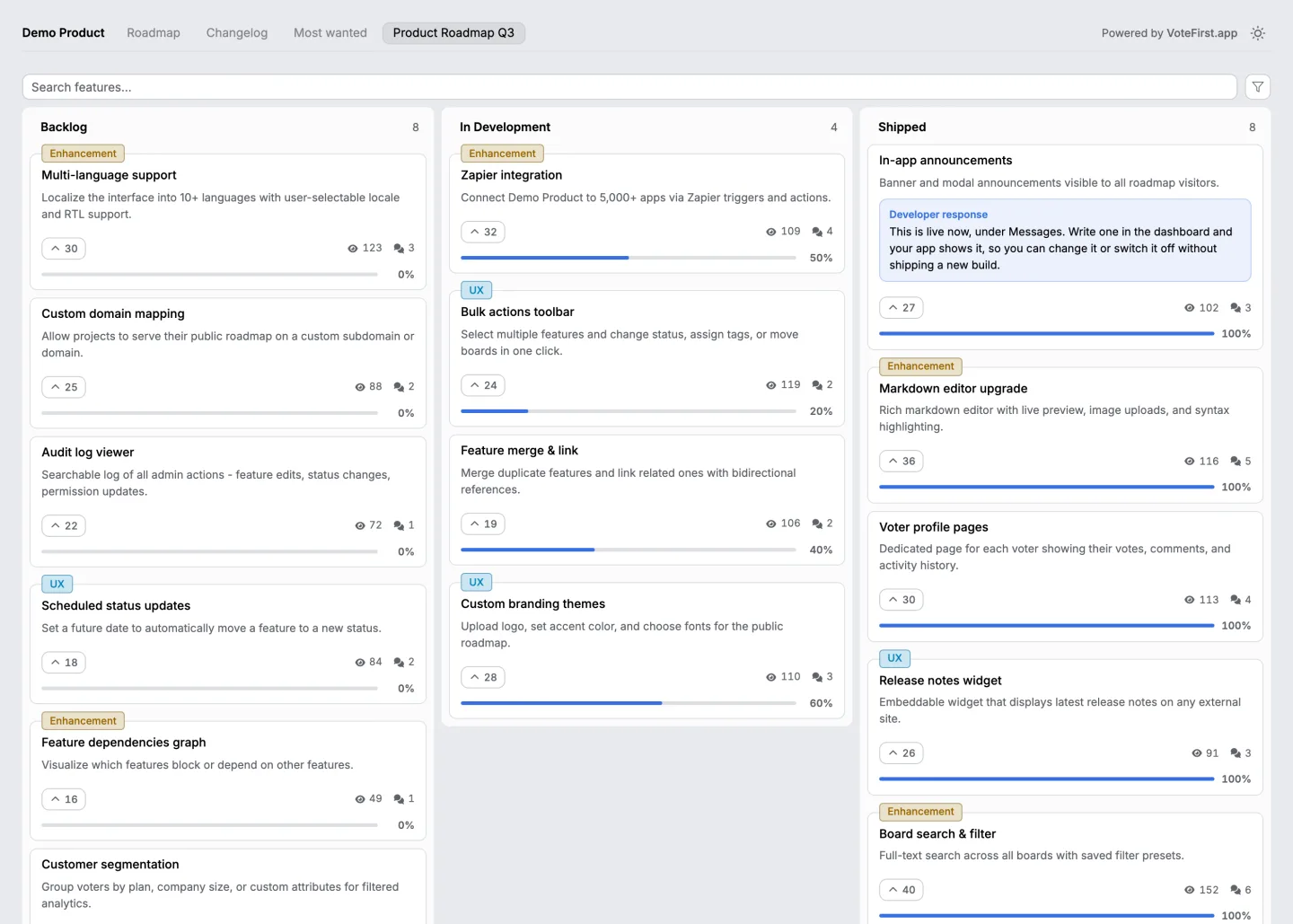
Want a board rather than a list? Seven idea management tools, what each bills on and what it costs.
The ten, with their columns and their one rule
| The board | Columns | The rule that makes it work | |
|---|---|---|---|
| 1 | The public request board | Suggested, planned, in progress, done | Every card that moves sends a note to the people who voted for it. Without that it is a wall |
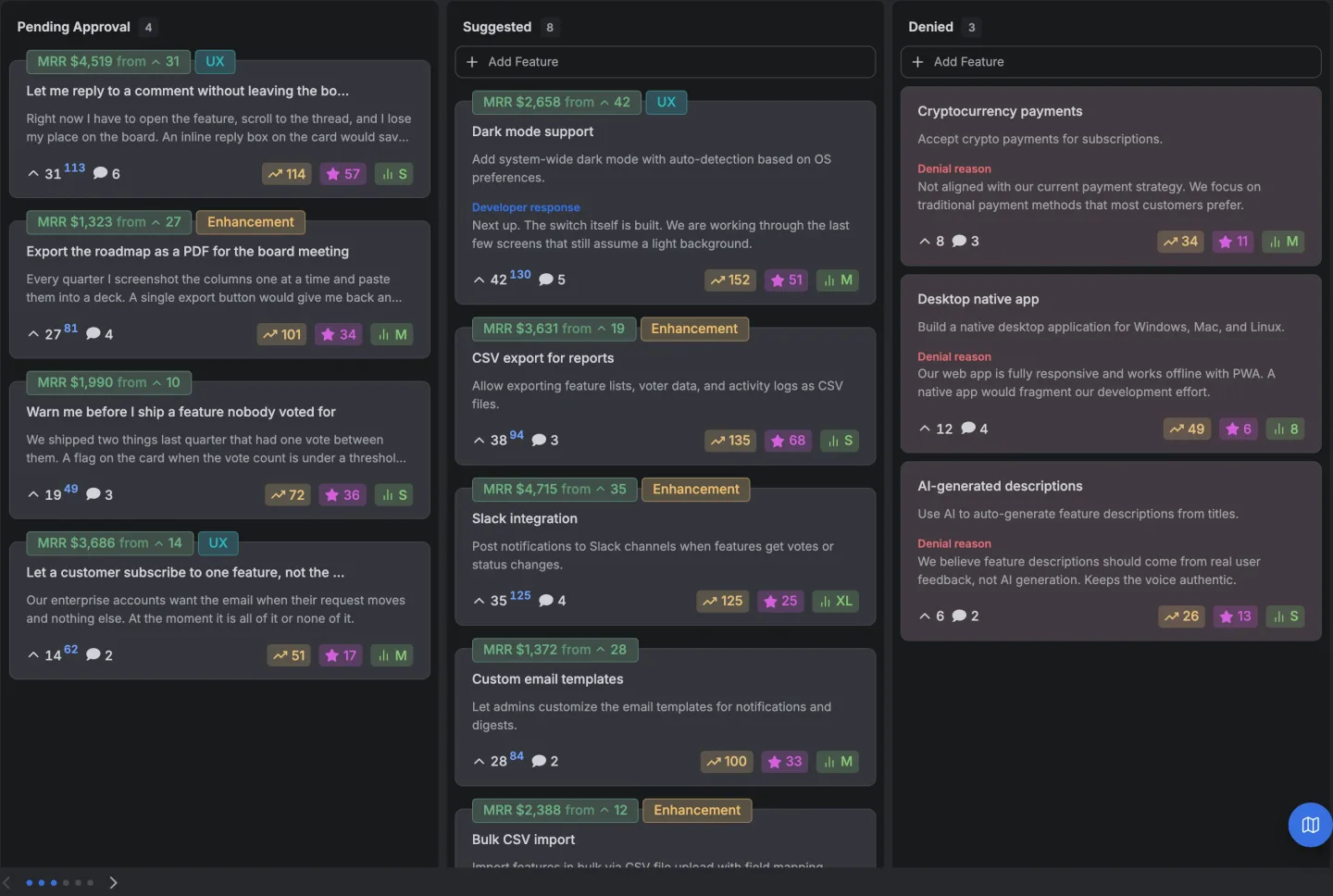
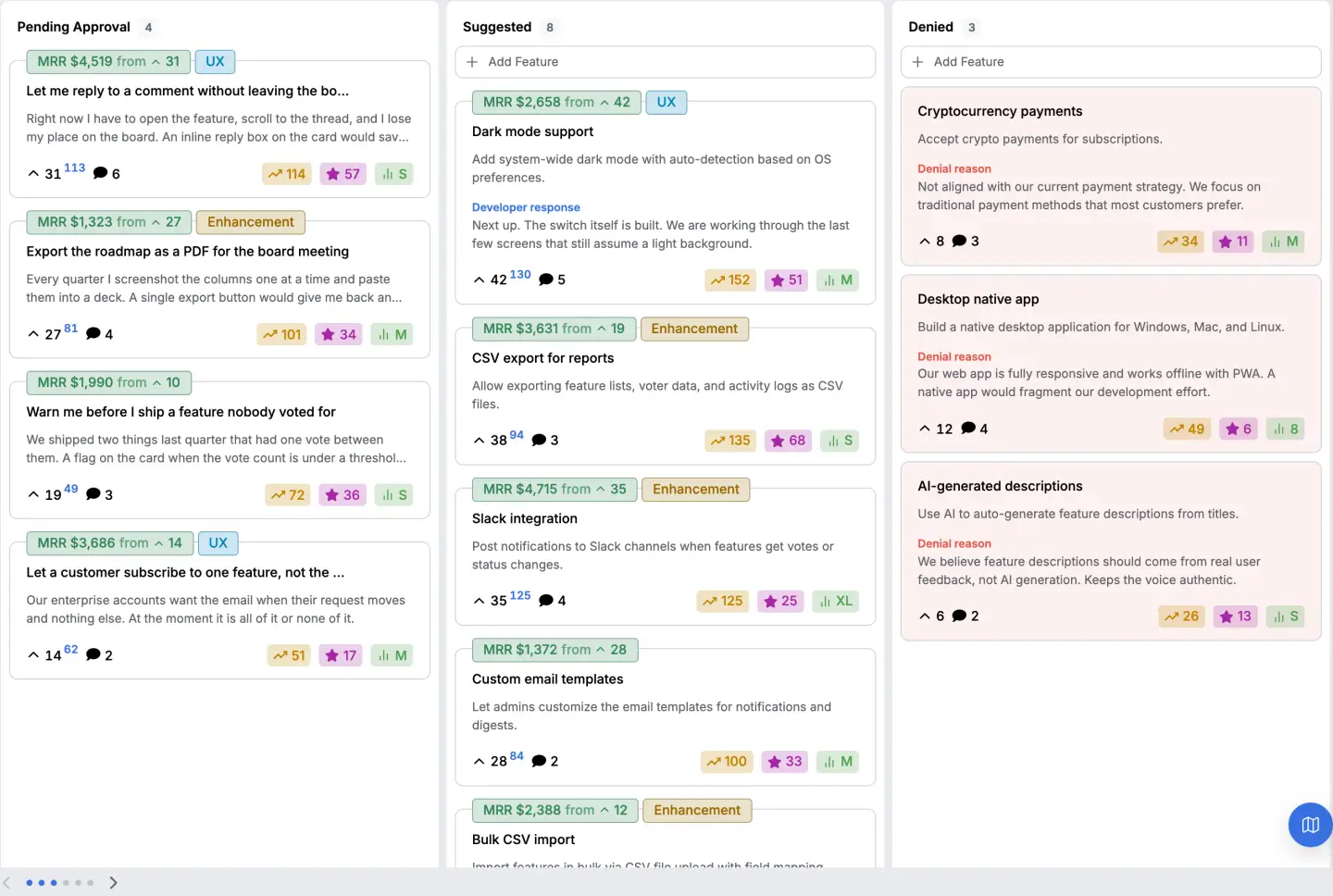
| 2 | The denied board | The same four plus denied | A denied card carries one sentence saying why. A denial with no reason costs more goodwill than a silence |
| 3 | The customer only board | The same four | Sign in required to post, open to read. Cuts the noise without hiding the roadmap |
| 4 | The internal board | Raised, triaged, queued, shipped | Support files on behalf of customers, with the customer's name on the card. The best board most companies never build |
| 5 | The bug board | Reported, confirmed, fixed | Confirmed is a human act, not a status somebody picks. Otherwise everything sits in reported forever |
| 6 | The beta board | Open, in this beta, shipped, dropped | Dropped is used. A beta with no dropped column teaches people that feedback changes nothing |
| 7 | The pricing and packaging board | Open, under review, decided | Nothing on it is public. Some wants should be collected and never displayed |
| 8 | The integrations board | Requested, building, live | One card per integration, never one per use case, or the counts split six ways |
| 9 | The documentation board | Missing, writing, published | Anybody may post with no account at all. The person who could not find the doc will not make an account to tell you |
| 10 | The churn board | Reasons, not requests | Filed by whoever runs the cancellation conversation. It is the only board on this list whose cards nobody votes on |
The two that most teams are missing are four and ten. Both collect the feedback of people who will never visit a public board, which is most of your customers, and both are the reason a public board on its own reads as thinner evidence than it should.
A template for the first one
Four columns, two settings, and one habit.
Suggested          Planned            In progress        Done
---------------    ---------------    ---------------    ---------------
Export to CSV  14  Dark mode          Bulk edit          Search in body
Slack alerts    9  Single sign on     API rate limit     Saved views
Custom domain   6
The counts go in the suggested column only. A count on a planned card starts an argument about whether it deserved to be planned, and that argument never resolves.
The two settings. Anybody may post, and nothing appears publicly until somebody approves it. Those two together are the working configuration, an open front door with a moderator behind it.
The failure mode of requiring an account is an empty board, and the failure mode of publishing everything instantly is forty variations of the same request splitting one count into forty.
The habit is that every card which moves tells the people who voted for it. If you do one thing from this post, do that one.
What closes a board?
Four, in the order they happen.
Nothing is ever removed. Thirty six public feedback boards belonging to real companies were read on 27 August 2026, and on twenty six of them page one still carried a request posted in 2021 or earlier. Page one. A visitor who sees a five year old request at the top learns what posting there achieves before they have read a word of it.
The counts are treated as a ranking. On the median one of those thirty six boards, the median request visible on page one had nine votes. At nine votes a gap of three between two requests is one person having a bad afternoon. The top few are informative. The difference between the third and the eighth isn't. The full measurement, and everything it can't tell you, is here.
The columns are named after your team. Squads, quarters, areas. A visitor can't file correctly into those, so everything lands in the wrong column and the columns stop meaning anything.
The board is a place feedback goes rather than a place it's read. The test is one question. When something ships, does the person who asked for it find out without anybody remembering to tell them?
How do you run a board without a tool?
A form and a spreadsheet does eight of the ten above properly.
One row per request, columns for the title, the body, the state, the count and the date it last moved. Additions arrive through a form so nobody edits the sheet directly, and the sheet is shared read only so people can see what's already there before they add to it.
Two things it can't do, and they're the two the tools exist for. It can't stop one person voting ten times, and it can't tell you who voted, which means it can never be sorted by anything except raw enthusiasm.
And it can't tell somebody their request shipped, which means keeping a private list of who asked for what and writing to each of them by hand.
What our own board does with the ten
Five columns by default, moderation on, and both counts on every card.
A new project starts with suggested, denied, in review, in progress and completed, so rows one and two of the table are the out of the box configuration rather than something to build.
Nothing a visitor writes appears publicly until somebody approves it. The denied card carries the developer response, which is the sentence row two says a denial needs.
Each card carries a plain vote count and a weighted one side by side. The weighted count multiplies each vote by what the person casting it pays, which is what row ten of the table is reaching for.
The board stops reordering itself every time a forum links to you. The multiplier per tier is set on one screen.
The honest limit is worth stating beside the feature. Weighting doesn't manufacture a signal out of nine votes, and if everybody voting on your board pays you roughly the same, it has nothing to weigh.
How the board is wired is written up here, seven idea boards are worked through as examples, and the volume at which an idea board stops working has its own page.
Row three of the table is the one thing this product can't do. There's no per person permission on voting, so a board is either public or not published, with no password and no invite list behind it.
A team that needs a board visible to nine named customers, and to no other visitor, can't build it here.
14 days, a card at signup, then $9 or $39 a month.