The short version
- A template you can copy, and the same template filled in.
- Front load the first 120 characters. Everything past them is for the minority who click.
- Three decisions the template can't make for you, starting with whether a release gets a note at all.
- For a web application the version number is for you, not for the reader.
The release notes template for a web application is below, then the same template filled in, then the three decisions it can't make for you.
A web application is the easy case for release notes, because everybody is on the current version. There's no support matrix and no upgrade instruction, so the note is only ever about what changed and whether anybody has to act.
The template
<div class="inline-cta">
<p>Want these published and delivered rather than written and forgotten? <a href="/en/best/best-changelog-tools">Ten changelog tools, checked on their own sites</a> for email, a feed and a widget.</p>
</div>

## [Version] · [The thing, in four words]

[One sentence. What changed and who it matters to. Front load it:
the first 120 characters are what a banner or a notification will show.]

### Breaking changes
- [What changed] – [what the reader must do, and by when]

### New features
- [What it does] – [link to it]

### Improvements
- [What is better, stated as the outcome rather than the mechanism]

### Bug fixes
- [What was broken] – [how long it was broken, if it was a while]

### Security
- [What a security conscious reader should know]

*Shipped [date]. [Link to the thing.]*
Delete every empty section. A release note with five headings and one bullet under each reads as padding, and a heading with nothing under it's worse.
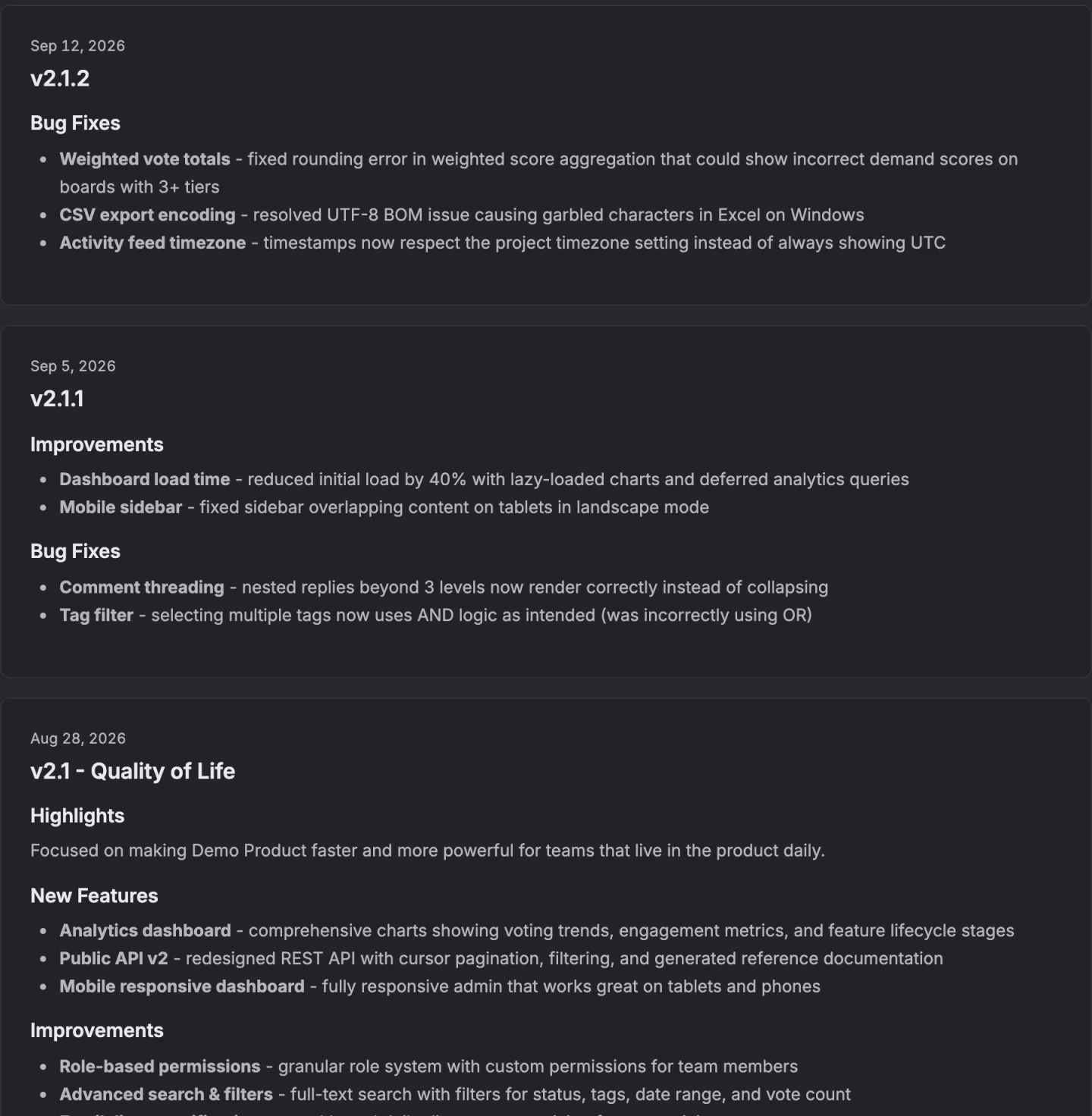
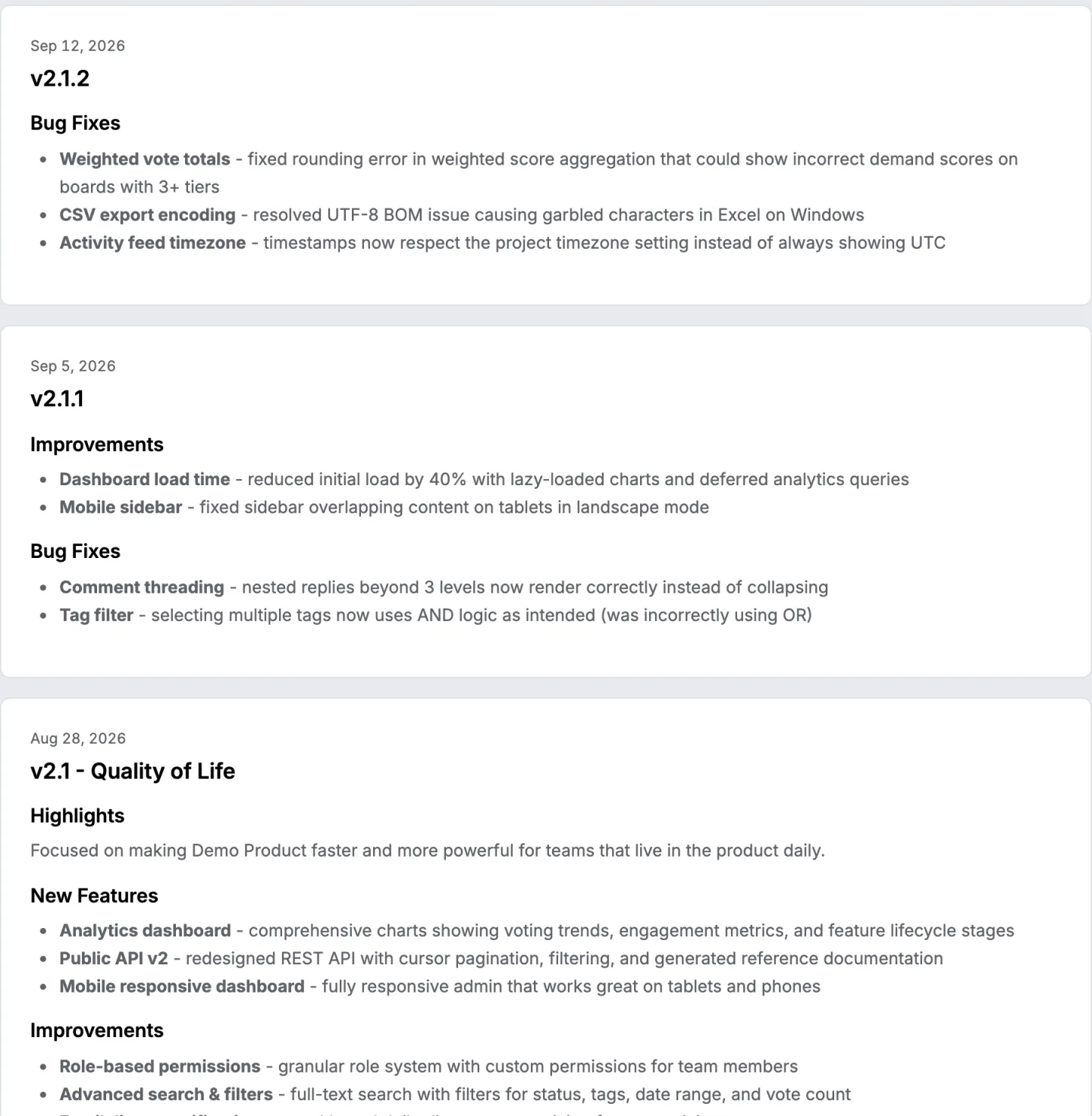
There's a changelog rendering this shape if you want to see it filled in by a running product, and the demo is open without an account.
The same template, filled in
## 2.4 · Bulk import and webhook events

Boards can now be brought over from another tool in one step, and every status
change can fire a webhook. If you use the v1 export endpoint, it's removed on
30 October.

<figure class="shot">
<img class="shot-dark" src="/static/image/product/api-keys.webp" alt="The API keys list on the share page, with one key made and its prefix shown" width="1440" height="235" loading="lazy">
<img class="shot-light" src="/static/image/product/api-keys-light.webp" alt="" width="1440" height="235" loading="lazy">
<figcaption>API keys and webhook targets. The key is shown once.</figcaption>
</figure>

### Breaking changes
- The v1 export endpoint is removed on 30 October. Move to /api/v3/export,
  which returns the same twelve columns.

### New features
- Bulk CSV import, so a board with its votes and dates arrives in one step.
- Webhook events on every status change, with a signed payload.

### Improvements
- Exports of more than ten thousand rows no longer time out.
- The request list can be narrowed to one account.

### Bug fixes
- Comment counts on merged requests were double counted. Wrong since 2.2.

*Shipped 14 September. See the import screen.*
Notice what the first sentence does. It names both features and the breaking change, so a reader who sees only the truncated version in a banner still learns the thing that could cost them.
The three decisions the template cannot make
Whether a release gets a note at all. A month of silence reads as a stalled product. A two line note saying three bugs were fixed is better than nothing, and the cost of writing it's five minutes.
Where the breaking change goes. First section or first sentence. The answer is both, and the reason is that many readers see only a truncated version.
What to do with the entries nobody cares about. Group them and count them. "Eleven smaller fixes" is honest, takes one line, and doesn't bury the three that matter. Listing all eleven isn't more transparent. It's less readable, and the eleven are in the record anyway.
How long should the first sentence be?
Front load the first 120 characters.
That's not a style rule. On our own side the banner that announces the newest release strips every piece of formatting out of the body and cuts it at 120 characters, and most notification surfaces do something similar. Whatever is past that point exists for people who clicked.
What about versioning?
For a web application the version number is for you, not for the reader. Nobody is choosing which version to run.
Keep it, because it makes releases referenceable in support conversations, and never make it the title on its own. 2.4 plus four words is the whole title format, and the four words are the part that gets read.
Does this release notes template work for a mobile application?
The sections do. The two decisions around them change.
A mobile release goes through a store review and arrives on a schedule you don't control, so the version a customer is reading about may not be the version on their phone yet.
That makes the first sentence more important, not less, because it has to survive being read a week early. The template above doesn't change for that and the wording under it does.
The second difference is where the note lives. A web application can publish the note the moment it deploys and link straight to the thing.
A mobile one has a store listing with its own length limit and its own audience, so the note usually gets written twice, once short for the store and once properly on your own page, and only the second one can carry a link.
How do you do this without a tool?
Copy the template into a markdown file per release, keep them in one directory, and render the directory newest first.
The part a template doesn't solve is knowing which items belong in the note at all. The natural source is the commit log, and a commit log is a record of work, not of change.
How does this product do it?
The list of items in a release comes off the board, not out of a commit log. It's the cards that reached the completed column, each carrying its heading, the category it was filed under, and the number of people who voted for it.
The grouping in the template above is the grouping the generated body uses, being New Features, Improvements, Bug Fixes, Security, Breaking Changes, and Other for anything filed under none of them.
The release carries a name, a published date, a markdown body you can edit afterwards, and a featured flag that pins it to the top of the page.
The changelog page covers the rest, and what to include in release notes covers each section in detail.
What release notes are covers who reads them and why.
14 days, a card at signup, then $9 or $39 a month.