A product backlog is everything you might build and have not decided about yet. The definition is easy. What makes it hard is that most teams treat it as a list of things they will get to, when it is really a list of decisions they have not made.
That difference shows up in one place, which is what happens to an item at the bottom.
Is a backlog a queue?
No, and treating it as one is how it grows forever.
A queue has an order that means something, because the thing at the front arrived first and will be served first.
A backlog has arrival order too, and arrival order is the one ordering that carries no information at all about what you should build. It records nothing except who happened to speak on which Tuesday.
So the item at the bottom of a queue is next in line. The item at the bottom of a backlog is usually a decision nobody has been willing to make, sitting quietly in the one place where nobody has to make it.
When a request backlog is public, this gets worse rather than better, because the person who asked can see it not moving. Silence in front of a customer is not neutral. They will read it as a no, and they will read it as a no you were not confident enough to say.
The product this site is about does this part on a board, and the demo is open without an account.
What are the ways a request leaves the backlog?
Three, and it is worth being deliberate about which one you are using. There is a fourth that is not an exit, which is folding a duplicate into the card it repeats, and that one has its own arithmetic worth understanding.
You build it. On ours a request that reaches the Completed column can go into a release, and publishing that release emails the people who voted for the things inside it. The changelog is made out of the requests rather than written beside them, which is the only version of this that survives a busy quarter.
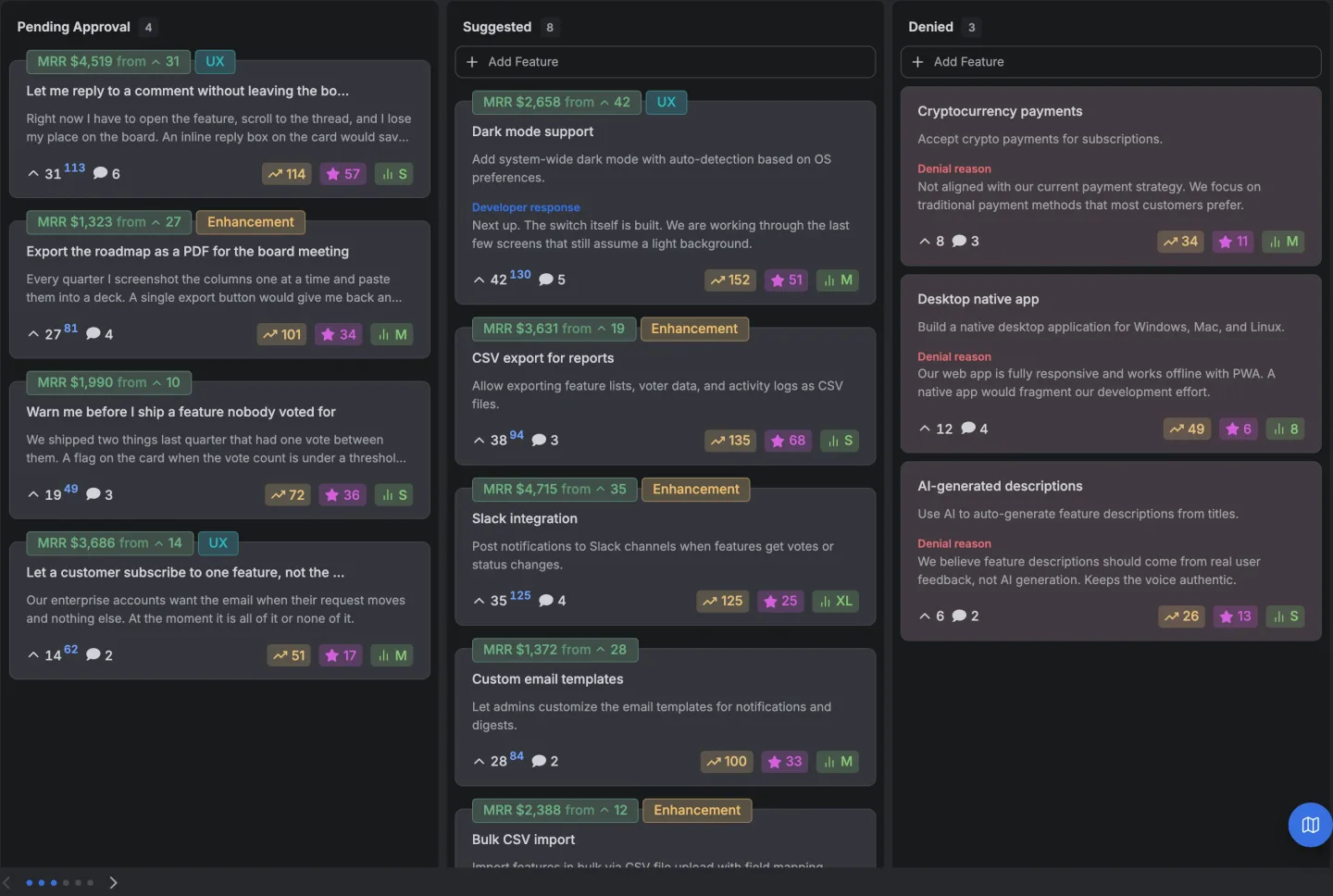
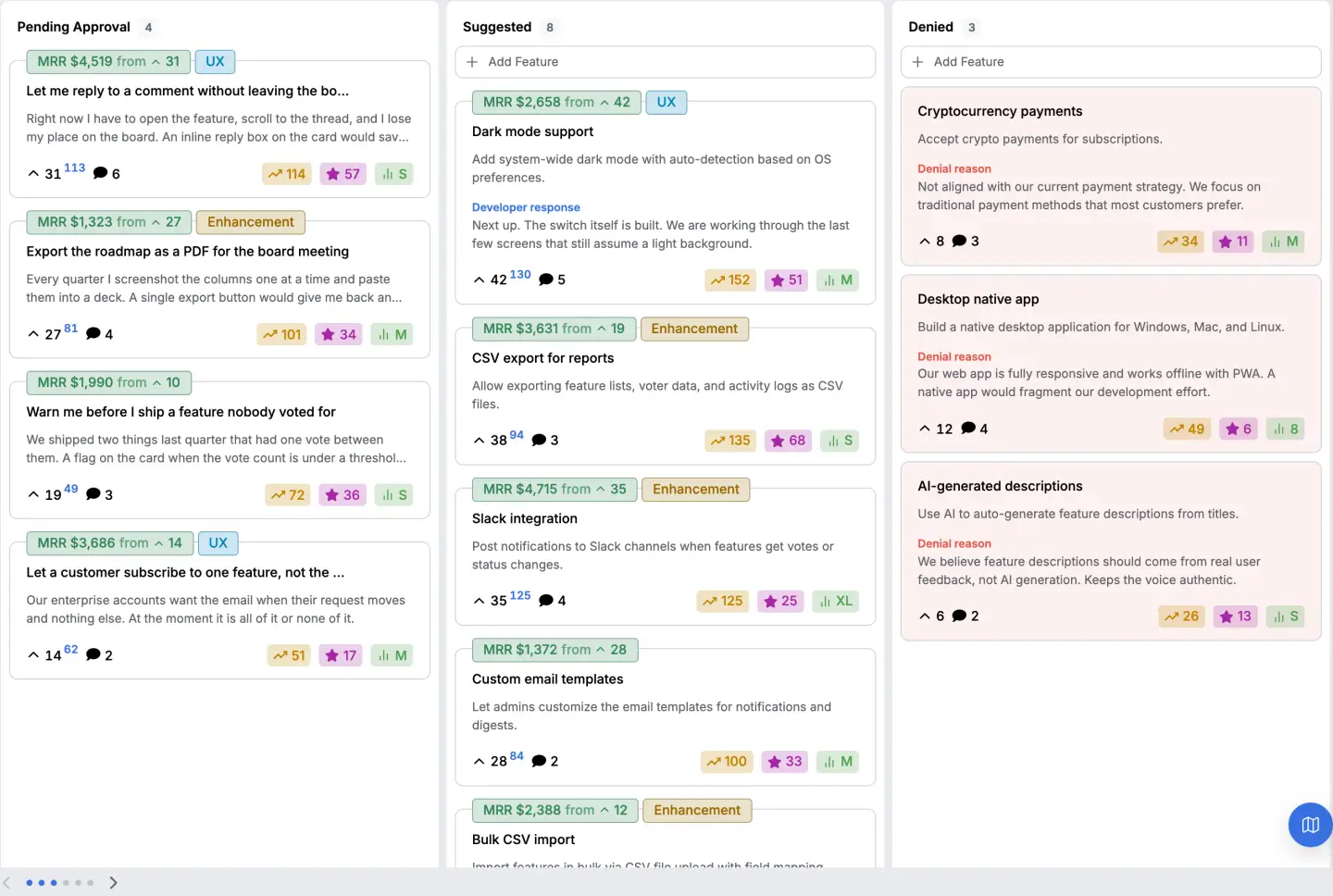
You refuse it in public. Our board ships a Denied status alongside Suggested, In Review, In Progress and Completed. A request moved there is still on the page and still readable, unless you have turned the denied column off, which is a setting. That is the exit most teams avoid and it is the one that does the most good, because it converts a silence into an answer.
You archive it. Archiving takes a request out of every column at once. It is not a status, it is a separate state, and it is the honest home for the requests that are neither refused nor happening.
What does archiving actually do?
It removes the request from the board, and by default it removes it from your customers' view of the board entirely.
The archive is only published if you switch it on, and it is off unless you do. With it off, an archived request is not in any column, has no column of its own, and asking our board for the archive directly answers with nothing rather than with rows.
With it on, the archive becomes a column of its own that a visitor can open and read.
Two details in there are worth knowing because they are easy to get wrong and we did not.
A suggestion that is still waiting for approval never appears in the archive, so archiving cannot be used to publish something that was never approved in the first place.
And an archived request that was denied does not come back through the archive when you have the denied column hidden. Otherwise switching the archive on would republish a refusal, and the reason for it, to a page you had deliberately kept it off.
Archiving does not delete anything. The votes, the comments and the views stay on the request, and it is still there if you want it later. What changes is where it appears.
Does archiving tell the person who asked?
No, and neither does denying.
Nothing is emailed when a request changes status or gets archived. The only message our board sends a voter is when a release ships carrying something they asked for. So a public no is public in the sense that it is on the page, and it is not delivered.
That is worth planning around rather than working around. If a request mattered enough that somebody will notice, the message about it is a message you write, not one the tool sends.
And if that sounds like extra work, it is the same work you were avoiding by leaving the item in the backlog, only done on purpose.

How big should a backlog be?
We are not going to give you a number, because nobody has one worth repeating.
The size of a backlog only matters if it has no working exits. A list of two hundred requests where things regularly get built, refused and archived is a healthy list. A list of forty where nothing has left in a year is a problem, and the number is not the problem.
The useful measurement is not how many items you have. It is how many of them have moved in the last quarter, and whether anybody could tell you why the rest have not.
The session where that gets decided is worth doing properly, and most of it is not the argument about order that everybody expects.
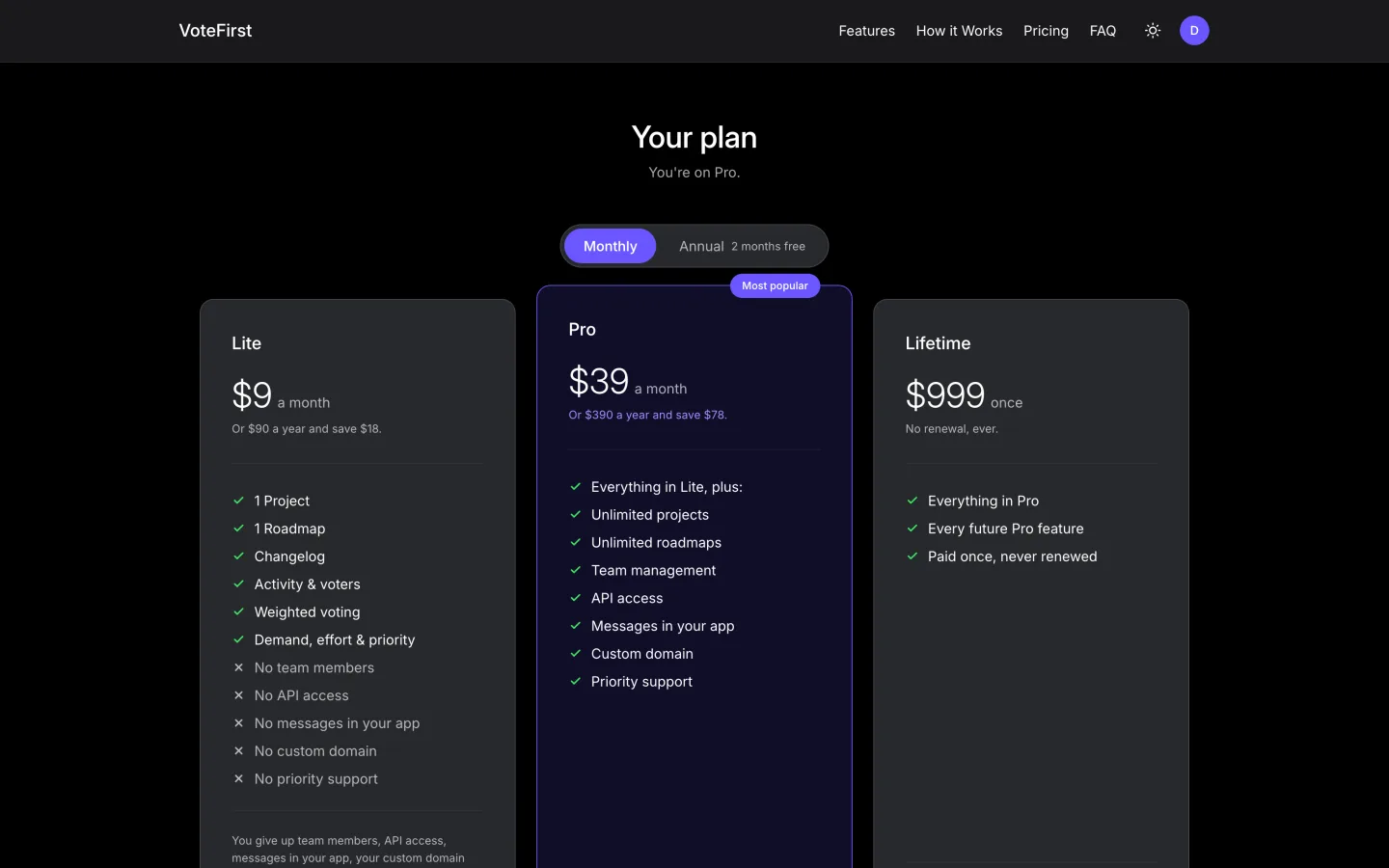
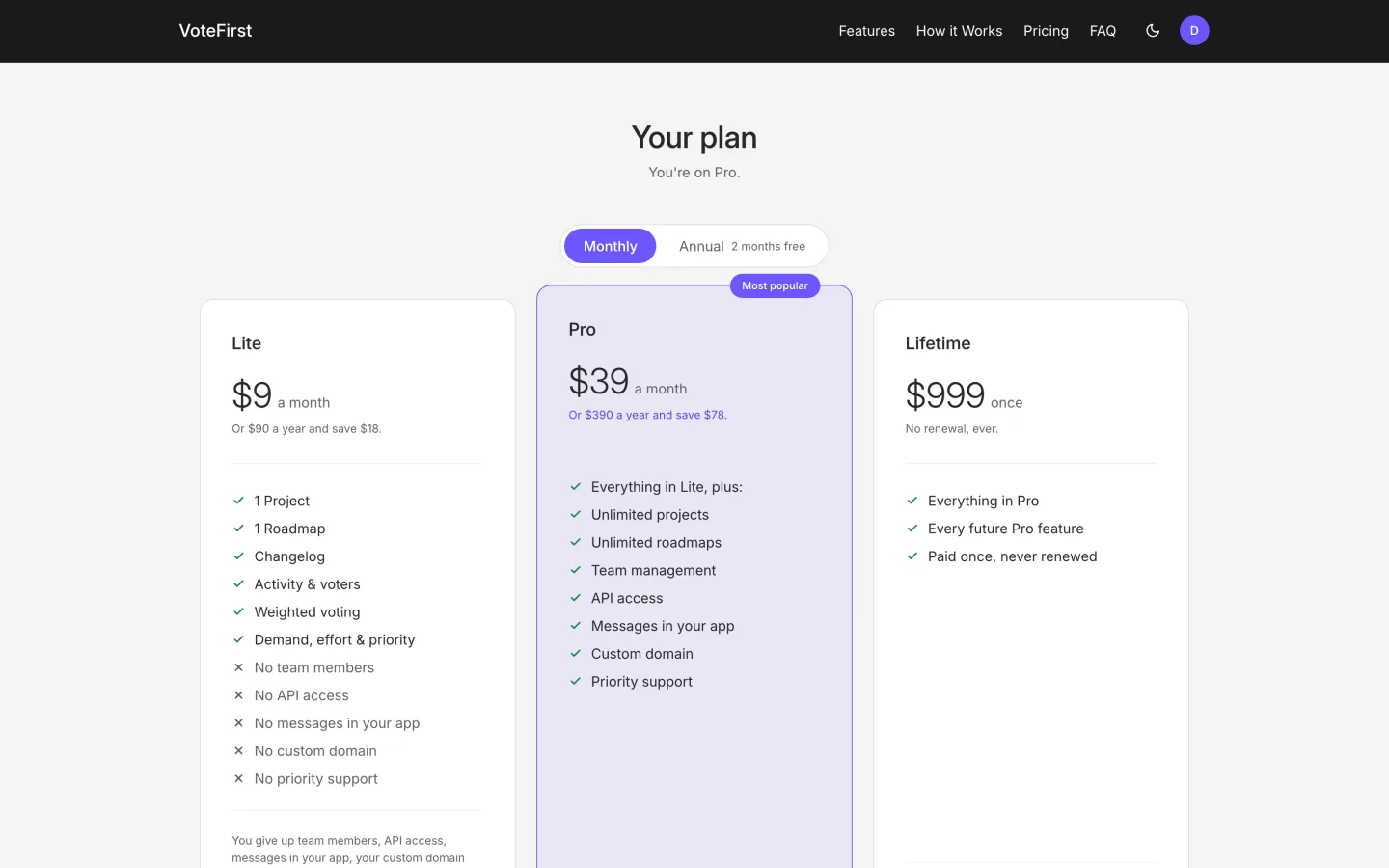
The board and the roadmap page are nine dollars a month, the figures are published, and a card is required for the fourteen day trial.
14 days, a card at signup, then $9 or $39 a month.