A digital suggestion box is a place people can put an idea without having to find the right person to tell. The hard part has never been the box. It is what happens after somebody drops something in it.
Almost every suggestion box that dies, on a wall or on a screen, dies the same way. Somebody writes a suggestion, nothing visible happens, and they never write another one. Every idea below is really a way of preventing that.
What makes a digital suggestion box work?
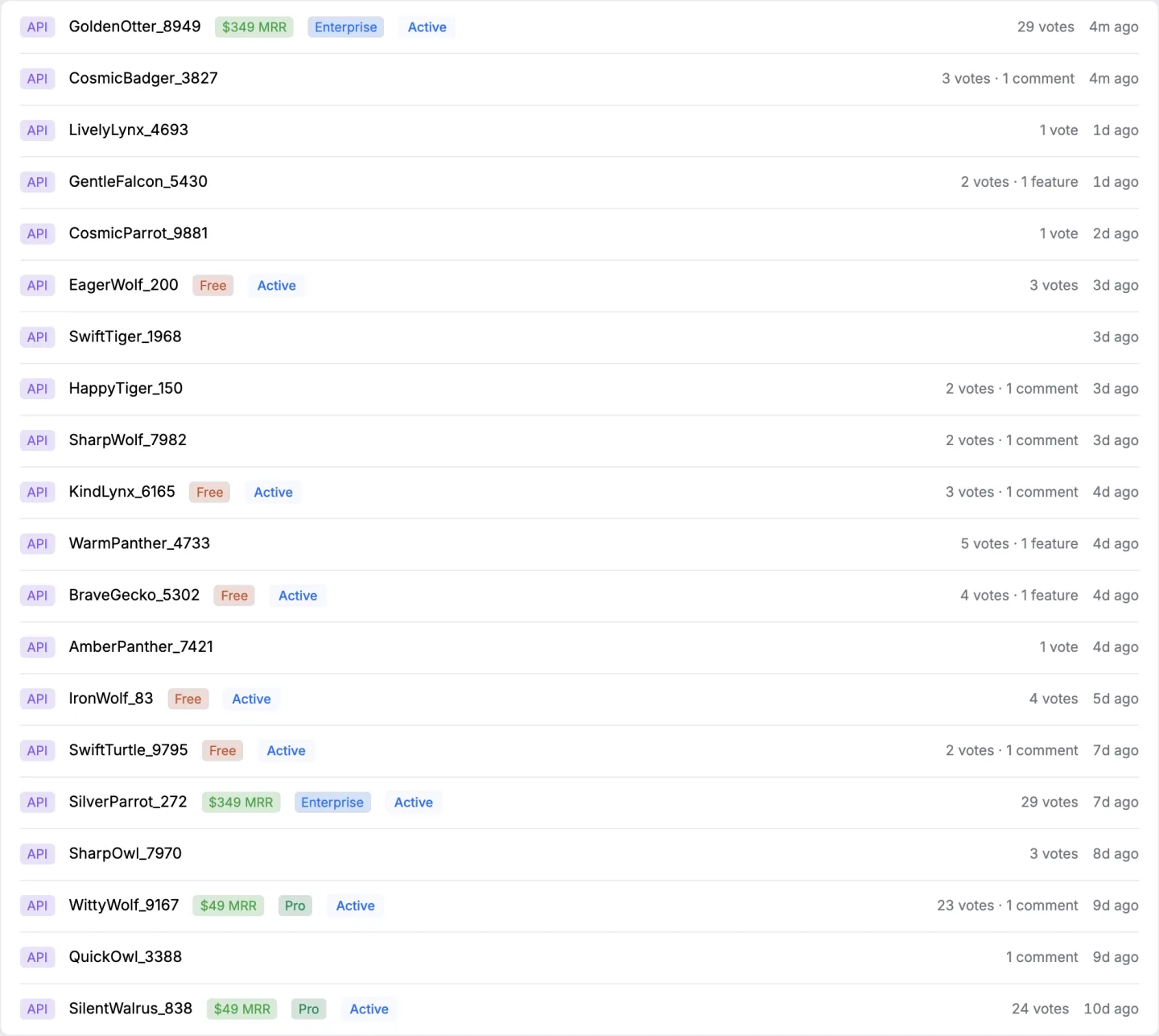
People can see the suggestions, and they can see what was done about them.
That is the whole difference between a box and a bin. A private form that emails one person is a bin with a nicer lid. If the people who use it cannot tell whether anything was read, they will assume nothing was, and they will be right often enough that the habit sticks.
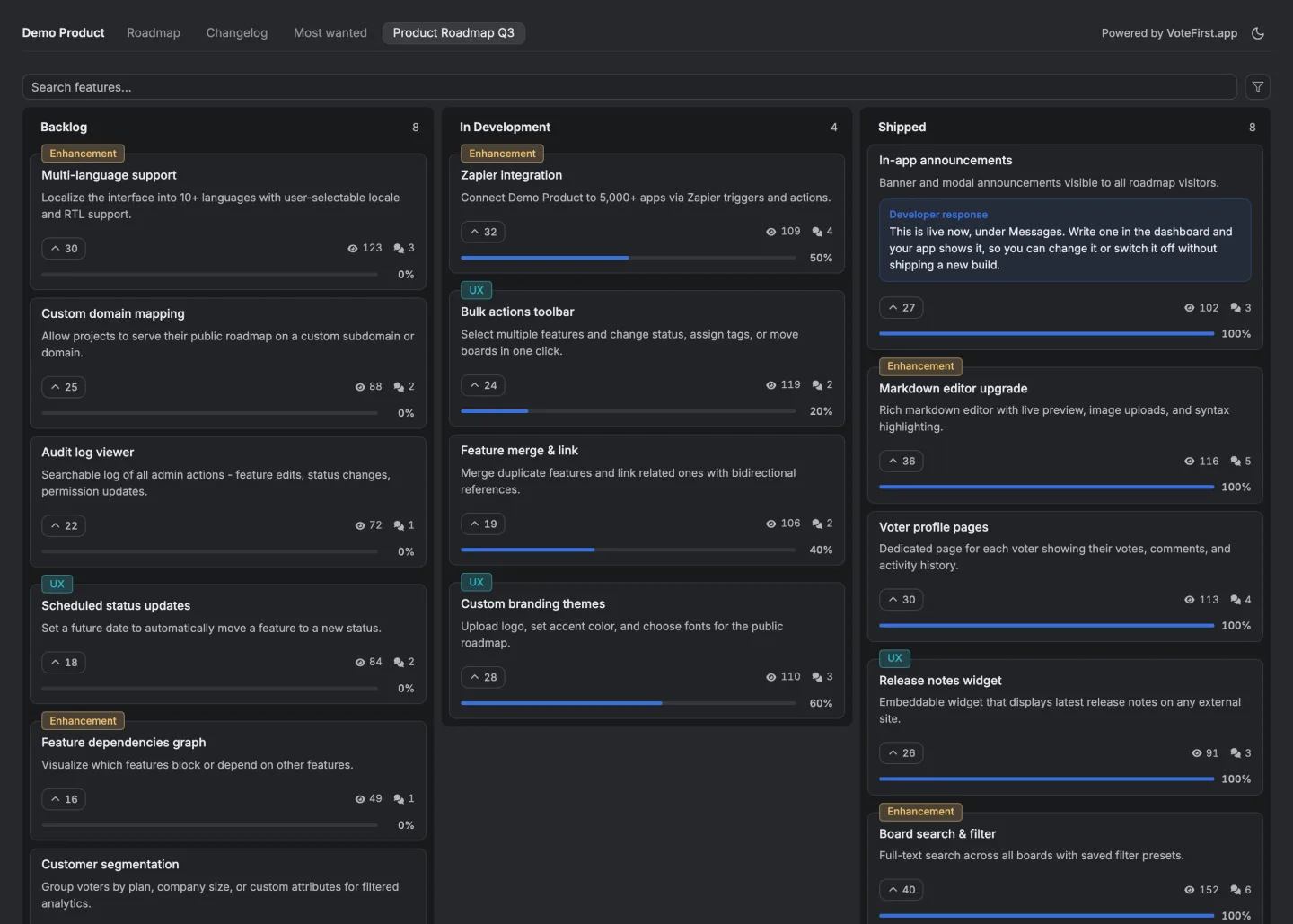
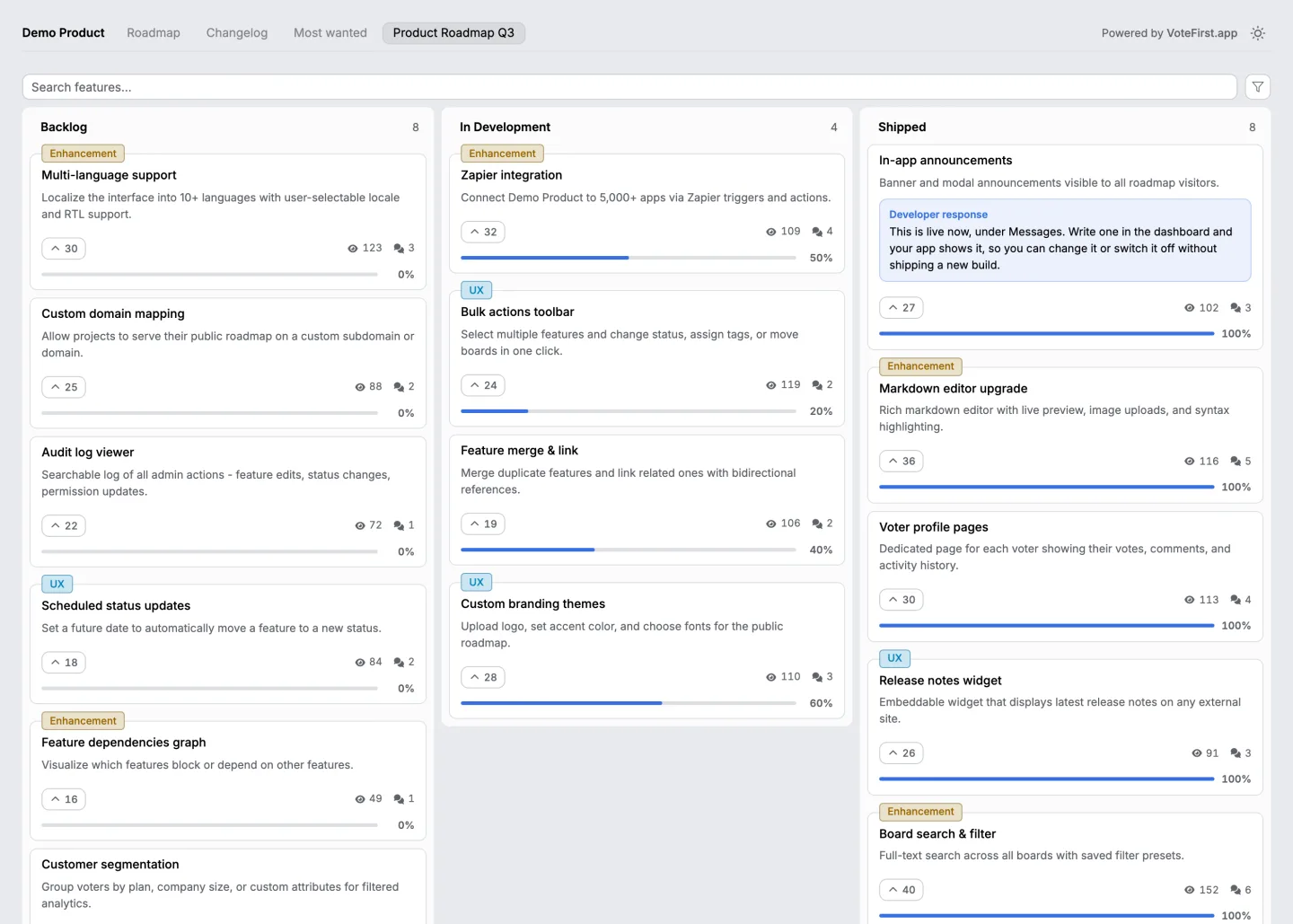
The three things worth having are a place suggestions are visible, a way for other people to say they want the same thing, and a status on each one that changes when it changes. Nothing else on this page matters as much as those three.
What should a digital suggestion box be used for?
Anything where you want the size of a problem before you fix it, and where more than one person has an opinion.
The office or the workplace. Equipment, the kitchen, the booking system nobody can use, the meeting that could be an email. The value of putting these on a shared page is discovering that eleven people quietly hate the same thing.
A team's own tools. Small internal annoyances are invisible to managers and obvious to everybody doing the work. A box collects them without anybody having to escalate.
A school, a club or a community. Same shape. People with no path to the person who decides, and a decision maker who would rather hear about a problem early.
A product's customers. The version this site is built for, where the suggestions are feature requests and the people voting are the ones paying. That is a different reader from the rest of this page, and the product page is the honest place to read about it.
What are the actual ideas, one by one?
Eleven that survive contact with a real office, ordered by how much they change.
Show the suggestions to everybody. The single biggest change. It converts a private complaint into a public count.
Let people add their voice to one that exists. Half the value of a box is finding out how many people agree. A vote is the cheapest way to ask.
Put a status on every suggestion. Read, planned, doing, done, declined. Five words, and they end the question the box otherwise creates.
Say no in public, with a reason. The most useful thing a box can contain is a refusal somebody can read. It teaches the next person what is worth suggesting and it proves the box is being read.
Merge the duplicates rather than closing them. Six descriptions of one problem become one entry with six people behind it, which is the thing you needed to know.
Let people suggest without an account. Every login screen between a person and an idea costs you suggestions, and the ones it costs you most are the ones from people who barely use your tools.
Let people suggest with their name off it. Some things only get said anonymously. Anonymous voting is written up separately, including what it costs you.
Announce what shipped, to the people who asked. Not a newsletter. A message to the specific people whose suggestion is now done.
Run it somewhere people already are. A box on a page nobody visits is a box nobody visits. Embedded in the tool people use daily is worth more than a beautiful page they have to remember.
Review it on a schedule somebody owns. Fortnightly, fifteen minutes, one named person. The box does not need a committee and it does need an owner.
Put a floor under it. Decide in advance what you will always do, which is usually read everything and answer anything with more than a handful of people behind it.

What kills a digital suggestion box?
Four things, and three of them are about silence.
Nobody answers. Suggestions go in, nothing comes out, and within two months the box is empty.
Only the loud are heard. Whoever writes most sets the agenda, which is why counting the people behind a suggestion matters more than the writing.
It is somebody's side project. The box outlives the enthusiasm unless it is on a schedule with a name against it.
Everything is accepted. A box where every suggestion becomes a promise is a box that produces a backlog nobody can finish, and the reputational damage of a hundred stalled promises is worse than a dozen honest refusals.
Does a physical box still make sense?
Sometimes, and it is worth saying on a page about the digital version.
If the people you want to hear from are not at a desk, a box on a wall reaches them and a web page does not.
What the physical version cannot do is show everybody else what was suggested, let people agree with something already in it, or tell somebody their idea was done. Those are the three things that make people use it twice.
The reasonable arrangement in a mixed workplace is both, with whoever empties the physical box putting the suggestions into the shared one so they become visible.
What does this cost?
This product is a public suggestion board with voting, statuses and a published list of what shipped, and it is nine dollars a month for one board.
It is built for a company collecting suggestions from its customers rather than from its staff, so if you are equipping an office, read the employee page first, which is honest about what this is and is not for that job. It is here, and it names the free routes as well.
14 days, a card at signup, then $9 or $39 a month.