The short version
- Twelve kinds of website feedback, most actionable first.
- One question does most of the work: what were you trying to do when that happened?
- A link in the footer, a shared address and a sheet with four columns is a working system.
- A public board can't take anything the sender wants kept private.
The website feedback examples below divide cleanly into two piles, and the divide isn't politeness or detail. It's whether the message contains a situation. A message with a situation can be investigated. A message with an opinion can only be agreed with.
The twelve below are written for this post. Each carries what it's evidence of and the reply that does the most work.
What counts as website feedback?
Anything somebody tells you about using your site, which is a wider set than the feedback widget collects.
The widget collects the people who choose to click a widget. The support inbox collects the people stuck enough to write. The checkout drop off collects nobody but tells you the most. All three are website feedback, and only the first one is usually called that.
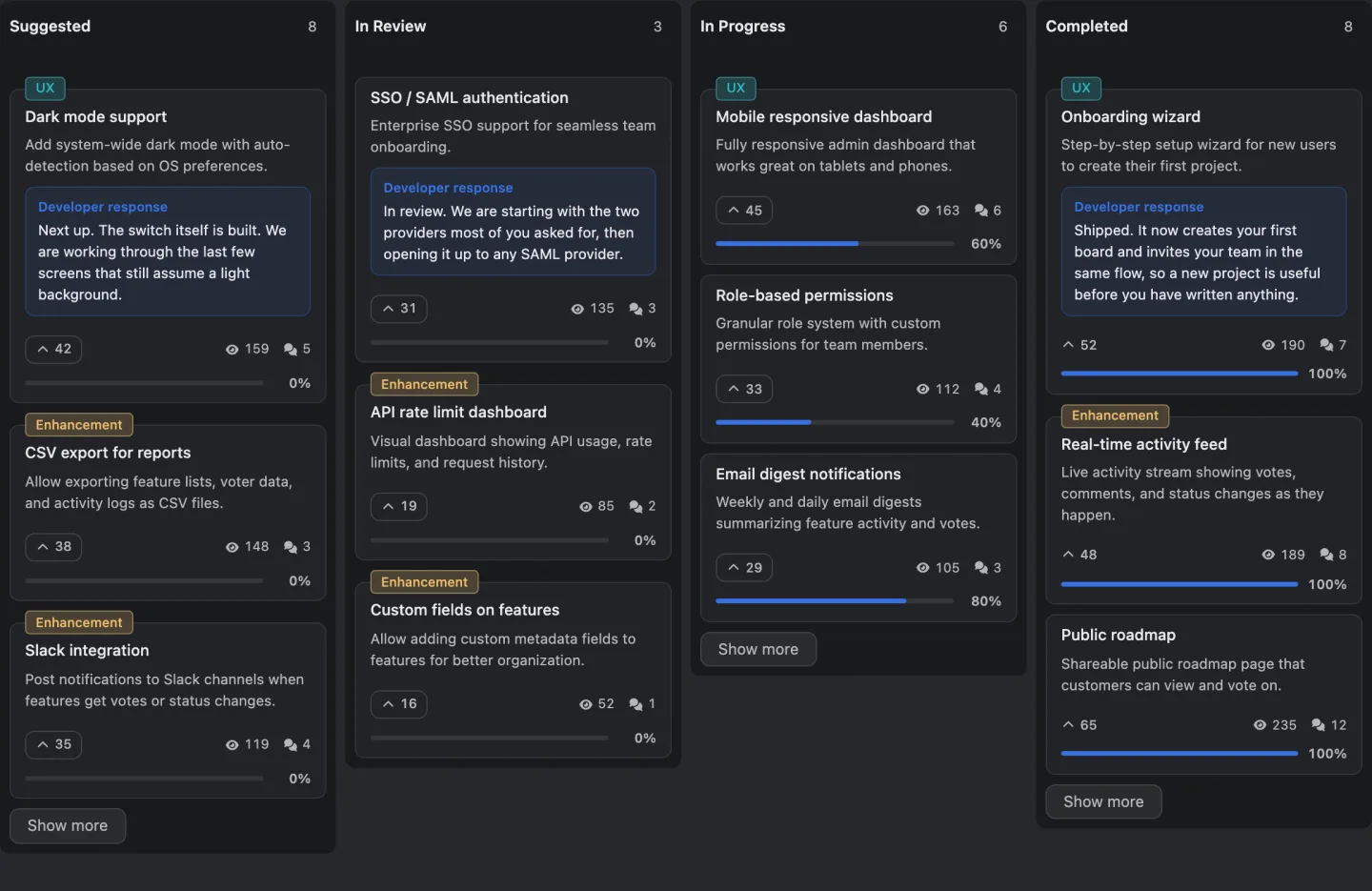
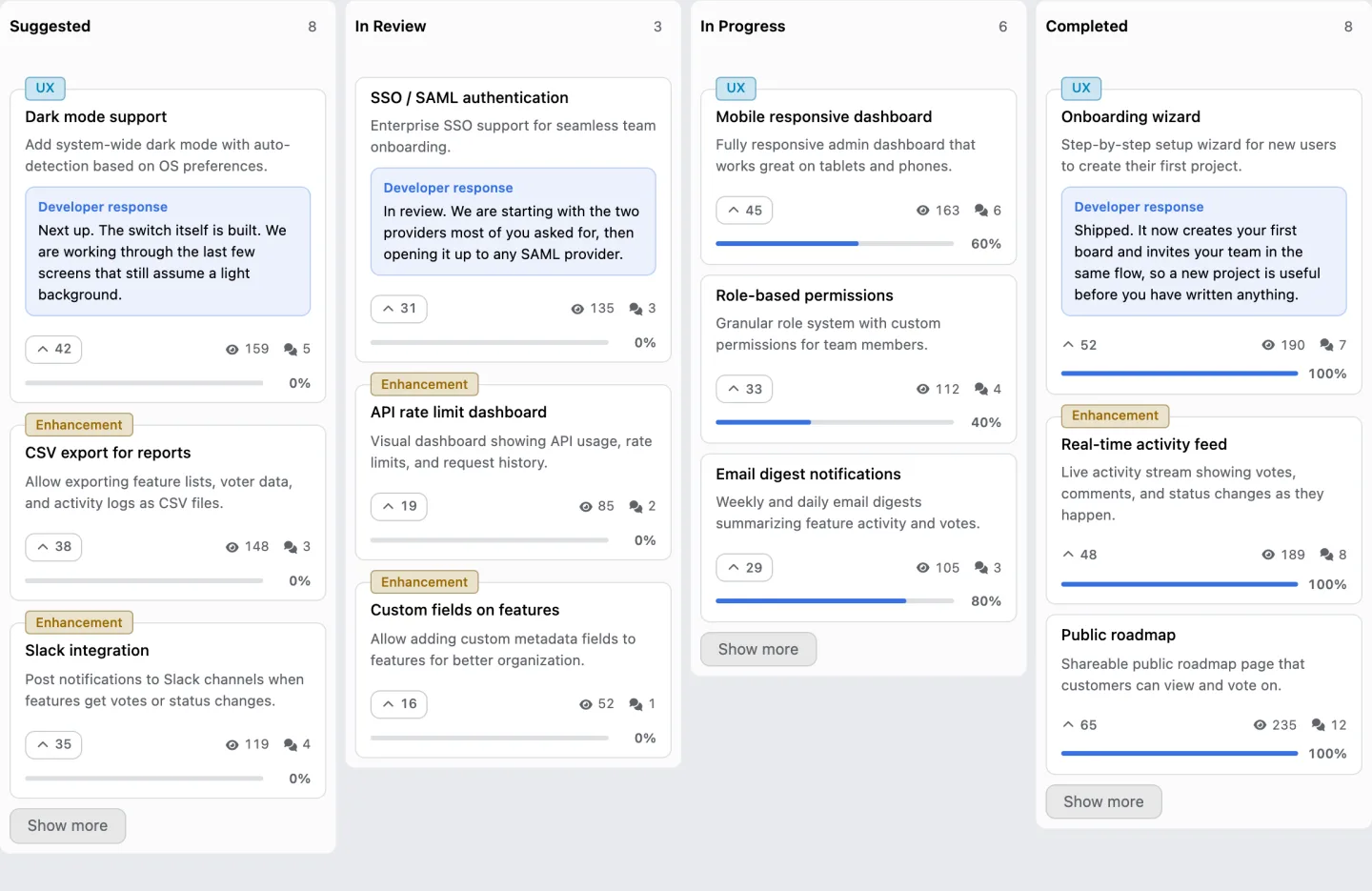
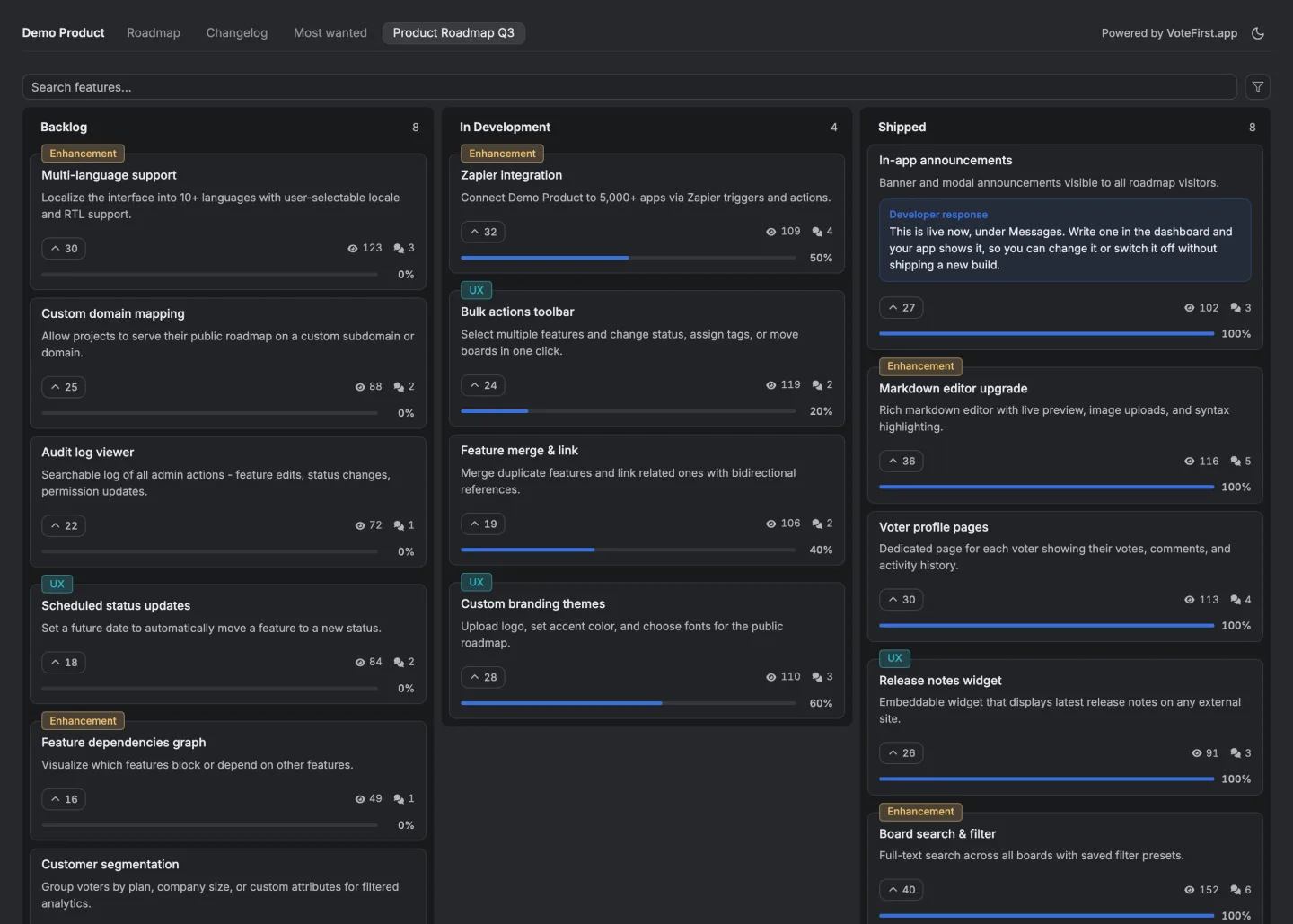
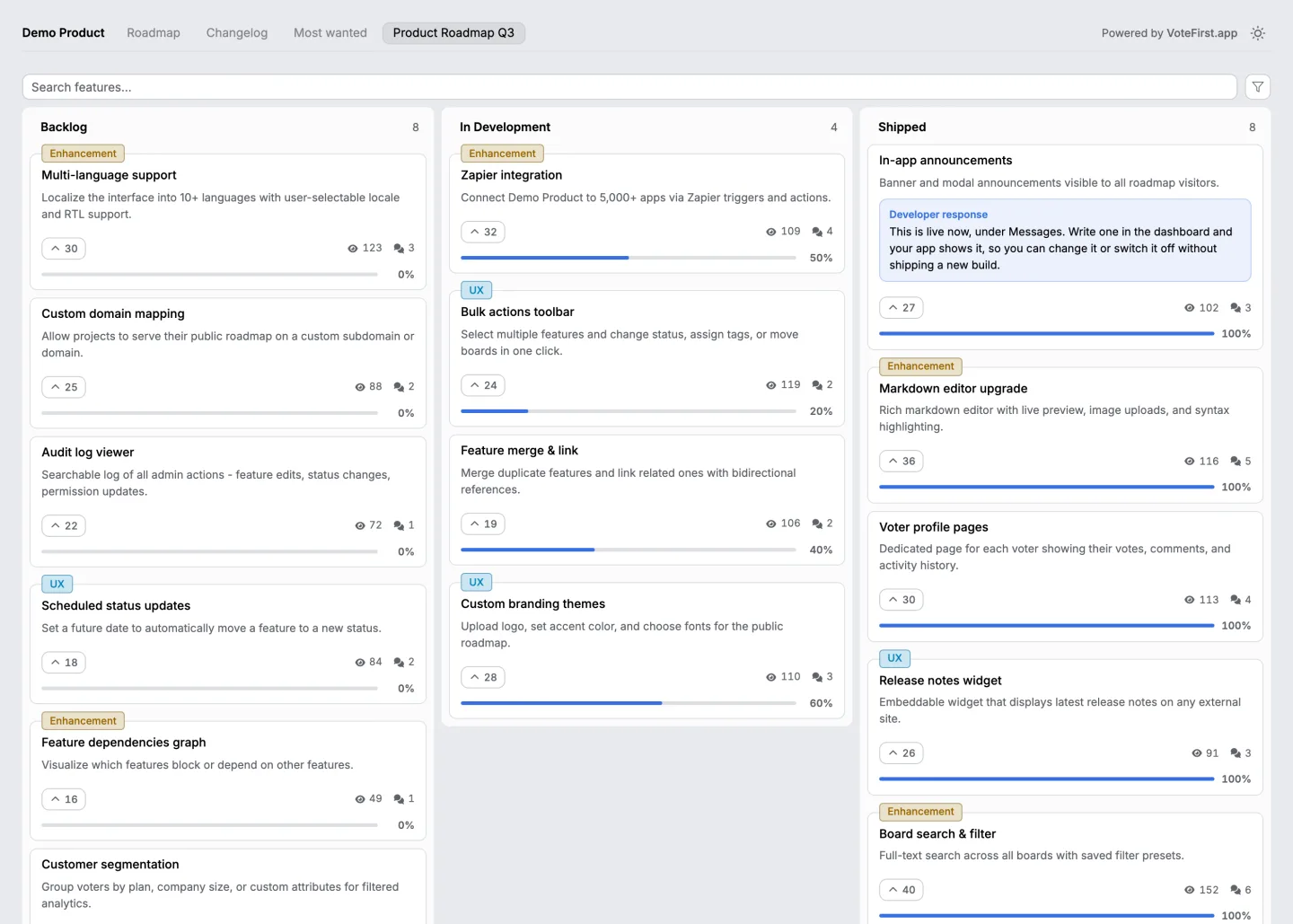
There's a board collecting the third kind of message below, open without an account.
Want somewhere to put all of this? Twenty eight feedback tools, the price and the unit each one bills on, read on one day.
The twelve, and what each is worth
Actionable at the top. The line falls between seven and eight.
| What somebody writes | What it is evidence of | The reply that does the most work | |
|---|---|---|---|
| 1 | The pricing page does not say whether tax is included | One sentence missing from one page | Fix the page, then tell them it is fixed |
| 2 | I clicked buy and nothing happened on Safari | A defect with a browser attached | Ask for the version, reproduce, and say when it is fixed |
| 3 | I could not find your refund policy | A navigation problem, not a policy problem | Ask where they looked. That answer is the fix |
| 4 | The form lost everything when I pressed back | A specific, reproducible failure | Reproduce it the same day. This one loses orders |
| 5 | Your search returns nothing for the product I own | A search index problem with a query attached | Run their exact query yourself before replying |
| 6 | I need this in euros to expense it | A concrete want with a reason behind it | Say yes or no plainly, and record the count either way |
| 7 | The cookie banner covers the phone number on mobile | A layout defect in the most expensive place | Fix it, and check what else that banner covers |
| 8 | The site feels slow | A symptom with no situation attached | Ask which page and what they were doing. Without that it is unactionable |
| 9 | I do not like the new design | A preference, and a real signal only in volume | Thank them, count it, and watch whether anything measurable moved |
| 10 | Too many popups | Usually true, and usually already known internally | Count it. It is the most common thing nobody acts on |
| 11 | Make it more modern | Nothing you can act on | Ask what they were trying to do when they thought it |
| 12 | Great site! | Nothing, and worth reading anyway | Say thank you |
Rows one to seven all contain a page, a browser, an action or a reason. Rows eight to twelve contain a feeling. The whole skill of handling website feedback is turning a row from the bottom half into one from the top half with a single follow up question.
The one question that does the work
What were you trying to do when that happened?
That question converts row eight into row four more often than anything else. It's a diagnostic, not a customer service nicety, and the answer usually contains the page, the browser and the intent all at once.
The second question, for the requests, not the defects, is what do you do at the moment instead. The answer tells you whether the missing thing is blocking anybody, and whether the workaround they found is one you could simply make official.
How do you reply to each kind?
A defect. Say you've reproduced it or ask for the one detail you need to. Never ask for three details at once, because the second email doesn't arrive.
A request. Say yes, no or not now, plainly, and record it either way. Not now with a reason keeps people writing. Silence doesn't.
An opinion. Ask the diagnostic question once. If there's still no situation in the answer, count it and move on. Volume of opinion is real data even when each instance isn't.
Praise. Answer it. It costs nothing and it's the only message in the set where the person isn't expecting a reply.
How do you collect this without a tool?
A link in the footer, a shared address, and a sheet with four columns.
The columns are the situation, the page, who said it, and what you told them and when. The fourth is the one everybody leaves out and the one that makes the difference between a system and a pile.
Two things a sheet can't do. It can't stop the same want being counted as twelve separate rows when twelve people phrase it differently, and it can't tell those twelve people when the thing changes. That's the whole reason the tools in this category exist, and everything else about them is convenience.
What a public board adds
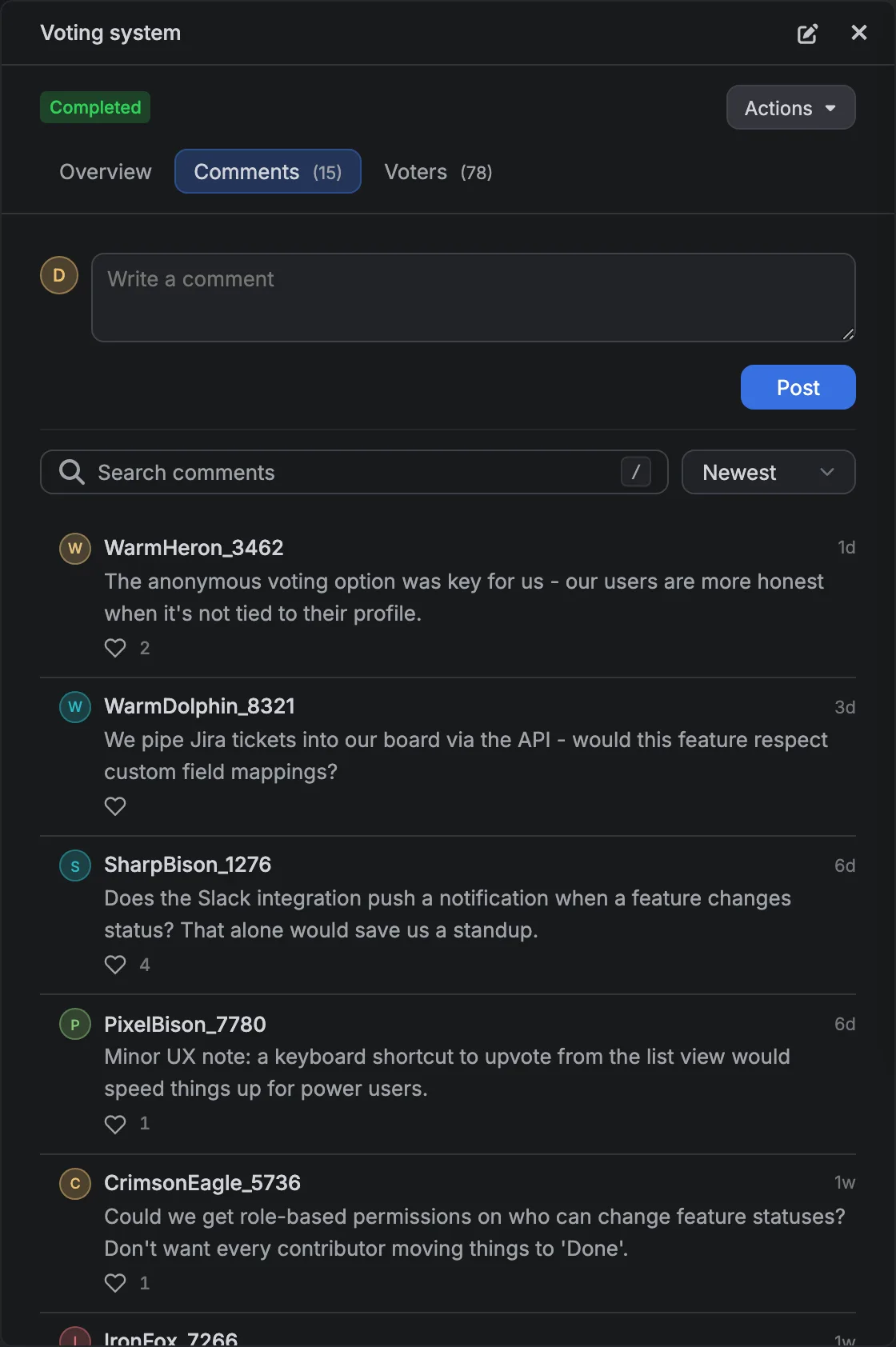
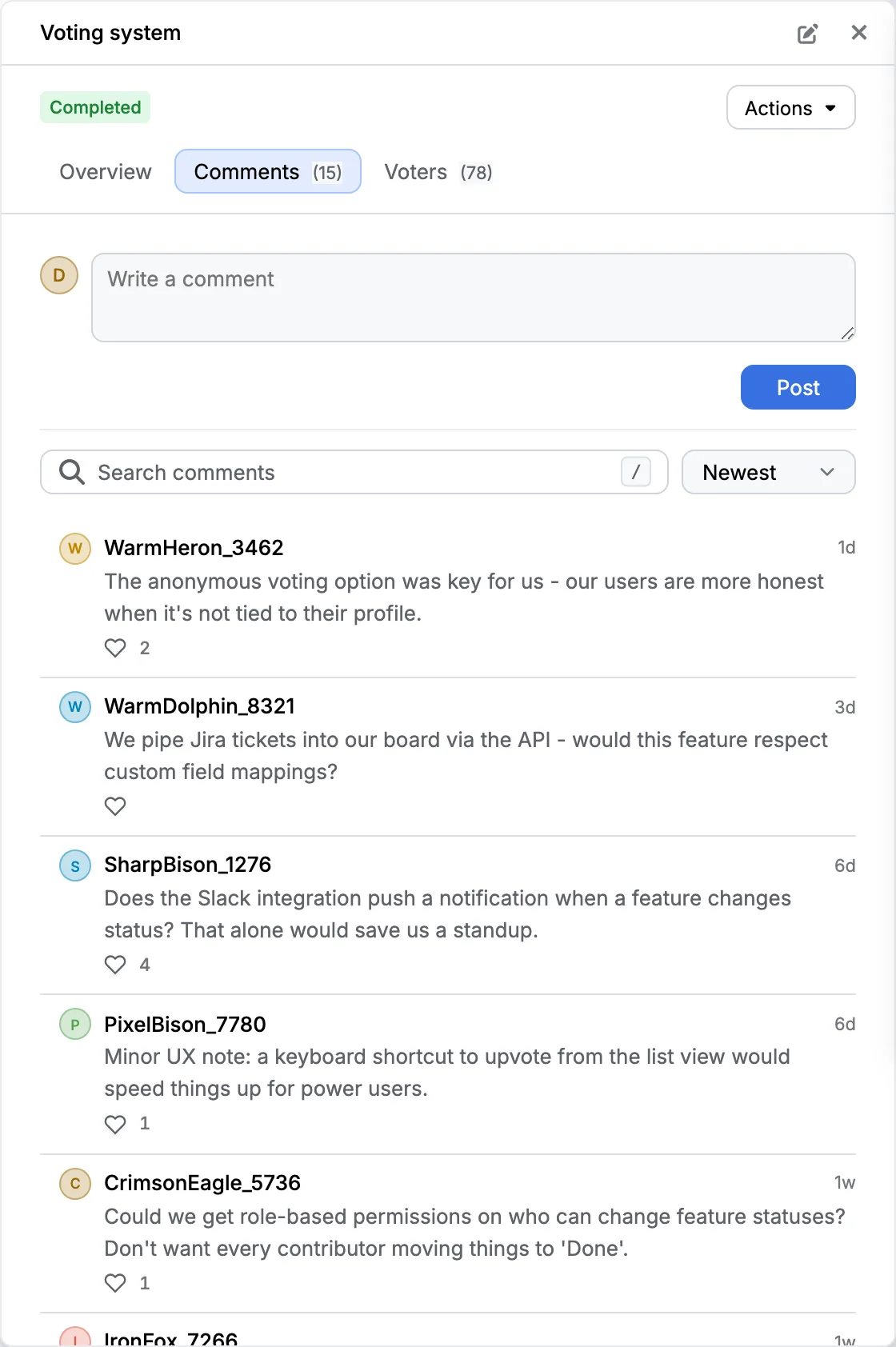
It makes rows six, nine and ten countable, and it makes the reply visible to everybody who had the same thought.
A request posted on a board is public, so the next person adds to it instead of writing it again, and the count is the number of people, not the number of messages.
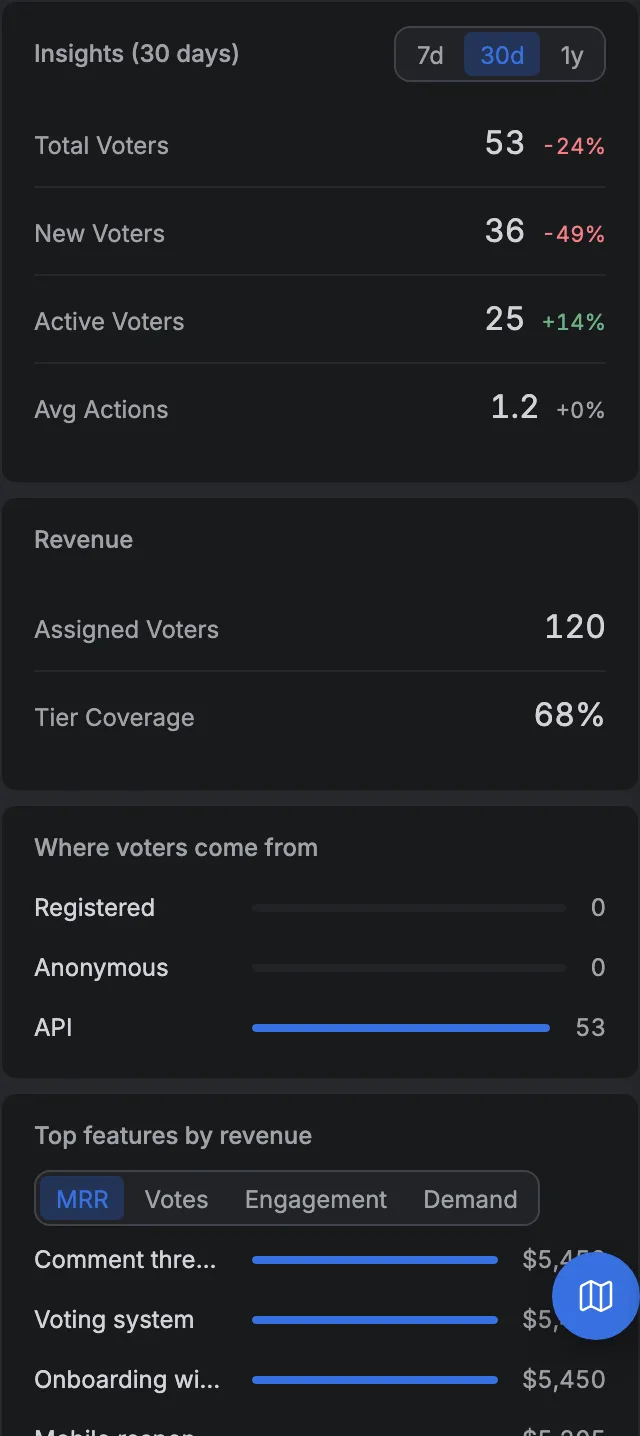
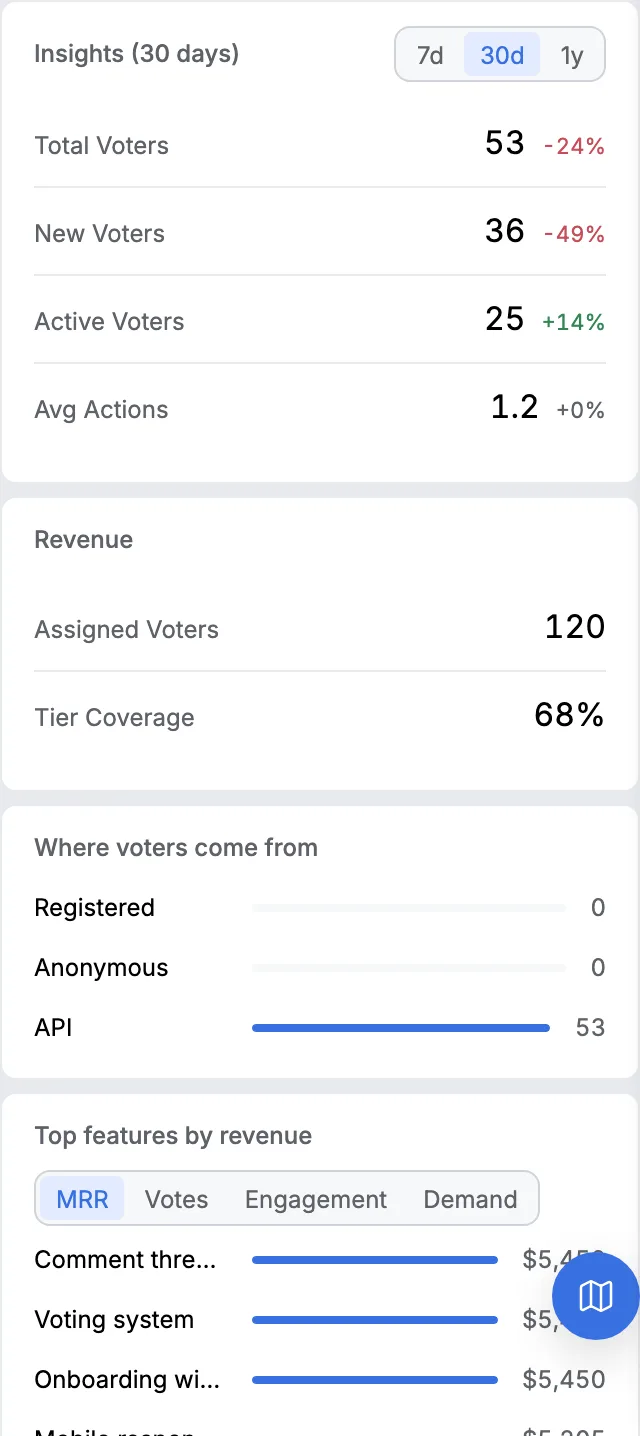
The people behind the count are a list, not a number, and each of them can be put in a tier whose votes weigh more.
When the thing changes, those people get told without anybody keeping a record of who asked for what. Everything that happened to the board sits on one timeline.
Two limits. A board is the wrong home for rows two, four and seven, which are defects and belong in whatever your team uses to track broken things. And board counts are smaller than the word count suggests.
Thirty six public boards belonging to real companies were read on 27 August 2026, and on the median one the median request on page one had nine votes.
The measurement and its limits are here. How the board is wired is written up here, and six feedback forms with their fields written out are on their own page.
14 days, a card at signup, then $9 or $39 a month.
What a public board cannot take
Anything the sender wants kept private. Every request on our board is readable by everybody once it's approved, and there's no private board at any price, so the rows above about a person, not the site belong in a message instead.