Azure DevOps links work items to the builds and releases that shipped them, but turning that link into a readable note is a separate step, either a Marketplace extension or a short script against the REST API. Steps and facts below are from Microsoft Learn and the extension's own repository, read 3 October 2026.
What Azure DevOps itself gives you
Microsoft's documentation on configuring pipelines for work tracking describes three link types between a work item and a pipeline object: Build, Integrated in build, and Integrated in release. These work with Azure Repos and GitHub repositories alike. For a YAML pipeline, turning on Automatically link new work in this build in Pipeline settings creates Integrated in build links on every work item tied to the commits in that run, and each one then shows in the work item's Development control. For a Classic release pipeline, the equivalent is Report deployment status to Boards under the release's Integrations options, which creates the Integrated in release link and populates the Deployment control; the same screen's Release (old view) > Work Items tab lists every work item tied to that release.
None of this produces a formatted note by itself. It gives a release manager a list of linked work items to read, open, or query, the same list a generator below turns into text.
The Generate Release Notes (Crossplatform) extension
The task named in the search phrase is a third party extension, not a Microsoft one. Generate Release Notes (Crossplatform) is published by Richard Fennell (Black Marble) on the Visual Studio Marketplace, task ID XplatGenerateReleaseNotes, currently at major version 4. It queries the Azure DevOps REST API for the work items, commits, and pull requests associated with a build or release, then renders them through a Handlebars template into a Markdown file.
Version 3 and later use Handlebars exclusively; the extension's own repository documents a library of built in helpers alongside the standard Handlebars syntax, including lookup_a_work_item and lookup_a_pullrequest for pulling extra fields by ID, and supports a custom JavaScript module for additional helpers through the customHandlebarsExtensionCode input.
A template is supplied one of two ways, set by the templateLocation input:
File, withtemplatefilepointing at a.mdor.hbsfile in the repository.InLine, with the template text itself in theinlinetemplateinput.
The task writes its result to whatever path is set in outputfile, typically $(Build.ArtifactStagingDirectory)/releasenotes.md for a build or $(System.DefaultWorkingDirectory)/releasenotes.md for a Classic release. From there it is a plain file: publish it as a build artifact, attach it to a release, or push it on to the wiki as shown below.
A minimal pipeline step
With a template file kept in the repository, the step needs three inputs beside the task name:
- task: XplatGenerateReleaseNotes@4
  inputs:
    outputfile: '$(Build.ArtifactStagingDirectory)/releasenotes.md'
    templateLocation: 'File'
    templatefile: 'templates/release-notes.hbs'
Or with the template written straight into the pipeline, using InLine:
- task: XplatGenerateReleaseNotes@4
  inputs:
    outputfile: '$(Build.ArtifactStagingDirectory)/releasenotes.md'
    templateLocation: 'InLine'
    inlinetemplate: |
      # Build {{buildDetails.buildNumber}}
      {{#forEach this.workItems}}
      * **{{this.id}}** {{lookup this.fields 'System.Title'}}
      {{/forEach}}
To run this whenever a release tag is pushed rather than on every commit, Microsoft's documentation on Azure Repos Git triggers gives this exact shape for filtering a CI trigger to tags:
trigger:
  tags:
    include:
    - v*
Publishing the notes to the wiki
The wiki REST API writes a page with PUT https://dev.azure.com/{organization}/{project}/_apis/wiki/wikis/{wikiIdentifier}/pages?path={path}&api-version=7.1, with the page content as a JSON body, {"content": "..."}. Creating a new page returns 201 with the new version in the response's ETag header; editing an existing page needs that version sent back in the request's If-Match header and returns 200. The scope that grants this, vso.wiki_write, is documented as "read, create and update wikis, wiki pages and wiki attachments."
A pipeline step can call this directly once a wiki already exists for the project, using the pipeline's own OAuth token:
- task: XplatGenerateReleaseNotes@4
  inputs:
    outputfile: '$(Build.ArtifactStagingDirectory)/releasenotes.md'
    templateLocation: 'File'
    templatefile: 'templates/release-notes.hbs'

- bash: |
    CONTENT=$(cat "$(Build.ArtifactStagingDirectory)/releasenotes.md" | python3 -c 'import json,sys; print(json.dumps(sys.stdin.read()))')
    curl -s -X PUT \
      -H "Authorization: Bearer $SYSTEM_ACCESSTOKEN" \
      -H "Content-Type: application/json" \
      "$(System.TeamFoundationCollectionUri)$(System.TeamProject)/_apis/wiki/wikis/$(System.TeamProject).wiki/pages?path=/Releases/$(Build.BuildNumber)&api-version=7.1" \
      -d "{\"content\": $CONTENT}"
  env:
    SYSTEM_ACCESSTOKEN: $(System.AccessToken)
A YAML pipeline hands its token to a script only through an explicit mapping, which is what the env block does. The project's build service identity also has to be allowed to edit the wiki. This writes a new page every run; editing the same page on a later run needs the If-Match header set to the version returned in the previous call's ETag.
Microsoft's separate documentation on publishing a Git repository to a wiki describes a different route with no API call at all: a published code wiki maps straight to a folder of Markdown files already committed to a repo branch, so a pipeline that commits releasenotes.md into that mapped folder makes the note appear in the wiki automatically, with no separate publish step.
A release notes template
A release note written for customers reads differently from the list of linked work item IDs a query returns. The release notes template is the version written for a reader who did not file the ticket; it fits the Handlebars output above with the work item titles swapped in for plain language, and the same template works whether the list it summarizes came from Azure DevOps, Jira, or GitHub. What release notes are, and who reads them, covers the writing itself. The GitHub release notes page covers Keep a Changelog's fixed heading structure and the Conventional Commits convention, which apply the same way regardless of which platform built the release.
Of 327 public changelogs measured on 3 October 2026, the typical team posts four entries a year at a median of 84 words each, and 61% had gone 90 days without a new one. The full measurement suggests the harder part is remembering to write the note, not generating its text.
VoteFirst beside Azure DevOps
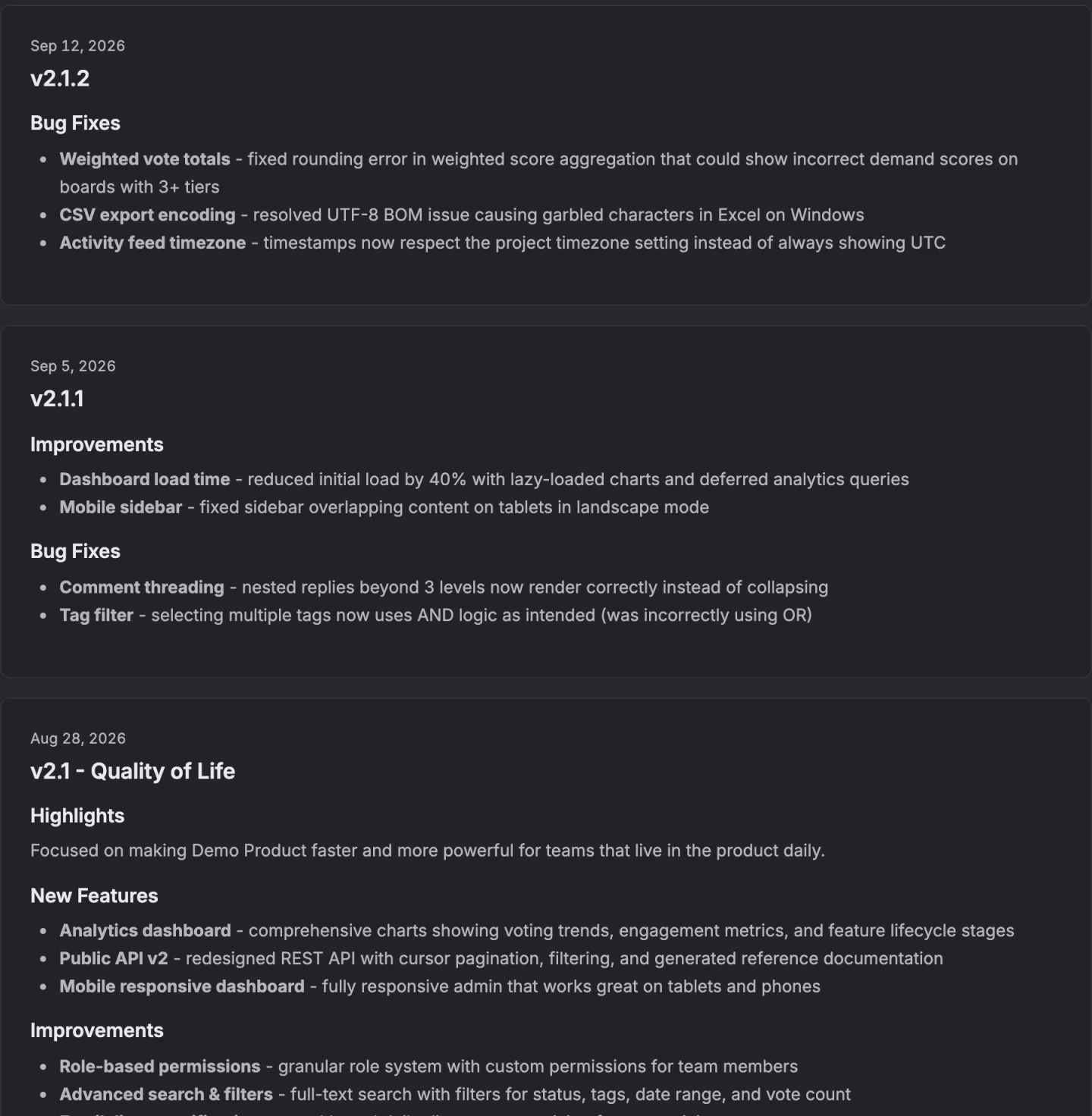
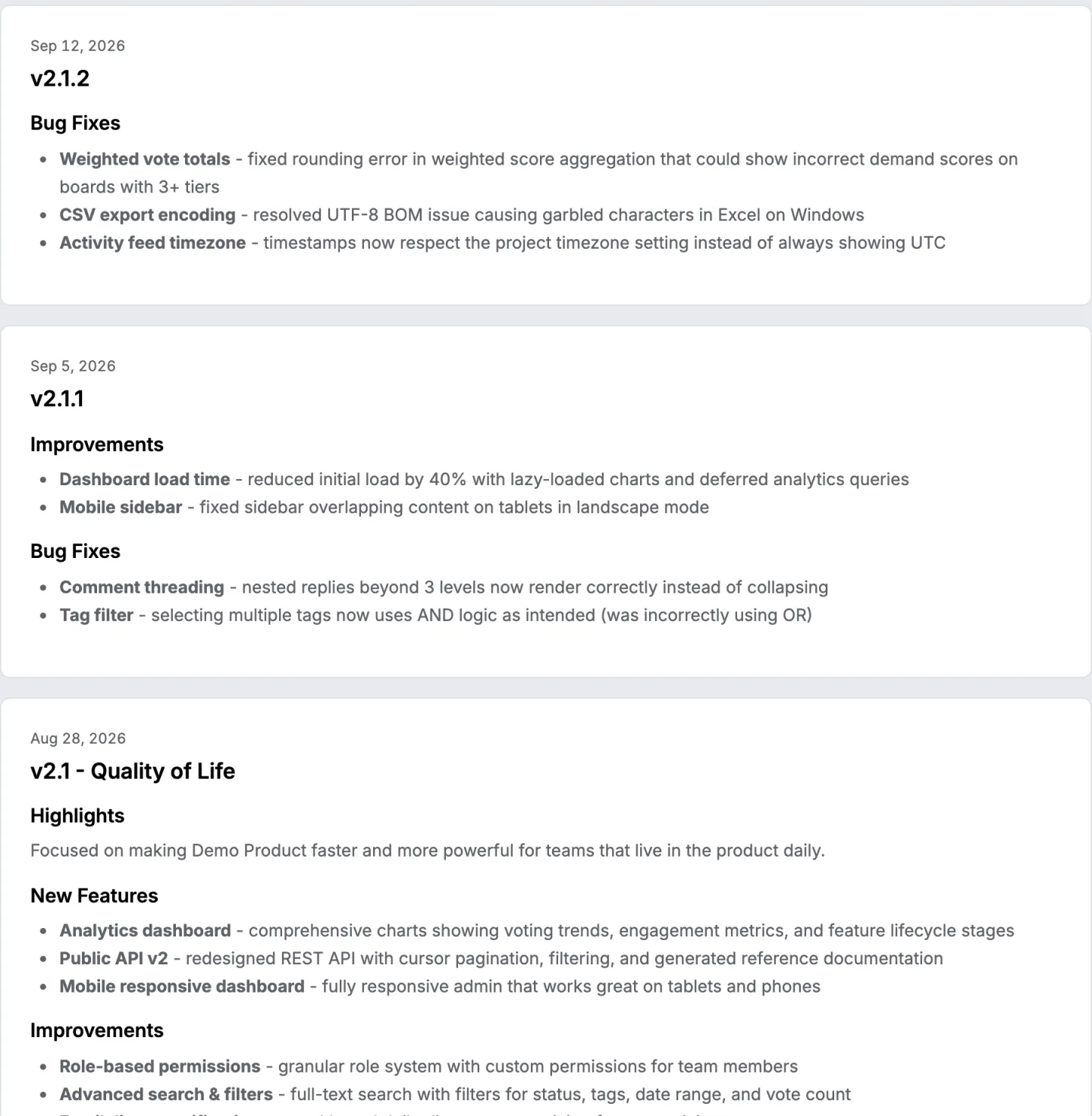
VoteFirst's public changelog is built from the requests a team moved to Completed on its board, not from work items, builds, pipelines or a wiki page, because VoteFirst has no Azure DevOps integration of any kind. Publishing a release emails each signed in voter whose own vote is in it, naming the headings they voted for; someone who voted anonymously left no address and is not emailed.
Lite is $9 a month for one project, Pro is $39 for unlimited projects, a custom domain, the API and a team. The changelog and its widget work on both plans. 14 days, a card at signup, then $9 or $39 a month.