GitLab answers this in three separate places: a release on the project's own Releases page, a changelog built from commit trailers, and the release keyword that creates either from a pipeline. Steps and facts below are from GitLab's own documentation, read 3 October 2026.
What a GitLab release is
A release is built from a Git tag, a title, a description, milestones, and asset links to files such as binaries. GitLab's documentation lists releases on every tier, Free, Premium and Ultimate, and on GitLab.com, GitLab Self-Managed and GitLab Dedicated. Creating one needs the Developer, Maintainer or Owner role on the project.
To create one by hand, open Deploy > Releases and select New release. Pick an existing tag or enter a new one, fill in the optional title, milestones, release notes and asset links, then select Create release. An existing release can be edited later from the pencil icon next to it.
Creating a release through the API
The same action is a REST call. POST /projects/:id/releases takes a required tag_name, a ref that is required only when the tag does not exist yet, and optional name, tag_message, description, milestones, assets:links and released_at. GitLab's documentation says it needs Developer level access to the project:
curl --request POST \
  --header "PRIVATE-TOKEN: <your_access_token>" \
  --header "Content-Type: application/json" \
  --data '{"name":"v1.0.0","tag_name":"v1.0.0","description":"Release notes go here"}' \
  "https://gitlab.example.com/api/v4/projects/24/releases"
GET /projects/:id/releases lists every release and GET /projects/:id/releases/:tag_name reads one, both authenticated the same way.
The release keyword in .gitlab-ci.yml
A job can create the release itself with the release keyword. It takes the same fields as the API: tag_name, name, description, ref, milestones, released_at and assets:links. The job has to run in an image that carries GitLab's command line tool: GitLab's example uses registry.gitlab.com/gitlab-org/cli:latest "because it contains the glab CLI", and its releases page asks for glab 1.58.0 or later.
stages:
  - release

release_job:
  stage: release
  image: registry.gitlab.com/gitlab-org/cli:latest
  rules:
    - if: $CI_COMMIT_TAG
  script:
    - echo "Creating a release for $CI_COMMIT_TAG"
  release:
    tag_name: $CI_COMMIT_TAG
    name: "Release $CI_COMMIT_TAG"
    description: "Release notes for $CI_COMMIT_TAG"
The rules line runs the job only in a pipeline started by a tag, so pushing v1.2.0 creates the release for v1.2.0 and an ordinary push to a branch creates nothing. The stages list declares the release stage, which a pipeline does not have by default.
The changelog feature, driven by a git trailer
Separately from a release, GitLab can build a changelog from the project's own commit history. A commit opts in with a Changelog trailer naming a category:
Changelog: added
GitLab's documentation lists the categories a trailer accepts: added, fixed, changed, deprecated, removed, security, performance and other.
A configuration file, .gitlab/changelog_config.yml by default, controls how those commits are grouped and rendered. Its keys include date_format for the strftime date pattern, template for the generated Markdown layout, categories for mapping the raw trailer values to display names, include_groups for crediting contributors from named groups, and tag_regex for pulling a version number out of a non-default tag format.
Generating changelog data through the API
Two endpoints read the trailers:
GET /projects/:id/repository/changelog previews the generated entry without writing anything. version is required; from, to, date, trailer (defaults to Changelog) and config_file (defaults to .gitlab/changelog_config.yml) are optional.
curl --header "PRIVATE-TOKEN: <your_access_token>" \
  --url "https://gitlab.com/api/v4/projects/42/repository/changelog?version=1.0.0"
POST /projects/:id/repository/changelog commits the same data as a new section in a file in the repository, CHANGELOG.md by default. version is required; branch, file, message, from, to (the range is capped at 15,000 commits), date, trailer and config_file are optional.
curl --request POST \
  --header "PRIVATE-TOKEN: <your_access_token>" \
  --data "version=1.0.0" \
  --url "https://gitlab.com/api/v4/projects/42/repository/changelog"
GitLab's documentation also names its own command line tool, glab, version 1.30.0 and later, as a way to generate changelogs, alongside the API.
Release notes in the release description
Whichever path creates the release, the text a reader sees is the description field: Markdown, written by hand in the form, passed to the API, or set in the release keyword. The changelog endpoint above is the one place GitLab's documentation describes writing that text from the commits themselves, and only for commits that carry a Changelog trailer.
A changelog file beside the commits
Nothing in GitLab's own changelog feature requires the Keep a Changelog headings or format; the trailer and its categories are GitLab's own scheme. A team that wants the Added, Changed, Deprecated, Removed, Fixed and Security headings by hand instead can follow that convention directly. The changelog generator fills those headings as you type, and the release notes template is the version written for customers rather than for a commit log. What release notes are, and who reads them, covers the writing itself.
Of 327 public changelogs measured on 3 October 2026, the typical team keeping one posts four entries a year at a median of 84 words each, and 61% had gone 90 days without a new one. The full measurement suggests the hard part is touching the file on release day, on GitLab or anywhere else.
VoteFirst beside a GitLab release
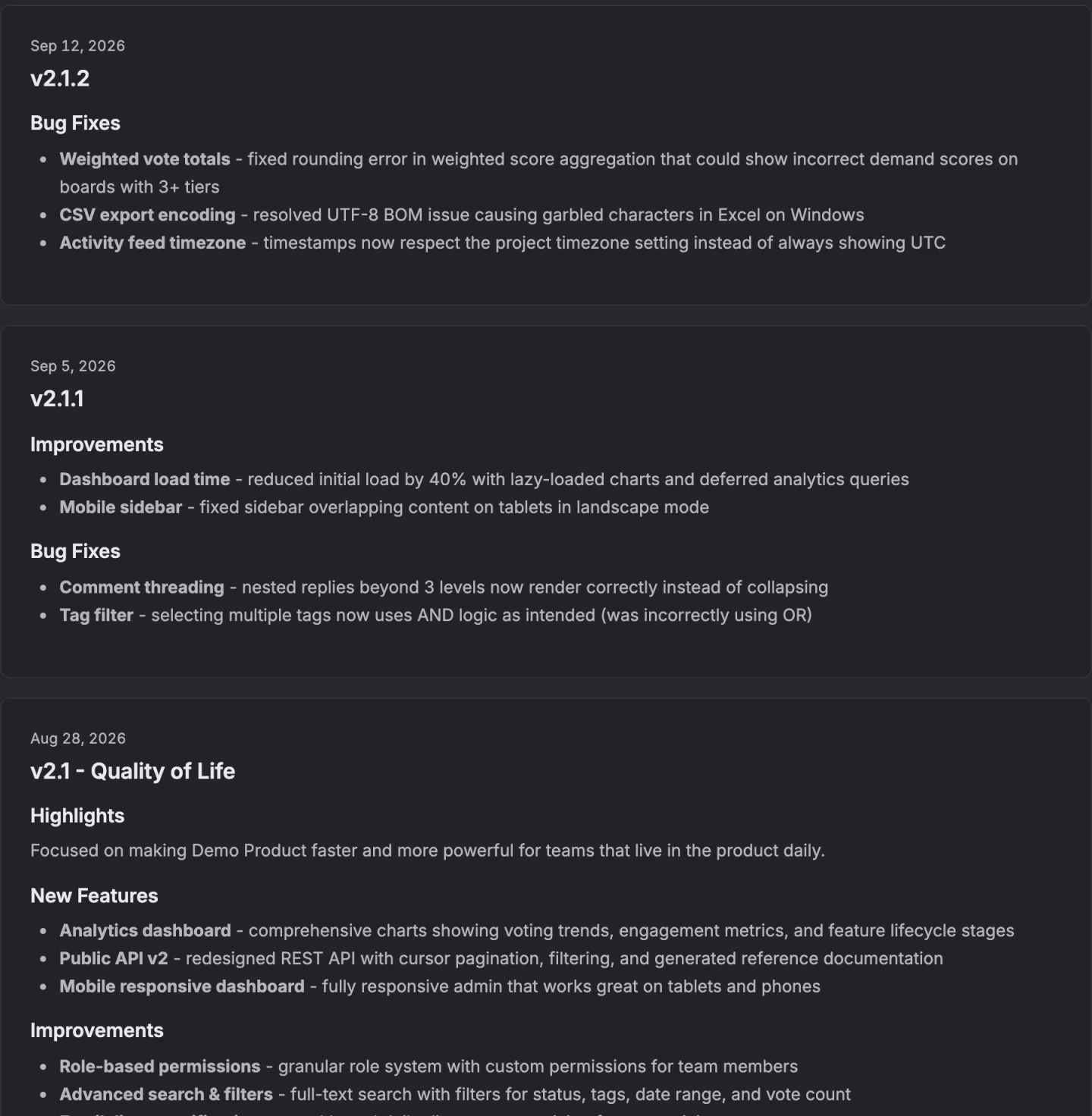
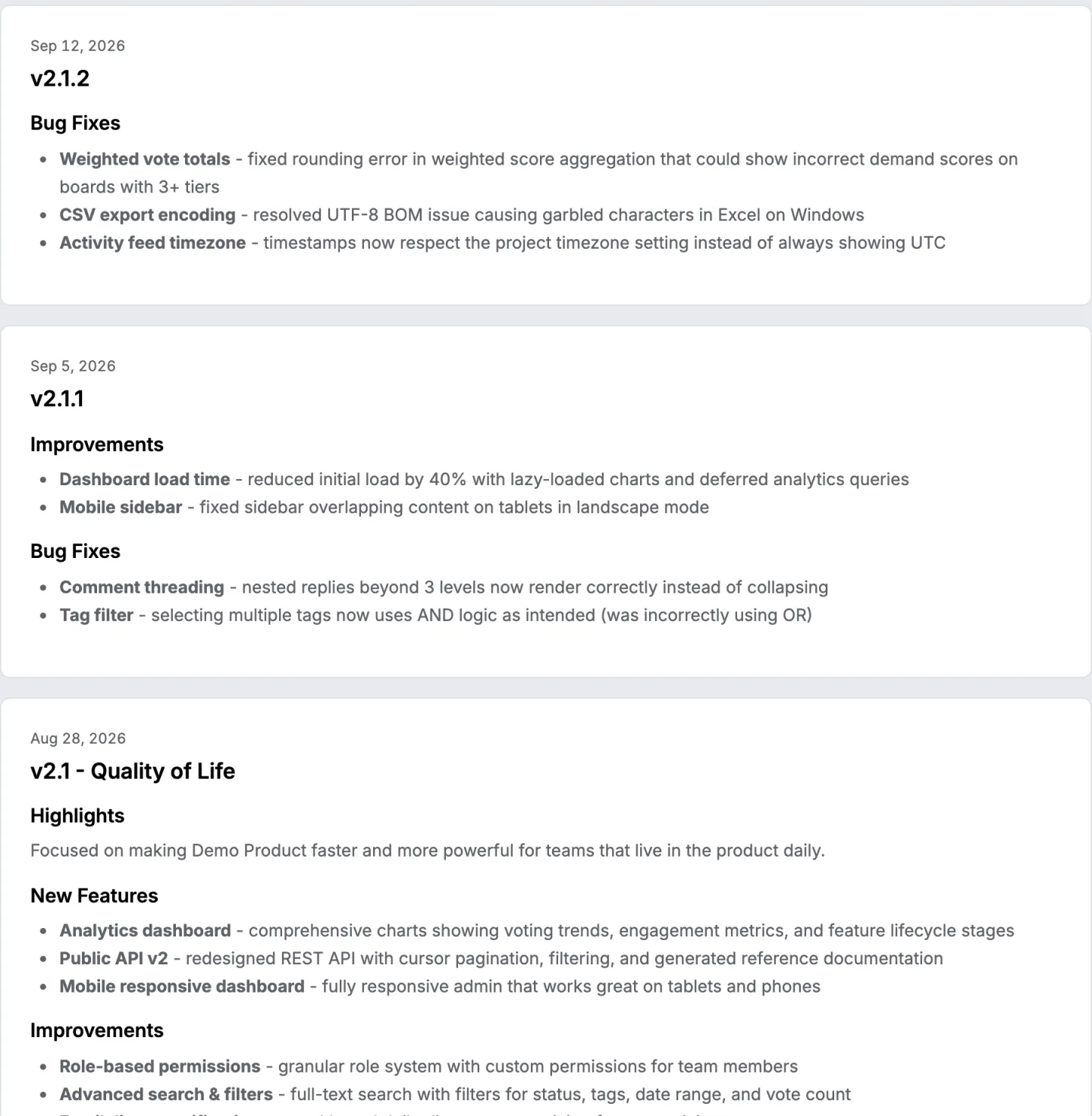
A GitLab release tells whoever reads the project. VoteFirst's public changelog is a different list for a different audience: it is built from the requests a team moved to its board's Completed column, not from commits, merge requests, tags or releases, because VoteFirst has no GitLab integration of any kind. Publishing a release emails each signed in voter whose own vote is on a request in it, naming the headings they voted for; someone who voted anonymously left no address and is not emailed.
Lite is $9 a month for one project, Pro is $39 for unlimited projects, a custom domain, the API and a team. The changelog and its widget work on both plans.
14 days, a card at signup, then $9 or $39 a month.