Azure DevOps does have a roadmap tool. It is called Delivery Plans, and it lives inside Azure Boards: a calendar view of the epics, features, and other work items your teams have already scheduled. It is not a separate product and it is not a place a customer posts a request. Every rule below is from Microsoft's own Azure Boards documentation and Azure DevOps pricing page, read 3 October 2026.
What Delivery Plans actually shows
Microsoft's own description: "Delivery plans in Azure Boards let you visualize and review the work items that your teams plan to deliver. A delivery plan shows selected teams' scheduled work items by sprint or iteration path in a calendar view." It can show up to 20 team backlogs at once, including backlogs and teams from different projects, lets you add custom portfolio backlogs and epics, drag dates to reschedule, roll up progress on Features and Epics, and show dependency lines between work items.
It is built to plan work, not to collect it. Nothing on the page describes a customer or a stranger adding a request to it.
How do you create a product roadmap in Azure DevOps, step by step?
From Microsoft's own instructions for adding a Delivery Plan:
- Sign in to your organization at
https://dev.azure.com/{yourorganization}. - Select Boards, then Delivery Plans.
- Select New Plan.
- Enter a name and description, and choose the team backlogs to show on it. The New Plan dialog caps this at 15 teams; once the plan exists, its Teams settings tab can hold up to 20 backlog levels on Azure DevOps Services, or 15 on Azure DevOps Server 2022.
- Add field criteria to filter which work item types appear, for example excluding bugs.
- Open Settings on the finished plan to add up to 30 milestone markers, choose which fields show on each card, or color cards by a field like Priority.
Before any of that, the epics and features it displays have to exist. Microsoft's own hierarchy diagrams group every process the same way: Epics group Features, Features group the backlog item (a User Story on Agile, an Issue on Basic, a Product Backlog Item on Scrum, or a Requirement on CMMI), and the backlog item groups Tasks. You build the roadmap by creating epics and features on the portfolio backlog, filling in their Start Date and Target Date or assigning them to a sprint, and then pointing a Delivery Plan at the teams that own them.
What counts as a feature request in Azure Boards
The work item types Microsoft lists for the four default processes do not include one called Feature Request. A team tracks a request as a Feature, or as the backlog item for its process (User Story, Issue, Product Backlog Item, or Requirement), the same type used for everything else a team is building. Microsoft's work item pages describe fields for Title, Assigned To, State, Area, and Iteration on every type, and a Discussion control for comments. They do not describe a vote count, a requester count, or any field for how many customers asked for an item, and Microsoft Learn's pages do not describe a way to vote on a work item.
Who can see a roadmap without an Azure DevOps account
Azure DevOps supports public projects, and Microsoft's own description of them is that they "don't require users to sign in for read-only access to many services" and support sharing code and running CI/CD for open source work. That sentence doesn't name Boards specifically, and the same page is blunt about where this is headed: "Public projects in Azure DevOps are retired. Starting in 2027, existing public projects convert to private," and only organizations that already had the public project policy turned on can still create one or flip a project to public. Microsoft's own recommendation for a public project today is to use GitHub instead.
A private project, which is now the only kind most organizations can create, "require[s] users to sign in to gain access even for read-only access." So a private project's Boards are seen only by people who sign in as members of the organization, and the public option that once avoided that is being retired.
Stakeholder access, and what it lets someone do on Boards
A Stakeholder license is free, and Microsoft's own wording is that it can be assigned "to an unlimited number of users without requiring a license or subscription," for people who need "viewing work items, participating in discussion, and accessing dashboards." On Boards specifically, Microsoft's access level table for Azure DevOps Services gives Stakeholders "limited access to boards and Taskboards in private projects": they use drag and drop to create and change work items, "but they can only change the State field on cards." A Stakeholder can also only assign existing tags, not create new ones, and can save a query only under My Queries, not a shared one. On a private project, Microsoft's Delivery Plans page says a Stakeholder can view plans, so the roadmap itself is open to them.
A Stakeholder is still a named person added to your organization, not an anonymous visitor. They need to be invited and they need to sign in.
Who hears when a work item changes state
Azure DevOps ships one default, automatic notification for work items, and Microsoft's own description of it is narrow: "the default subscription for work item updates only sends an email notification to the user assigned to the work item," triggered specifically by "work item assigned," which "notifies you when you're assigned or unassigned a work item." Beyond that, a person can add their own subscription, such as "a work item that you created is changed" or "a work item assigned to you is changed," but each one has to be set up by that person, or by a team or project administrator on their behalf. Microsoft's page adds that default subscriptions only reach someone "somehow associated with the event", which a customer who asked for the feature by email is not, unless someone adds them to the organization.
What each access level costs
Prices below are from Azure DevOps's own pricing page, read 3 October 2026, in USD, billed monthly per user.
| Access level | What it gives | Price |
|---|---|---|
| Stakeholder | View and limited editing of work items and boards, dashboards, discussion | Free, unlimited users |
| Basic | Full Boards, Backlogs, Delivery Plans, Repos, Pipelines access | First 5 users free, then $6 a user a month |
| Basic + Test Plans | Everything in Basic, plus Azure Test Plans | $52 a user a month |
A customer can be made a Stakeholder at no cost, but only by adding them by name to the organization, in a tool built to plan sprints rather than to take a suggestion from a stranger.
The gap and VoteFirst
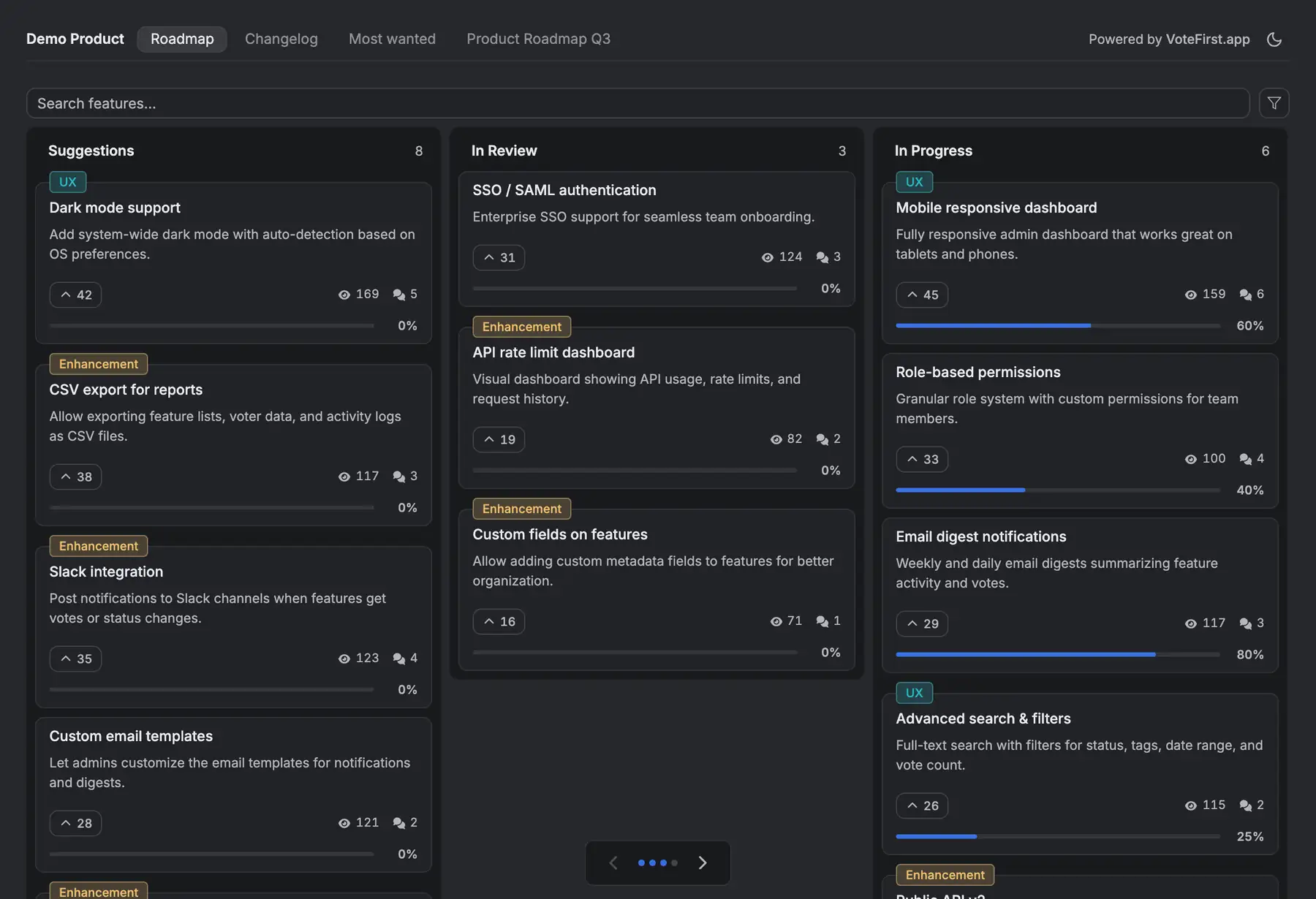
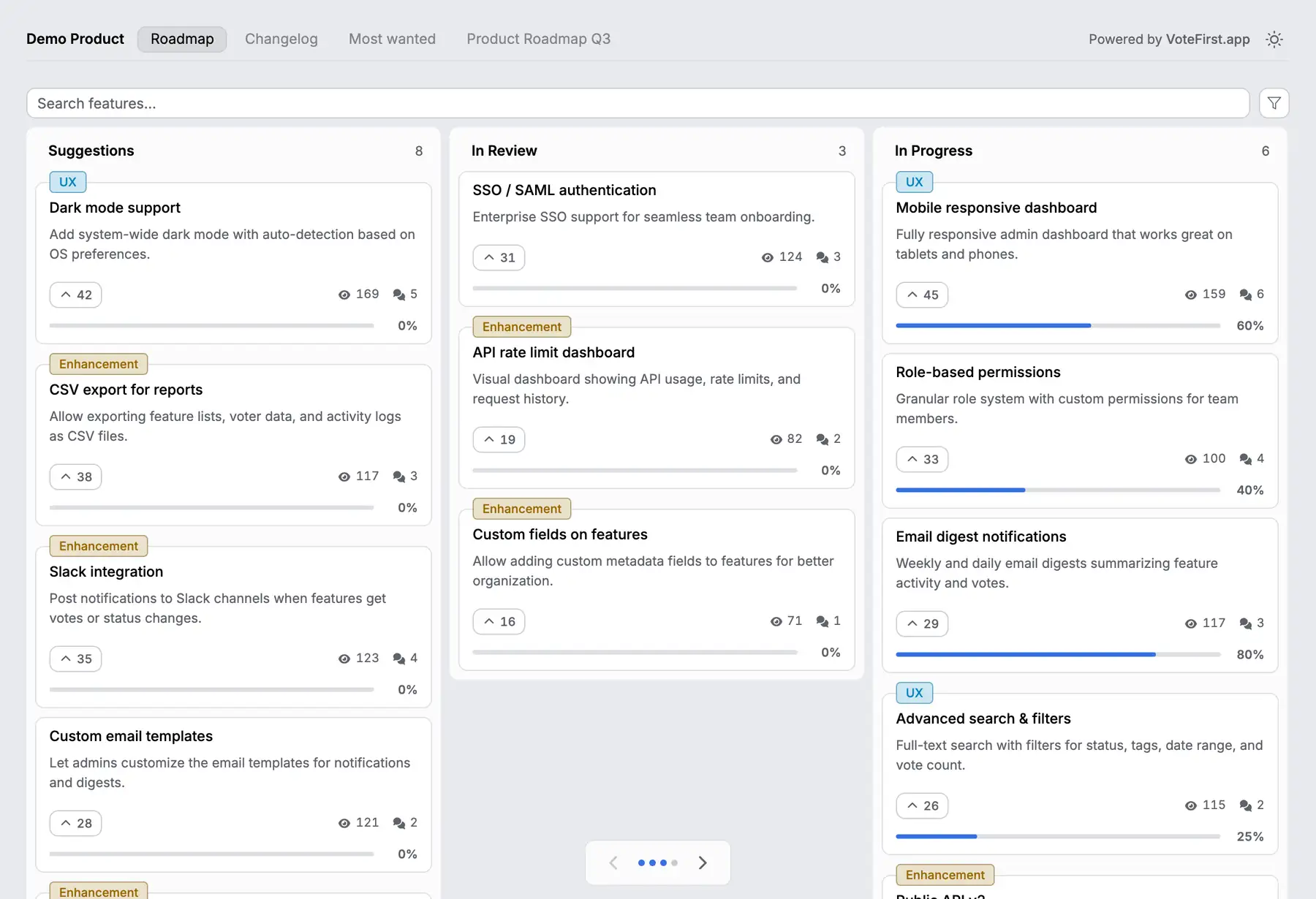
Across 634 public feedback boards measured in October 2026, the median request carries 2 votes, counting the poster's own. That is a different shape of product than Delivery Plans: a standing page a customer finds, votes on with no account, and comes back to, not a sprint calendar built for a signed in team.
VoteFirst is a public board and roadmap where a visitor posts a request and votes with no account; a cookie identifies them instead of a login. Voters who leave an email are notified when the request they voted for ships. Lite is $9 a month for one project, Pro is $39 a month for unlimited projects, a custom domain, the API, and a team. Every plan exports its requests to CSV.
VoteFirst has no Azure DevOps integration of any kind: no sync and no import. A team keeps its epics and features in Azure Boards and puts a VoteFirst board in front of it for customers, moving a popular request into a Feature by hand once it's decided.
14 days, a card at signup, then $9 or $39 a month.