Linear builds a roadmap out of two things: Projects, which hold the work, and Initiatives, which group projects under a goal and a timeline. Customer Requests collects what customers are asking for, inside the same workspace. None of it is visible to anyone outside the company, and none of it takes a vote from a stranger.
How a roadmap gets built in Linear today
A project in Linear is a group of issues with a stated outcome, an optional lead, and a start and target date that can be as loose as a half year or as tight as a day. Issues belong to one project at a time. Each project page carries its own timeline, switched on from the Display menu, and a list of milestones along the way.
An Initiative sits a level above projects. It groups several projects under one goal, carries its own status (on track, at risk, off track) rolled up from the projects inside it, and its own timeline spanning all of them. That timeline, across projects and teams, is what most people mean by a company level roadmap in Linear.
How to build one, step by step
Five steps, read from Linear's own documentation on 3 October 2026.
- Create the projects that make up the roadmap. Each one needs a name; a lead and an icon are optional but help later.
- Set a start and target date on each project, as precise as a day or as loose as a half year, from the project's side panel.
- Add milestones inside a project to mark the points along its timeline worth naming on their own.
- Create an Initiative, name it, and add the projects it should pull together.
- Open the Initiative's timeline to see every project's dates on one calendar, with the initiative's health rolled up from theirs.
Everyone who opens the result needs a login to that Linear workspace.
What plan each step needs
| Step | What it needs | Plan |
|---|---|---|
| Projects, with a timeline and milestones | Every workspace | Free |
| An Initiative grouping several projects | Workspace level initiatives | Free, with team level initiatives and initiative views on Business and Enterprise |
| Project labels shared across teams | Workspace level labels alongside team labels | Business and Enterprise |
Linear's pricing page lists Free at $0 with unlimited members, 2 teams and 250 issues, Basic at $10 per user a month and Business at $16 per user a month, both billed yearly, and Enterprise at a custom price billed annually. Every issue inside a roadmap's projects counts toward the 250 issue limit on Free.
How customer feature requests get into Linear
Customer Requests is the feature for this, and it ships on every plan Linear sells, Free included. A request is logged against a customer record and attached to an issue, carrying the original message, who sent it, and when. A view can be ordered by customer count, so the issues several customers asked for separately surface above the ones nobody did.
Three ways a request reaches Linear, read from its documentation on 3 October 2026:
- By hand. Anyone in the workspace types the request onto an issue and links a customer to it. Works on every plan.
- From Slack. A customer can be attached when an issue is created from a Slack message. Works on every plan with the Slack integration connected.
- From a support tool. Intercom, Zendesk, Front or Salesforce can create the request automatically, matched to a customer by email domain. This route needs Business or Enterprise.
Linear Asks is a separate, newer intake point: a Slack command, an email address, or a web form that turns a question or a bug report into an issue. It needs Business or Enterprise, and the web form is Enterprise only.
Can a customer outside the workspace see or vote on any of this?
No. Linear's own documentation on Customer Requests says guests, meaning accounts given limited access inside the workspace, "see nothing relating to Customer Requests." There is no published or read only view of a project, an initiative or a request list that somebody without a Linear account can open. The request count that orders a view inside Linear counts how many named customers were linked to an issue by somebody on the team, not votes cast by the customers themselves. A customer cannot vote on a request themselves, and cannot see how it ranks against anyone else's.
Linear's own public changelog, at linear.app/changelog, is Linear telling its users what changed in the Linear app. It is not a feature Linear gives a team to publish a changelog of its own product to its own customers.
What that leaves open
Everything above lives inside the workspace. A customer who emails in a feature request has no page to check it against, no way to add a vote beside somebody else's, and no way to see when it ships unless a person tells them by hand. Where customers can vote in public, the numbers are modest: across 634 public feature request boards on Canny and Featurebase, the median request carries two votes, one of them the poster's own, and 43 percent of boards have never declined a request in public. Even that small signal, and the visible yes or no, has no place to live in Linear.
Many teams that plan in Linear run a separate public board for this reason, one that answers requests Linear has no outward face for.
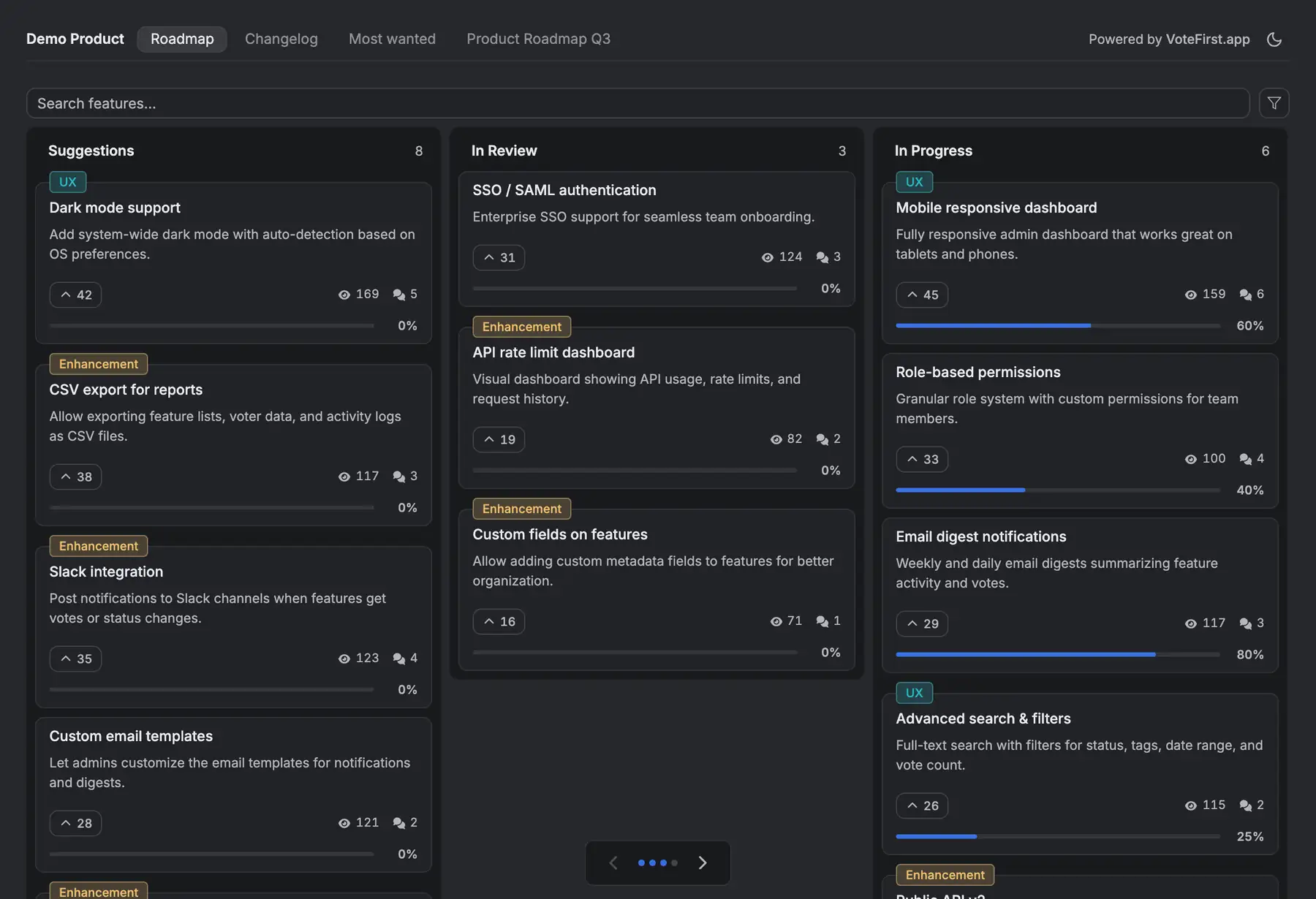
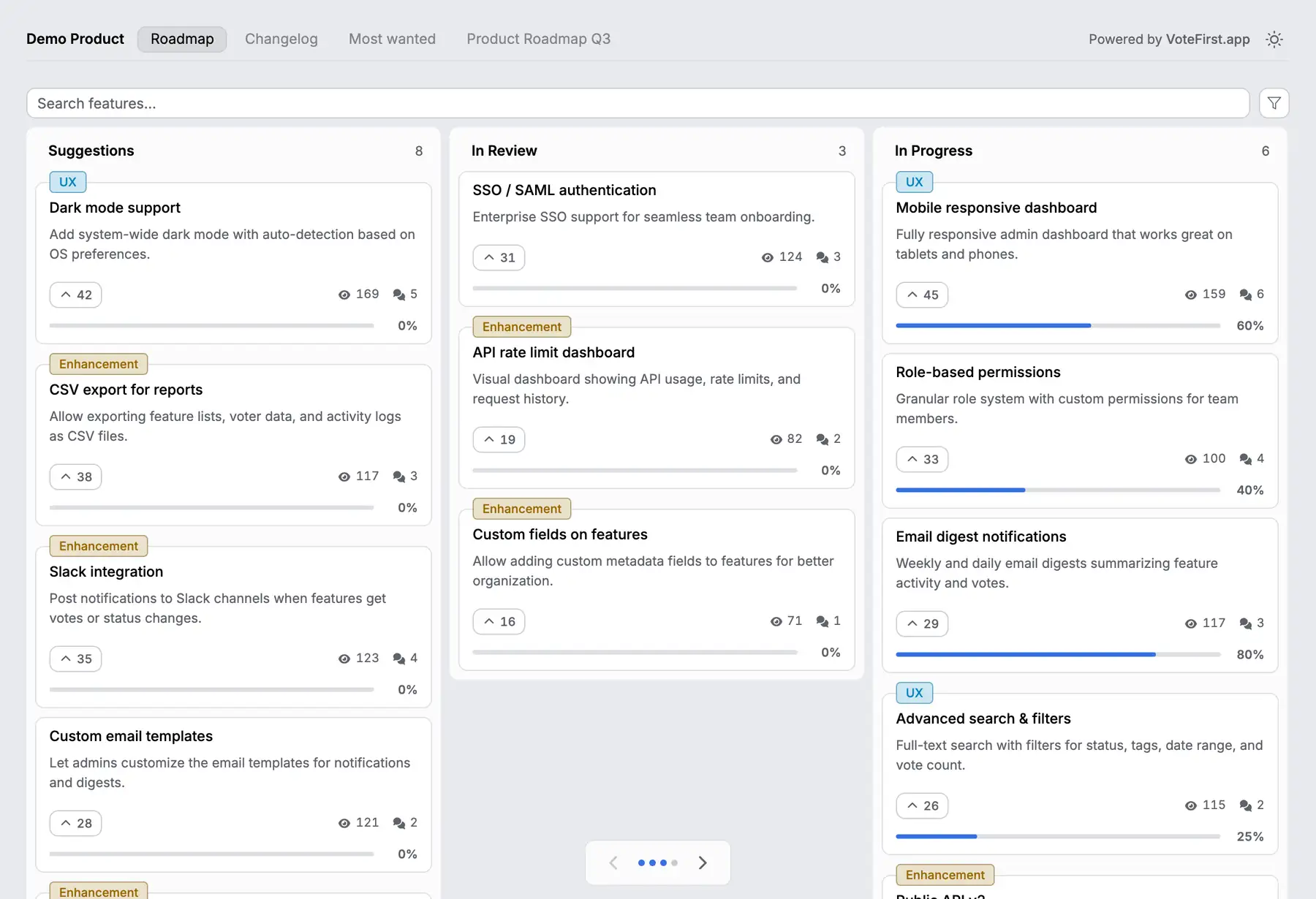
VoteFirst is a public roadmap and voting board that sits beside Linear, not inside it. A visitor votes with no account, and is emailed automatically when the request they voted on ships. There is no Linear sync: no issue pulled in, no vote count pushed back onto an Initiative. Moving something from the board into a Linear issue, or marking the board once an issue ships, is a person doing it by hand, or a script against the API, which comes with Pro. CSV export works on both plans and writes every request's vote count to a spreadsheet.
What VoteFirst costs
| Plan | What it is | Price |
|---|---|---|
| Lite | One project, a public roadmap and voting board, CSV export | $9 a month |
| Pro | Unlimited projects, custom domain, the API, team accounts | $39 a month |
14 days, a card at signup, then $9 or $39 a month.