ClickUp has no single roadmap feature. A roadmap is a List with a Gantt or Timeline view, set up with the stages a roadmap needs, and ClickUp publishes a starting point for one: the Product Roadmap Template. Making the view public is a toggle. What it does not have is a vote a stranger can cast and keep.
Every rule below is from ClickUp's own help center and pricing page, read 3 October 2026.
The roadmap layout
Two views do the roadmap job. Timeline view lays tasks on a linear schedule, read left to right. Gantt view does the same with dependencies, so a delay on one task can push the ones that follow it. Both are grouped and filtered the way any ClickUp view is: by status, by a Custom Field for product area, or by List.
ClickUp's own Product Roadmap Template is a Folder template with 10 custom statuses, among them Considering, Scoping, In QA Review and Not Doing, 15 Custom Fields such as Confidence, Effort 1-5 and Impact 1-5, and 7 views including a Quarterly Roadmap and My Product Requests. Starting from it skips most of the setup below, and leaves more statuses than a public roadmap needs.
Building it, step by step
- Create a List, or start from the Product Roadmap Template, which creates the List and its views for you.
- Add a custom status for each stage: something like Under consideration, Planned, In progress, Shipped, Not planned.
- Add one task per feature or request, with a Custom Field for its product area so a view can be grouped by it.
- Add a Timeline or Gantt view from the Views Bar, and group it by status so the stages read like roadmap columns.
- To track interest on a request, add a Voting Custom Field: a vote count on each task, with the option to hide who voted or show every voter's name.
- Right-click the view in the Views Bar, choose Sharing & Permissions, and turn on the Share link with anyone toggle.
What each view needs, and the Free plan's limits
| View | Free Forever | Unlimited | Business and up |
|---|---|---|---|
| Board (Kanban) | Yes | Yes | Yes |
| Timeline | 60 uses | 100 uses | Unlimited |
| Gantt | 60 uses | Unlimited | Unlimited |
| Form | 1 Form | Unlimited | Unlimited |
A "use" counts a view being created, opened, or edited, so a Free workspace's 60 Gantt or 60 Timeline uses run out with ordinary editing, not just once. Board, Calendar, List and Table views carry no use limit on any plan, so on Free a Board view grouped by status is the roadmap to keep open every day, with Timeline or Gantt saved for planning.
What a public visitor can do
ClickUp's own page on public sharing is short about what a link gives a stranger: "Anyone with the public link can view the item on a web browser. They do not need a ClickUp account." That access is view only: "Publicly shared items are view only. Private tasks in these items are not visible."
There is no public write path on a shared view. A visitor can read the tasks in the shared view and nothing else. A vote is a Custom Field on a task, and setting a Custom Field is an edit, which a view only link does not allow.
The exception is a Form. ClickUp's own article states it plainly: "By default ClickUp Forms are available publicly on the web. This allows anyone with the link to view and submit a Form." That is the one route a visitor without an account has to put a request in front of a team.
A Voting Custom Field can sit on a Form too, but what it records for an anonymous visitor is not a vote tied to that person. ClickUp's help page on Voting Custom Fields says it directly: "If someone accesses the Form while not logged in, their vote is created by ClickBot." Every anonymous vote through a public Form lands under the same name, so a roadmap built this way cannot tell one stranger's vote from a hundred strangers voting once each.
A Workspace can also close the Form route entirely. Account Authenticated Forms, a setting for the whole Workspace, means: "only people with access to your Workspace can view and submit Forms." Where it is on, outsiders cannot submit a request at all.
Search engine indexing is its own switch on each shared item, which ClickUp's article names as "Share link with search engines: Allow the link to be indexed by search engines." A roadmap meant to be found needs that switch on as well as the public link.
Who hears when a task ships
ClickUp calls this followers, renamed from watchers. Its own help page lists what adds one automatically: being assigned a task, editing its name or description, commenting on it, creating it, and changing its due date, status, or priority. Voting is not on that list. Casting a vote on a Custom Field does not make someone a follower, so a person who voted and never commented or was assigned hears nothing when the task they voted for ships.
An anonymous Form submission is created by ClickBot, not by the visitor, so no account stands behind the request and ClickUp has nobody to tell when it ships.
What each ClickUp plan costs
| Plan | Price a user a month, billed yearly | Billed monthly | Forms | Gantt and Timeline |
|---|---|---|---|---|
| Free Forever | $0 | $0 | 1 Form | 60 uses each |
| Unlimited | $7 | $10 | Unlimited | Timeline 100 uses, Gantt unlimited |
| Business | $12 | $19 | Unlimited | Unlimited |
| Enterprise | Custom, contact sales | Custom | Unlimited | Unlimited |
Public sharing itself is on every plan. Sharing All Spaces at once needs Business or above, and a single Space cannot be shared publicly on any plan, only views of its Folders and Lists, and single tasks. Expiring a public link and seeing every publicly shared item in one place are Enterprise only.
What that gap is worth
Where a vote needs no account and nothing stands in the way, the counts still run small. Across 634 public feedback boards measured in October 2026, the median request carries 2 votes, the poster's own included. A ClickUp roadmap has no comparable vote for a stranger at all: a public Form collects a request, and a Voting Custom Field only counts a person once they sign in.
VoteFirst beside ClickUp
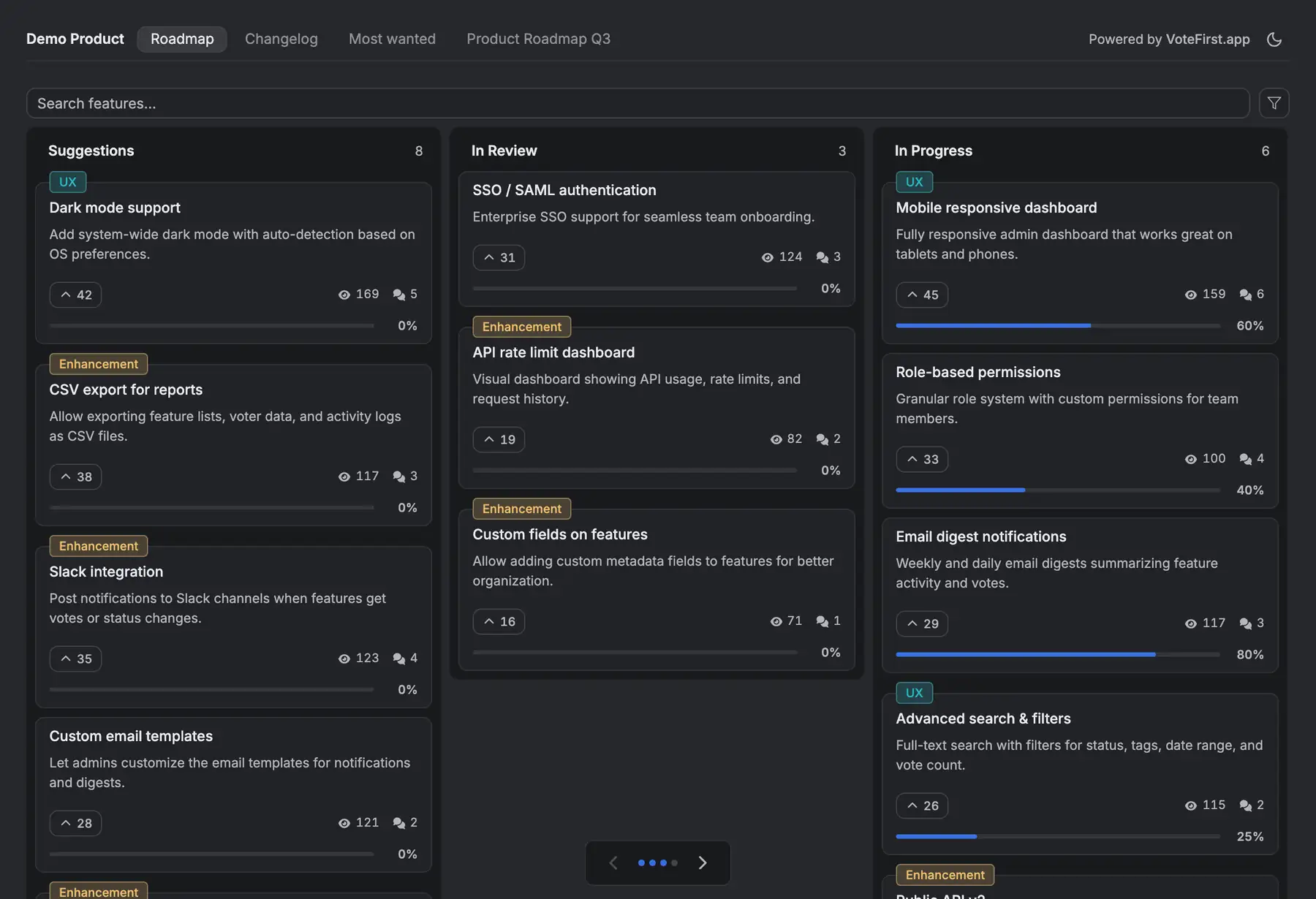
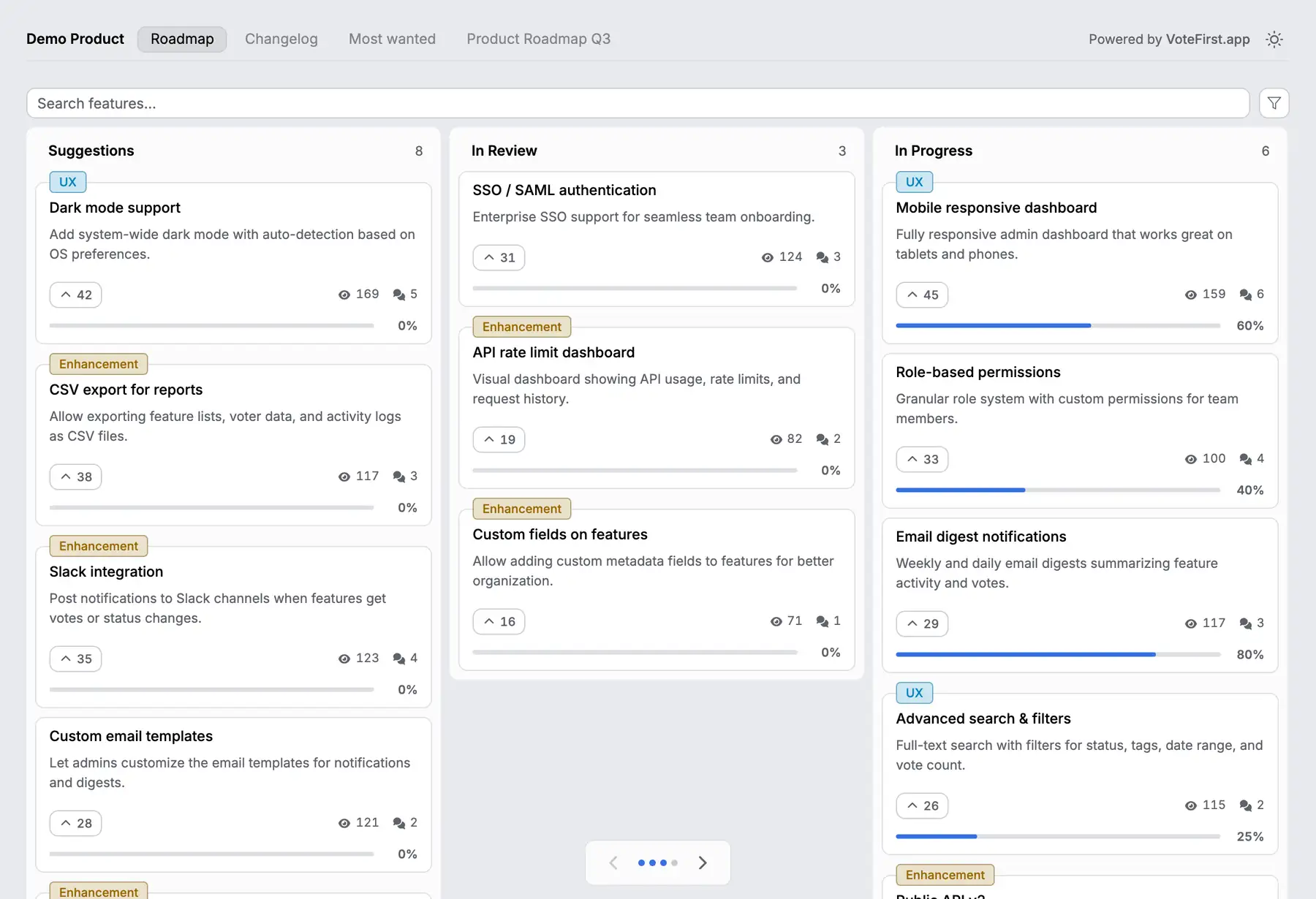
VoteFirst is a public board and roadmap where a visitor posts a request and votes with no account; a cookie identifies them instead of a login, so each person's vote stays theirs, unlike ClickUp's single shared ClickBot identity for every anonymous Form vote. When a request ships, every voter who left an email gets one notification. Lite is $9 a month for one project, Pro is $39 a month for unlimited projects, a custom domain, the API and a team. Every plan exports its requests to CSV.
VoteFirst has no ClickUp integration of any kind: no task import, no sync in either direction. A team can keep ClickUp for the work and put the customer facing board in front of it, moving an accepted request into a ClickUp task by hand.
14 days, a card at signup, then $9 or $39 a month.