A Trello roadmap is an ordinary board: one list for each stage, one card for each feature, and the free Voting Power-Up for a vote count. It costs nothing and takes ten minutes. Three limits only show up once strangers arrive: they need a Trello account to vote, they cannot add a request of their own, and search engines never see the board.
Every rule below is from Atlassian's own Trello help pages and the Trello pricing page, read 3 October 2026.
The board layout
Trello has no roadmap object. The stages are lists, read left to right, and a card moves across them as work moves.
| List | What goes in it |
|---|---|
| Under consideration | Requests that are logged and not yet decided |
| Planned | Accepted, with no date promised |
| In progress | Being built now |
| Shipped | Released; move cards here instead of archiving them, so the history stays readable |
| Not planned | Declined, with one line on the card saying why |
Labels carry the product area, such as billing or mobile, so the board can be filtered by them. The last list is optional, and it is the one most public roadmaps leave out. A visible no answers the person who asked; a card that sits in Under consideration for a year answers nobody. The same layout as a spreadsheet is in the product roadmap template.
Building it, step by step
- Create a board and add the lists above, in that order.
- Add one card per feature or request, with a label for its product area.
- Turn on voting: the Power-Ups button at the top of the board, then Voting, then Edit Power-Up Settings. The free plan allows unlimited Power-Ups per board, so this costs nothing.
- In the same settings, under who is allowed to vote, pick one of the four options Atlassian lists: board members only, board members and observers, members of the board's Workspace, or the public.
- Rank a list by votes from the list's menu. Once the Voting Power-Up is on, the number of votes a card received is one of the sort options. Atlassian's page on sorting adds that a sort cannot be undone, short of moving the cards back by hand.
- Change the board's visibility to Public from the board menu.
A board on Premium or Enterprise can also show a Timeline view, with cards stretched between a start and an end date. Atlassian's answer on who can see it is short: "access to the Timeline view is only available to members of the Trello Board." A public visitor gets the board view, not the timeline.
What a public visitor can do
Atlassian's page on board visibility states three rules, quoted here as written:
- "Anyone with the link can view a public board, but only board members can edit it."
- "Making a board public allows anyone with a Trello account to vote or comment on it."
- "Public boards are visible to anyone on the internet, but not indexed by search engines such as Google."
Put together, a customer with the link can read every card. To vote, they create an Atlassian account first. To suggest something new, they have no route at all, because adding a card is an edit and editing is for board members. Each member has their own email address for a board, and Atlassian's page says a message sent to it becomes a card created as that member, so handing it out lets strangers post under someone else's name.
The search engine rule matters most for a roadmap. A person searching for a feature that has not shipped yet is exactly who a public roadmap should reach, and a Trello board is closed to that search by design. The Trello alternative page covers that rule and the robots file behind it in detail.
Who hears when a card ships
Trello sends notifications to people watching a card. Atlassian's page on watching lists what a watcher hears about: comments, due dates, and a card being moved or archived. It names one group that watches a card automatically, the card's members. Voting is not on that list, so a customer who voted and wants to know when the feature reaches Shipped has to click Watch as well, and a customer without an account cannot watch anything.
What each Trello plan costs
| Plan | Price a user a month, billed yearly | Billed monthly | What it adds for a roadmap |
|---|---|---|---|
| Free | $0 | $0 | Up to 10 collaborators and 10 boards per Workspace, unlimited Power-Ups, so voting works |
| Standard | $5 | $6 | Unlimited boards |
| Premium | $10 | $12.50 | Timeline, Calendar, Table, Dashboard and Map views, seen by board members only |
| Enterprise | $17.50 | Billed yearly only | Central control over who may make a board public |
The price is per collaborator, the people who edit the board. Visitors to a public board are not billed, which is why a free Trello roadmap stays free however many customers read it.
What that gap is worth
Where customers can vote in public with nothing in the way, the counts are still small. Across 634 public feedback boards measured in October 2026, the median request carries 2 votes, the poster's own included. An account step in front of the vote button cuts that further, and the people who make it through are the most motivated customers, not a fair sample of them.
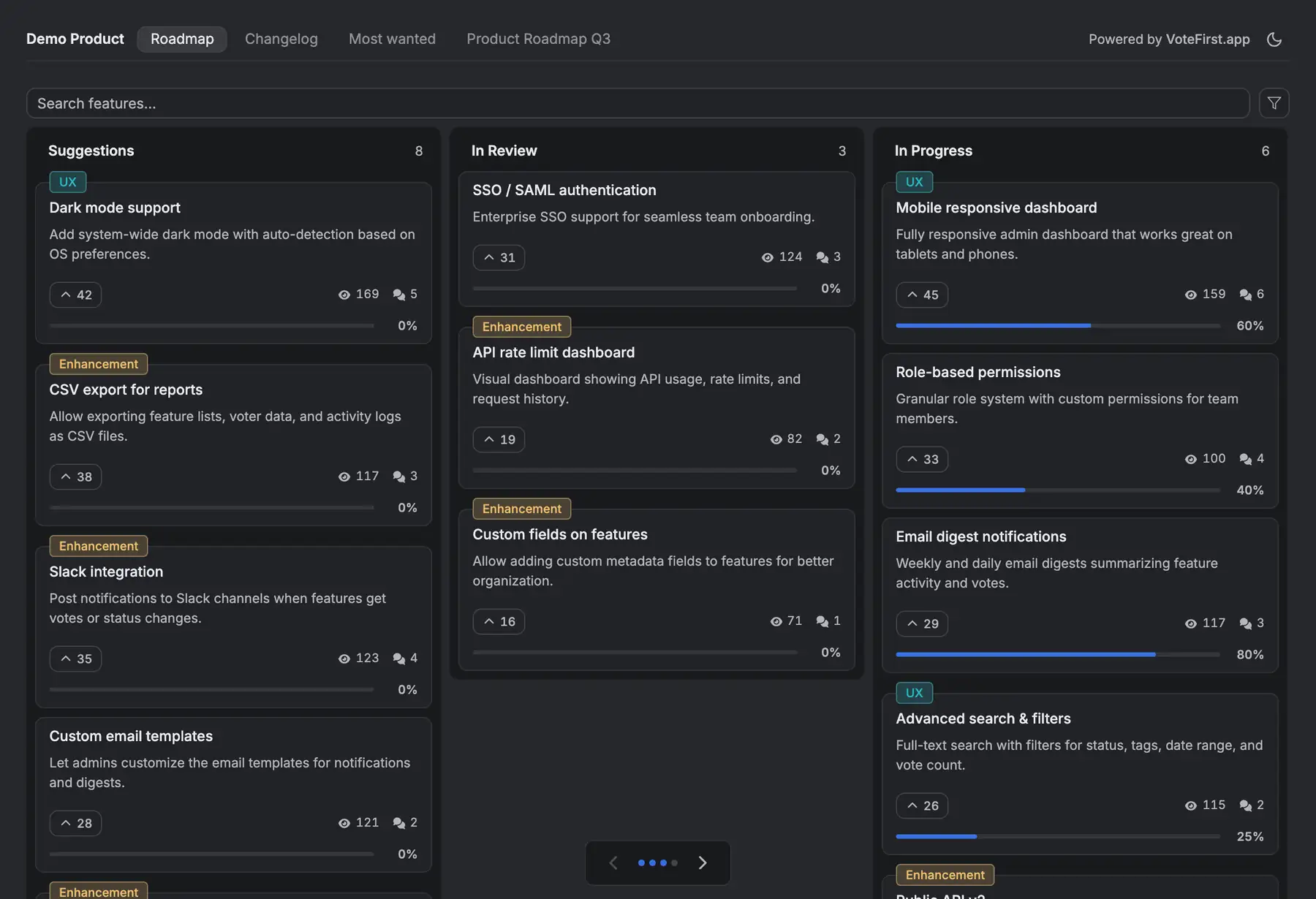
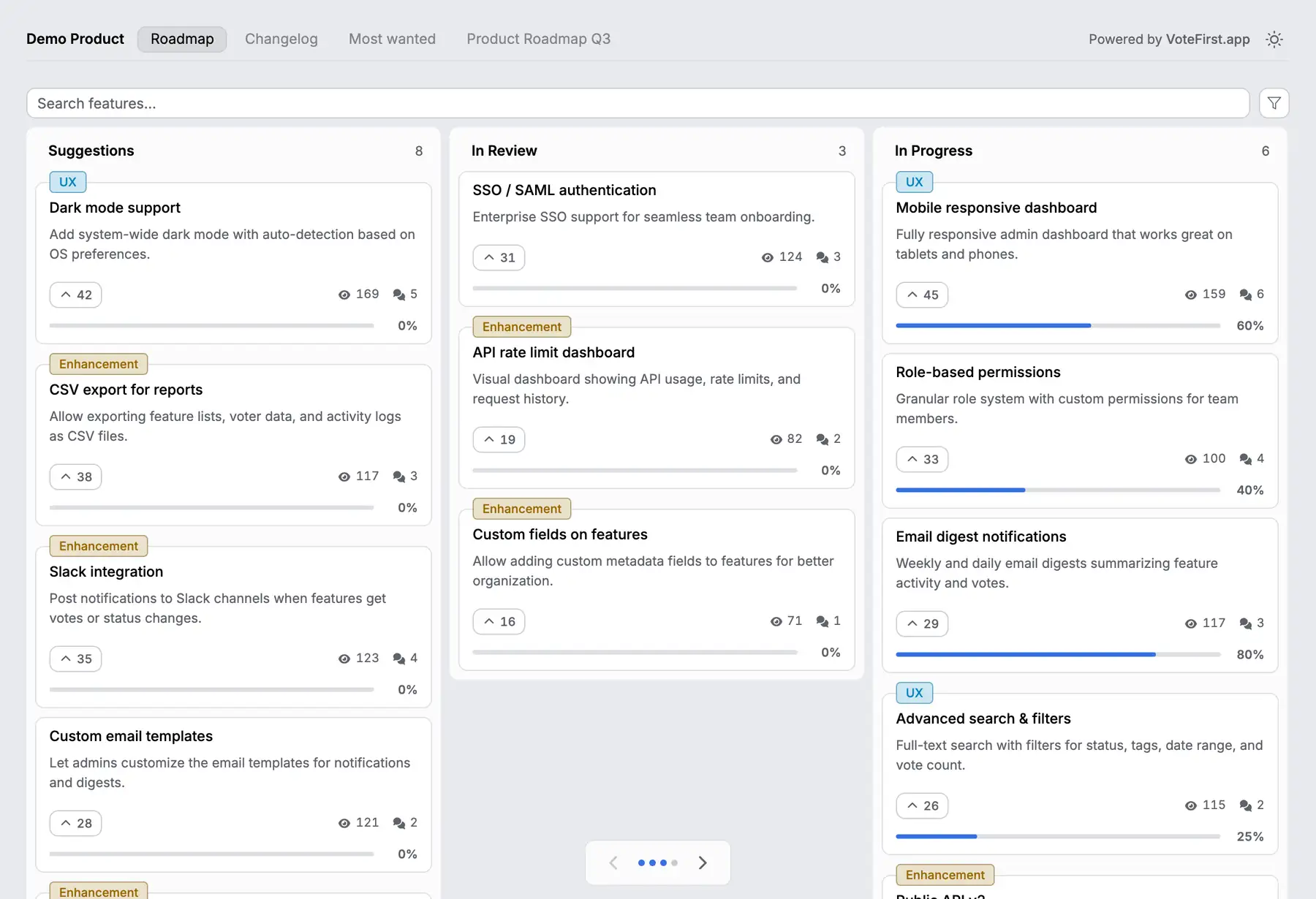
VoteFirst beside Trello
VoteFirst is a public board and roadmap where a visitor posts a request and votes with no account; a cookie identifies them instead of a login. When a request ships, every voter who left an email gets one notification. The board is an ordinary page that search engines can index. Lite is $9 a month for one project, Pro is $39 for unlimited projects, a custom domain, the API and a team.
VoteFirst has no Trello integration: no card import and no sync in either direction. A team can keep Trello for the work and put the customer facing board in front of it, moving an accepted request into a Trello card by hand. Every plan exports its requests to CSV.
14 days, a card at signup, then $9 or $39 a month.