monday.com has no single roadmap object. A roadmap is a board, built from monday.com's own Product Roadmap Template or from scratch, read in Timeline or Gantt view. monday dev, the development product in the same family, adds roadmap planning of its own above that. Voting is a column, open to people already on the board, not to a stranger with no account.
Every rule below is from monday.com's own help center, template page, product page and pricing page, read 3 October 2026.
The roadmap layout
A monday.com board holds the items, one row per feature or request, with a status column for the stage and a group or column for the product area. Two views lay that board out as a roadmap:
- Timeline view and Gantt view stretch each item between a start and an end date, Gantt adding dependencies between items. Both need the Standard plan or above.
- monday dev, a separate product built on the same platform, names roadmap planning directly: Single Roadmap planning on its Standard plan, and Cross team Roadmap on its Pro plan, for viewing several teams' roadmaps together.
monday.com's own Product Roadmap Template sets up a board for this directly: "Gain a high-level overview of your upcoming roadmap. Create accountability for team members, manage timelines, and more." monday.com lists it for software development and product management teams.
Building it, step by step
- Start from the Product Roadmap Template, or create a board and add the columns a roadmap needs: a status column for the stage, a timeline column for dates, and a column for the product area.
- Add one item per feature or request.
- Add a Vote column from the column center (the "+" icon, then "More columns", then search for "Vote") so people on the board can back the items they want.
- Switch to Timeline or Gantt view, or add one from the Views bar, and group it by status so the stages read like roadmap columns.
- To collect requests from outside the board, add a WorkForm and connect it to the board: each submission lands as a new item.
- To share a read of the board, open the menu with three dots on a view, choose Share, and copy the shareable link or embed code.
What a public visitor can do
monday.com's own article on sharing a board view publicly describes a view to read. Its shareable link or embed code "can be viewed from any browser," and the board filters and hidden columns decide exactly what that view shows. The article does not describe a visitor on that link voting, commenting or adding an item.
A WorkForm works differently. monday.com's own help page states a WorkForm is open to anyone with the link, "even without a monday.com account," and each submission lands as a new item on the connected board. That is the one way a stranger can put a request in front of a monday.com board with no login. The vote column itself is not part of that form path: the Vote column's own help page says it lets "team members and board subscribers" vote, people already signed in and on the board, and shows "the total amount of votes and the unique voters" beside it, so a vote is tied to a named account, not cast anonymously.
A visitor can also join as a guest, available from the Standard plan up, with an unlimited number of guests on Pro and Enterprise. A guest still needs an invitation and an account: monday.com's own page says a guest "must have an email domain that is different from" the inviting organization's, and lists what a guest can do on the one Shareable board they were invited to, including adding items and comments. A guest is not an anonymous public visitor; they are a named, invited account.
Who hears when a request ships
monday.com calls board members who are notified subscribers. Its own article on notifications says a subscriber is "mainly notified about items you are assigned to, items you follow, or updates where you are mentioned," and that joining a board does not mean hearing about everything on it. Voting is not named among the actions that trigger a notification. Neither is submitting a WorkForm, and a submission made without an account leaves nobody for those rules to notify when the item changes status.
What each monday.com plan costs
Prices below are monday.com's own Work Management pricing, per seat per month, as shown on its pricing page. Its FAQ states plans "start from 3 users," and the Free plan is capped at 2 seats.
| Plan | Price a seat a month, billed annually | Billed monthly | Adds for a roadmap |
|---|---|---|---|
| Free | €0 | €0 | Up to 2 seats |
| Basic | €9 | €10 | Unlimited items |
| Standard | €12 | €14.40 | Timeline and Gantt views, guest access |
| Pro | €19 | €22.80 | Private boards, advanced board views |
| Enterprise | Custom, contact sales | Custom | Permissions at several levels |
monday dev prices separately, its own FAQ pointing to Pro and Enterprise for its advanced roadmap tools: Basic is €9 a seat a month billed annually, Standard (Single Roadmap planning, guest access, Timeline and Gantt views) is €12, and Pro (Cross team Roadmap) is €20. monday.com's pricing page states these prices do not include tax and are set by the billing country; fetched from Europe on 3 October 2026, it showed no dollar figure, so the euro prices stand as read rather than converted.
What that gap is worth
Where a board has no account step at all, the counts are still small. Across 634 public feedback boards measured in October 2026, the median request carries 2 votes, the poster's own included. On a monday.com roadmap the Vote column counts named members and subscribers only, and the one path open to an outside visitor, a WorkForm, carries a submission and no vote.
VoteFirst beside monday.com
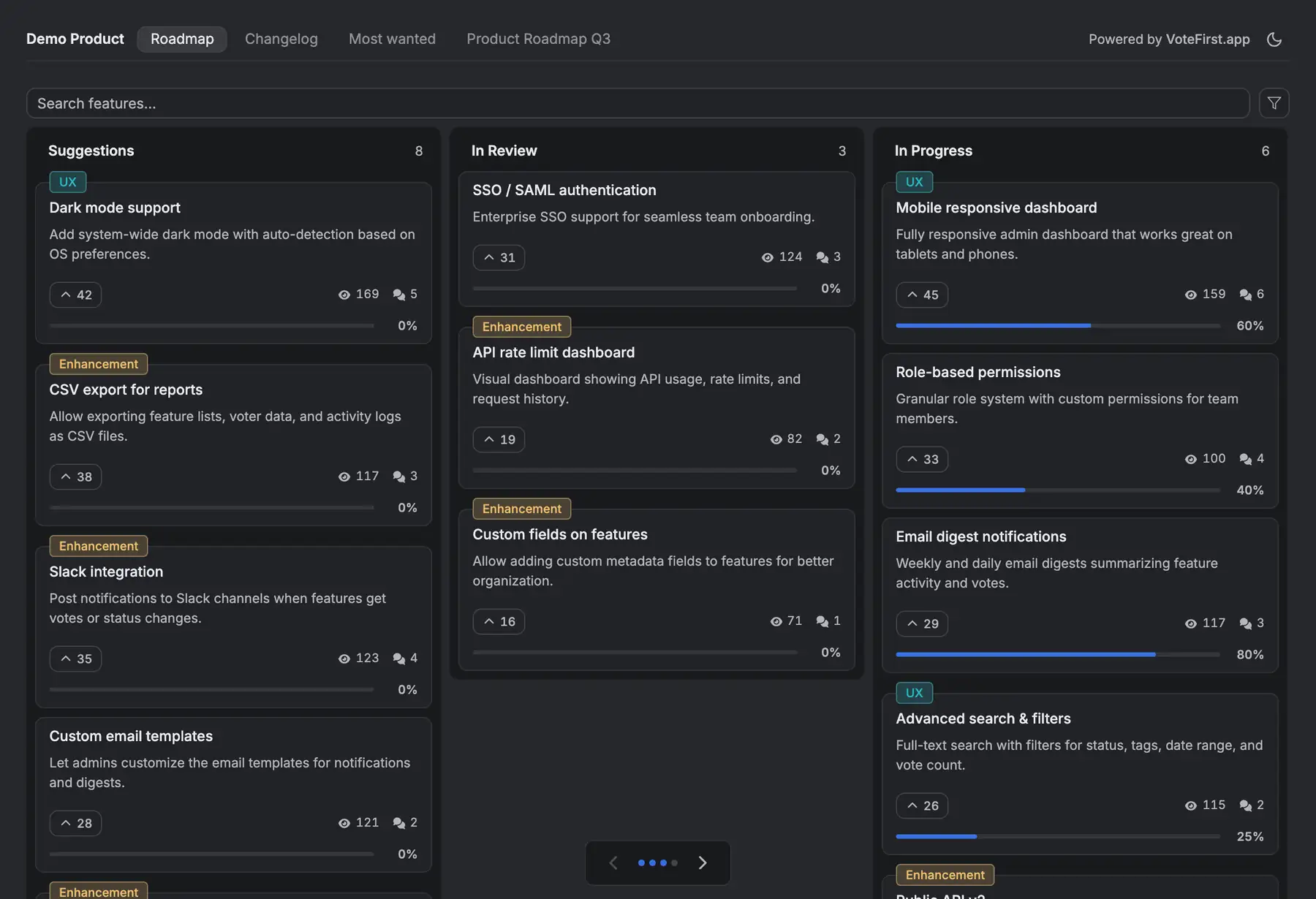
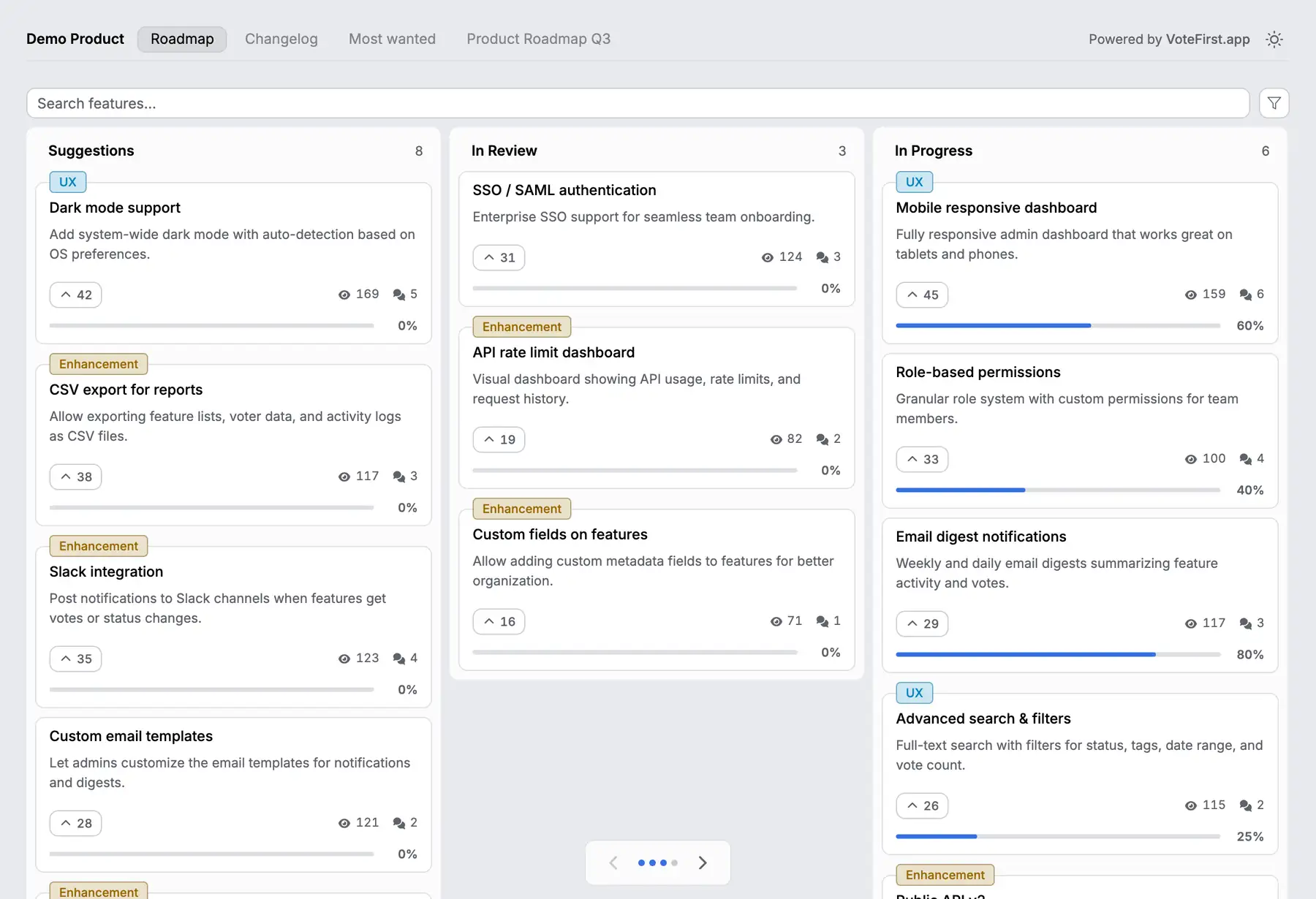
VoteFirst is a public board and roadmap where a visitor posts a request and votes with no account; a cookie identifies them instead of a login. When a request ships, every voter who left an email gets one notification. Lite is $9 a month for one project, Pro is $39 a month for unlimited projects, a custom domain, the API and a team. Every plan exports its requests to CSV.
VoteFirst has no monday.com integration of any kind: no board import, no sync in either direction. A team can keep monday.com or monday dev for the work and put the customer facing board in front of it, moving an accepted request into a monday.com item by hand.
14 days, a card at signup, then $9 or $39 a month.