Yes, Confluence can build a roadmap. The Roadmap Planner macro draws lanes, bars and date markers on a page. A separate macro pulls in a live Jira timeline. And Atlassian publishes a Product roadmap template if a plain page is all you want. None of them is a customer facing board: a roadmap page is for the team, and even a public link only ever shows a visitor a locked copy they can read.
Every fact below is from Atlassian's own help pages and pricing page, read 3 October 2026.
The Roadmap Planner macro, step by step
From the editor toolbar, select Insert, then Other Macros, and pick Roadmap Planner from the Visuals and images category. Typing / and searching by name does the same thing. The macro is not available on live docs yet; add it to an ordinary page instead, or convert the live doc to a page first.
A roadmap built with the macro has four parts: lanes to separate teams, products or streams, bars to show phases of work, markers for dates and milestones, and a timeline running underneath. To build one:
- Insert the macro, then use Add lanes to create one row per team, product or stream.
- Add a bar inside a lane for each phase of work, and drag either end to set its dates.
- Select a bar to add a marker, change its color, or remove it.
- Select the centered, medium width or full width icon to set how much of the page the roadmap takes up.
- Set the roadmap's overall start and end date, and choose to display it by days, weeks or months. Atlassian's page lists those three units and no quarter.
A bar can carry more than a date. Select it to add a link to an existing page, create a new page from it, or write a description underneath. Atlassian's page describes a bar linking to a Confluence page and says nothing of linking one to a Jira issue, so a roadmap that has to follow Jira is better embedded from Jira, below. Atlassian's docs do not mention exporting the macro, copying it, or building one from a table.
Confluence Data Center carries the same macro, with the same days, weeks or months display. Its help page carries one warning worth knowing: an older macro called simply "Roadmap," once sold on the Marketplace, still shows existing roadmaps, but they cannot be edited anymore. The Roadmap Planner macro replaced it.
Embedding a Jira timeline instead
If the roadmap already lives in Jira, Confluence can show that timeline on a page rather than rebuilding it. Copy the timeline's URL from the browser and paste it into a Confluence Cloud page; Confluence converts the link into a Jira Timeline macro on its own. The same thing happens with the /timeline shortcut or by picking Jira Timeline from the macro menu and entering the Jira instance, project and board by hand.
The result stays live: a timeline embedded this way updates in real time, and anyone with the right Jira permissions can interact with it from inside the Confluence page the same way they would inside Jira. Product roadmap in Jira covers what the Jira side of that timeline can and cannot do, including who else can ever see it.
Confluence's own roadmap template
Atlassian publishes a Product roadmap template under that exact name, built to "create a high-level overview of all of the features that you have lined up" and share it with leadership and other teams. It is a page layout, not the macro: a starting point to fill in by hand rather than a live chart. The product roadmap template is a spreadsheet version of the same columns, with nothing to install.
Confluence whiteboards carry a roadmap template too, aimed at a planning session rather than a finished page: sticky notes, stamps and votes for a team to sort ideas together before anything moves onto a timeline.
What a public link visitor can do
A Confluence page can be shared outside the company, but only on a paid plan. Atlassian's own line is direct: "Public links are only available on Confluence's paid plans (Standard, Premium, and Enterprise)." Free sites have no public link at all.
Where one is turned on, the visitor needs no login and no Confluence account. What they get is narrow. Atlassian describes it as "a safe, view-only version of the content that hides any content outside of the shared content (content tree, macros, etc.) and locks most Confluence functionality." They can read the page and, on a standard page or live doc, leave and read comments. They cannot edit it, vote on it, or browse to any other page in the space; a public link covers one page at a time, not its children. A public whiteboard is the one exception, and only if its owner has switched on a "Can edit" setting for that link.
So a public Confluence roadmap page can be read and commented on by a stranger. It cannot collect a vote count, and it gives that stranger no way to add a request of their own.
What Confluence Cloud costs
The price a user falls as the team grows, so the table shows it at two sizes, billed monthly.
| Plan | A user a month, 10 users | A user a month, 300 users | What it adds |
|---|---|---|---|
| Free | $0 | Not offered above 10 users | Up to 10 users; no public links |
| Standard | $6.70 | $5.42 | Public links for pages, live docs and whiteboards |
| Premium | $13.20 | $10.44 | Everything in Standard, plus analytics and advanced permissions |
| Enterprise | Not offered | Not offered | Quoted for 801 users and up, with central admin across several Confluence sites |
Paying yearly saves up to 17%, by Atlassian's own figure.
The gap a roadmap page leaves open
Every build above is still a page. It shows what the team decided, in the order the team decided it, and at best a visitor can read it and leave a comment underneath. None of it counts requests, ranks them by how many customers want each one, or tells a customer when their request ships.
That gap shows up in the numbers. Across 634 public feedback boards measured in October 2026, the median request carries 2 votes, counting the poster's own. A comment thread under a locked page counts nothing at all: there is no button to click and no total to watch.
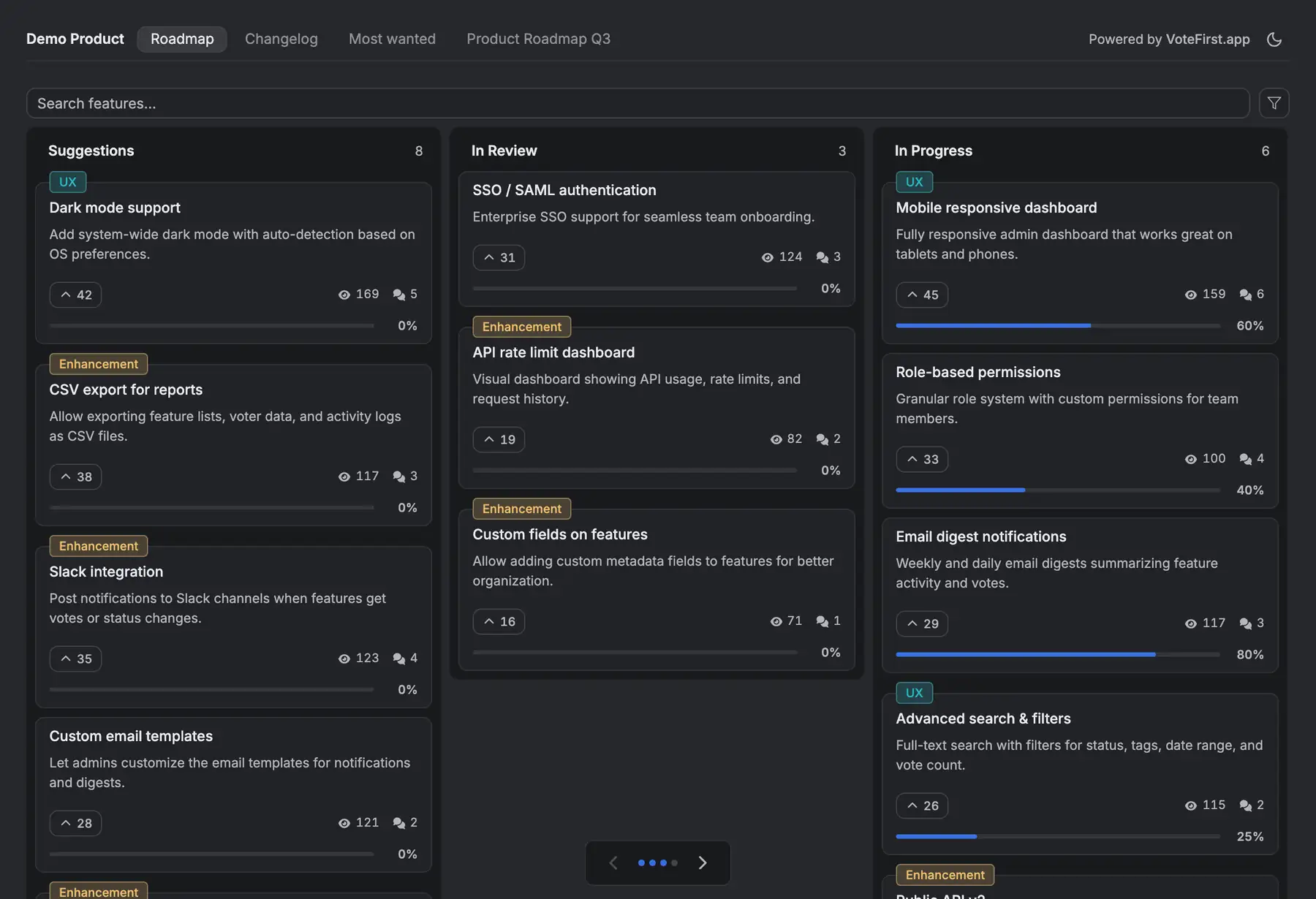
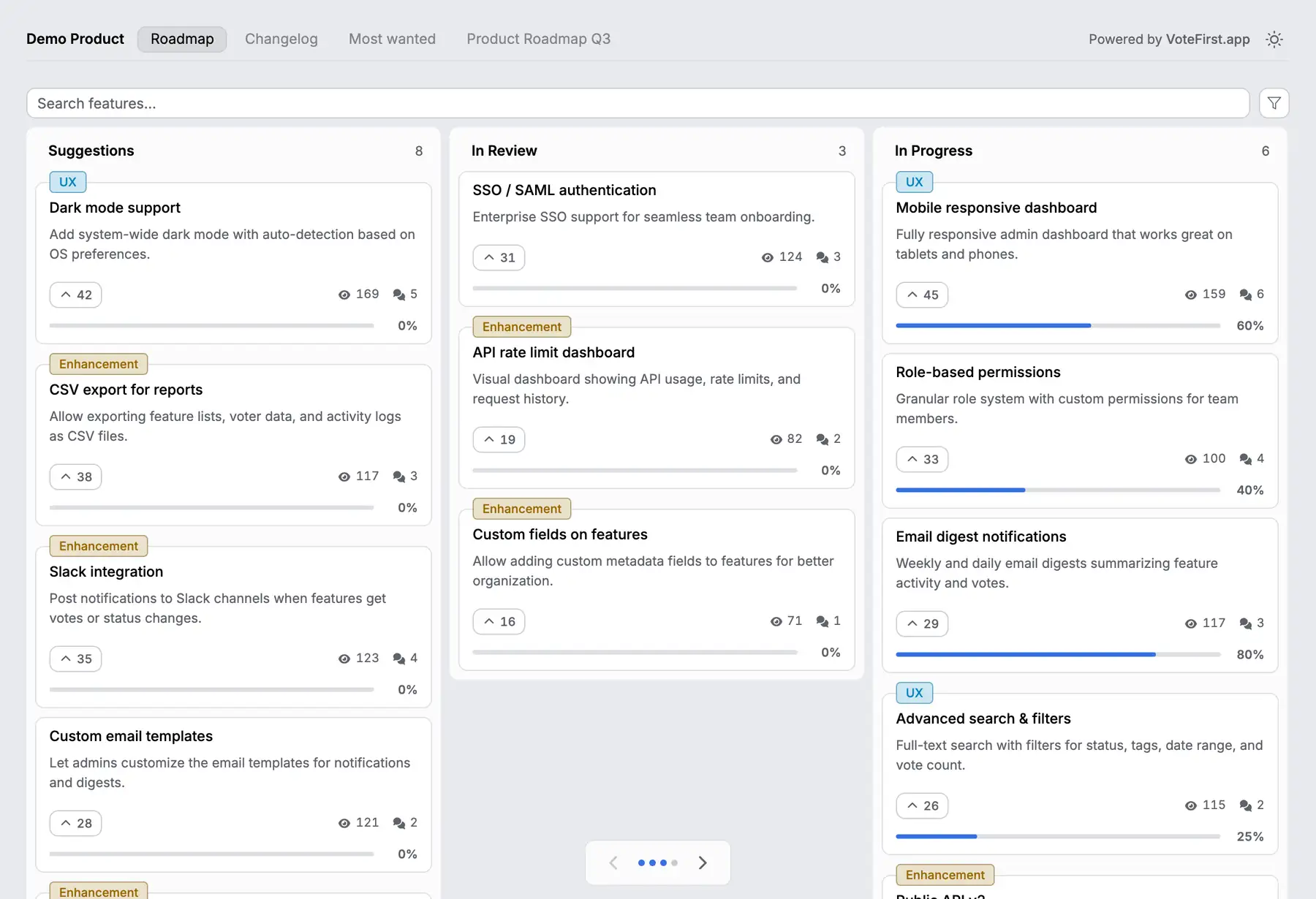
VoteFirst is a public board and roadmap where a visitor posts a request and votes with no account; a cookie identifies them instead of a login. A voter who leaves an email is notified when their request ships. Lite is $9 a month for one project, Pro is $39 for unlimited projects, a custom domain, the API and a team. Every plan exports its requests to CSV.
VoteFirst has no Confluence integration and no Jira integration of any kind: no macro, no smart link, no sync in either direction. A team keeps its roadmap page or Jira timeline for planning and puts a VoteFirst board in front of customers, moving an accepted request into Confluence or Jira by hand.
14 days, a card at signup, then $9 or $39 a month.