Two completely different products answer a search for the best product roadmap software, and the price difference between them is about twenty to one.
One kind is a planning system for the people building the thing. The roadmap inside it is a view for executives and product managers, it is rich, it is expensive per person, and in one case here it cannot be shown to a customer at all.
Roadmunk belongs to that first kind and is sold as Tempo's Strategic Roadmaps now, priced per editor with reviewers metered on top of them. The other kind is a page your customers read and add to, and the roadmap is the public artefact rather than the internal one.
Most people typing this phrase want the second and land on the first, because the first has the bigger marketing budget. So this page sorts by the only question that separates them, which is who is allowed to look.
The table
Every figure below was read on that vendor's own pricing or product page on 9 September 2026, in a browser rather than by a script.
| Tool | Who can see it | From | Who is metered |
|---|---|---|---|
| VoteFirst | Customers, no account | $9/mo | Nobody |
| Nolt | Customers, 1 board | $29/mo | Nobody |
| Canny | Customers, free plan too | $79/mo | Tracked users |
| Trello | Anybody with the link | $5/user/mo | Every user |
| Productboard | Customers, through portals | $19/maker/mo | Every maker |
| Aha! Ideas | Customers, any number of portals | $39/user/mo | Every internal role |
| ProdPad | Customers, a public portal | – | Per module |
| Pendo | Internal teams only | – | Monthly active users |
Nobody in the last column means the price does not move with the number of people who look or vote. Aha! counts every internal role, a viewer who can only look and vote included, and has a floor of three paid seats. Productboard's Business minimum is printed three different ways on one page. Trello is free through Premium per user and $210/user/yr on Enterprise, and its own documentation says a public board is not indexed by search engines. Pendo's own roadmap FAQ says roadmaps made there are private or visible only to internal teams, with external sharing planned. ProdPad's pricing builder rendered blank on two separate loads, so no figure was shown to us.
If the shortlist is already down to two, a 14 day trial with a card at signup settles it faster than another list does.
What does product roadmap software actually mean?
Two different jobs that share a word, and the confusion is expensive.
The first job is deciding what to build. That is portfolio planning, objectives, capacity, dependencies and a view a leadership team can read.
It is real work and the tools that do it well are worth what they cost to the companies that need them. The roadmap in that world is an output of the planning, and its audience is inside the building.
The second job is telling people what is coming and finding out what they want instead. That roadmap is a page, its audience is your customers, and the thing it produces is not a plan but a conversation.
It needs almost none of the first list and it needs one thing the first list mostly treats as an extra, which is somewhere a person outside your company can say that is wrong, do this one first.
Nearly every disappointing purchase in this category is somebody buying the first when they wanted the second. The tell is the pricing page. If the price is per person on your side, the product is built for your side.
Who is allowed to look at the roadmap?
On seven of the eight, your customers. On one of them, nobody outside your company.
That is the single most useful row in the table above and it is not a criticism.
Pendo's own roadmap FAQ asks whether a roadmap can be made visible to customers and answers that it cannot right now, that roadmaps created there are private or visible only to internal teams, and that external sharing is planned.
That is a clear answer, published by them, and it is exactly the sort of thing that never appears in a roundup. If a public roadmap is why you are shopping, that one is answered before you start.
Trello sits in its own position. A board can be made public by any board admin on any plan, and Atlassian's own documentation says a public board is visible to anyone on the internet but is not indexed by search engines.
So it works perfectly for people you send a link to and it is invisible to anybody looking for the problem you have not solved yet. For an internal roadmap that costs you nothing at all.
The rest publish a portal or a board that your customers can open, and the differences between them are about price and about what a customer can do once they arrive.
What does it cost to let one more person look?
This is where the two kinds of product separate hardest, and the numbers are not close.
On Aha! Ideas the people in your portal are free and every role on your own side is a paid seat. Their own definitions are unusually clear about this. A contributor needs a paid seat. A reviewer, who can see ideas, add them and vote, needs a paid seat.
A viewer, who can only look at ideas and vote for them, also needs a paid seat.
Ideas Essentials is 39 dollars a user a month billed annually with a minimum of three paid users, so one person on their own still pays for three, and that minimum is printed under the price on the card rather than hidden in a footnote, which deserves saying.
Productboard prices per maker, which is their word for a seat, at 19 dollars a maker a month billed annually on Plus. Their own minimum is the odd part.
One plan card reads five makers minimum for Business, another rendering of the same card reads two, and the feature table reads two online and five on contract. We cannot tell you their entry price for Business because their page does not agree with itself, and the whole table is written out separately.
ProdPad we cannot price at all. The pricing builder on their pricing page rendered blank on two separate loads on the same day, with no price in the accessibility tree either time. Writing a number here from memory or from somebody else's comparison page would be inventing one.
Against those, the flat tools are a different order of magnitude. Nolt is $29 a month billed yearly for one board whoever reads it.
Canny's public roadmap is on the free plan, and its meter is the people who take part rather than the people on your team, which is priced out in full because it is the pricing model most often misunderstood in this category.
Which tool should you choose for what you are doing?
Four situations, and the answer is different in each.
You are planning a portfolio across several teams. Buy one of the planning systems and accept the per seat price, because a public board is not what you are short of. The roadmap page is a by product for you rather than the point.
You want customers to see what is coming and tell you what is missing. Buy a flat priced board. Everything on the bottom half of the table does this, and the differences that matter are whether a visitor needs an account to vote and what the roadmap costs when a lot of people show up.
Your roadmap is internal and a free board already works. Keep it. A free board that everybody on your team already has open is a better roadmap than a paid one nobody opens, and moving costs you a week for nothing.
You want the roadmap page to be findable by people who are not customers yet. This is the one to read carefully, because it is the case where the most tools quietly fail and ours is one of them right now. There is a section below about that.
Is planning software the same as a public roadmap tool?
No, and the free versions of each are free for opposite reasons.
Product roadmap planning software is the internal kind. Portfolio views, capacity, dependencies, objectives, and a price per seat for the people building rather than for the people reading. Three of the tools in the table above are that shape and it is why their prices are per maker rather than per board.
A public roadmap tool is the outward half. Its job is a page a customer opens, and what it charges for is usually the number of people who take part rather than the number of people who plan.
If you are looking for product roadmap software free of charge, read which half you are being given. A free planning tier usually caps the makers, and a free public tier usually caps the board or the audience, and those two ceilings arrive at completely different moments.
Is there a free roadmap tool worth using?
Yes. Jira Product Discovery is free forever for three creators, Productboard's free plan carries five hundred feedback notes with one teamspace and one portal, and Trello's free tier will hold a public board if you accept what it cannot do. All three were read on their own pages on 14 September 2026.
Pendo has a free tier too, and it is the one to rule out first, because their own roadmap FAQ says roadmaps made there are private or visible only to internal teams. Past any of these the meter is per creator, per maker or per user, which is the unit that grows with your team rather than with your product. Every free plan in the wider feedback field, and the line each one stops at, is on its own page.
Are there Jira roadmap examples or Aha roadmap examples a customer can open?
On Aha! Ideas yes, and on Jira Product Discovery we did not find out.
Aha! Ideas publishes to portals, as many public and private ones as you need, so the roadmap a customer opens is a real address rather than a screenshot in a blog post. The cost sits on your side of it.
Portal users are free and every internal role needs a paid seat at 39 dollars a user a month billed annually with a floor of three, a viewer who can only look and vote included.
Jira Product Discovery prices the other way round. Creators are metered, at nothing for the first three and then ten dollars a creator a month, and contributors are unlimited and free on every plan.
What we did not read on their own pages is whether a view can be opened by somebody with no Atlassian account, so this page does not say either way.
That gap is the honest state of it. An example you can open is worth more than a picture of one, and the only roadmaps in this table we can point at without an account are the portals and our own demo board.
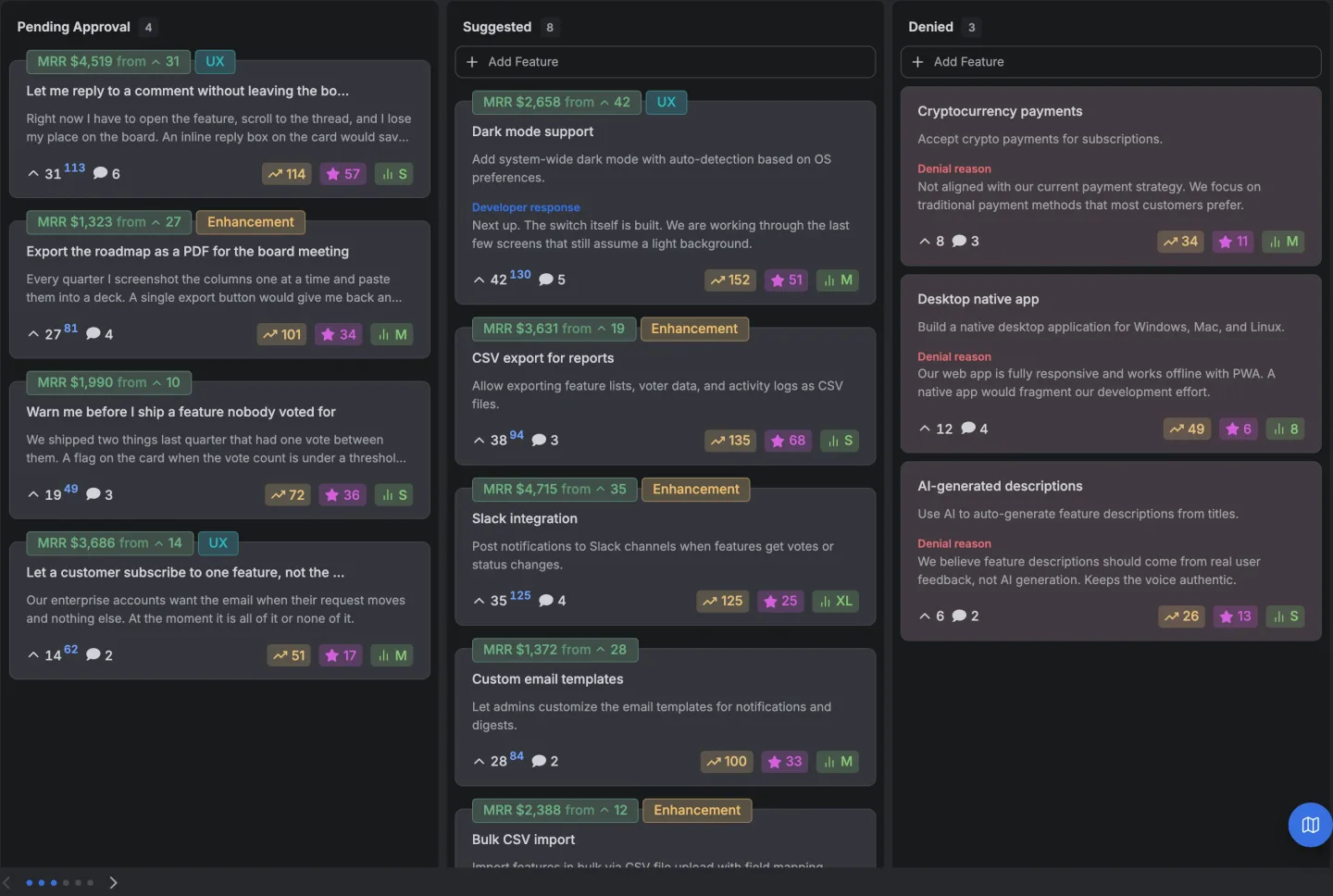
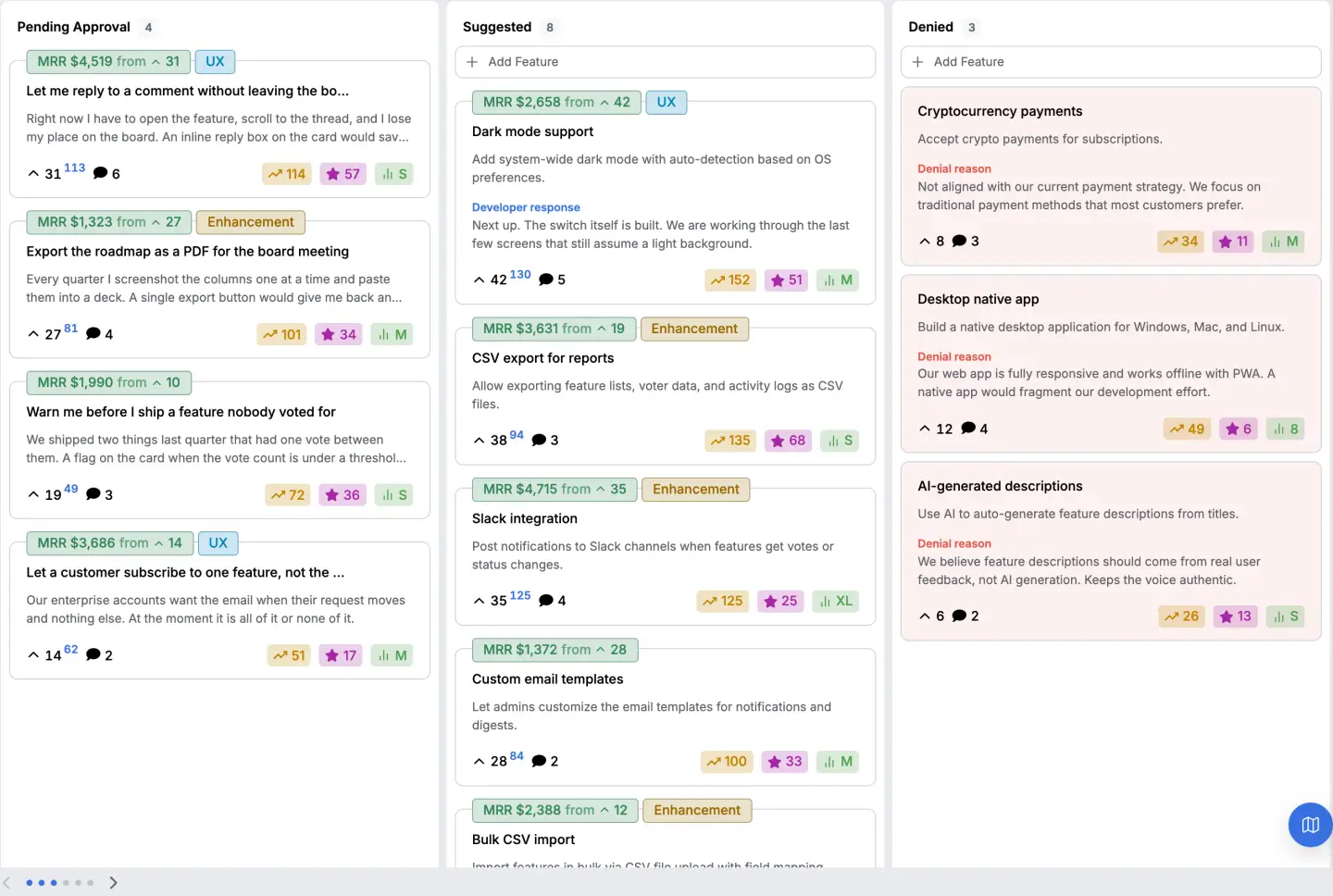
Where ours fits, and the part of it that is broken
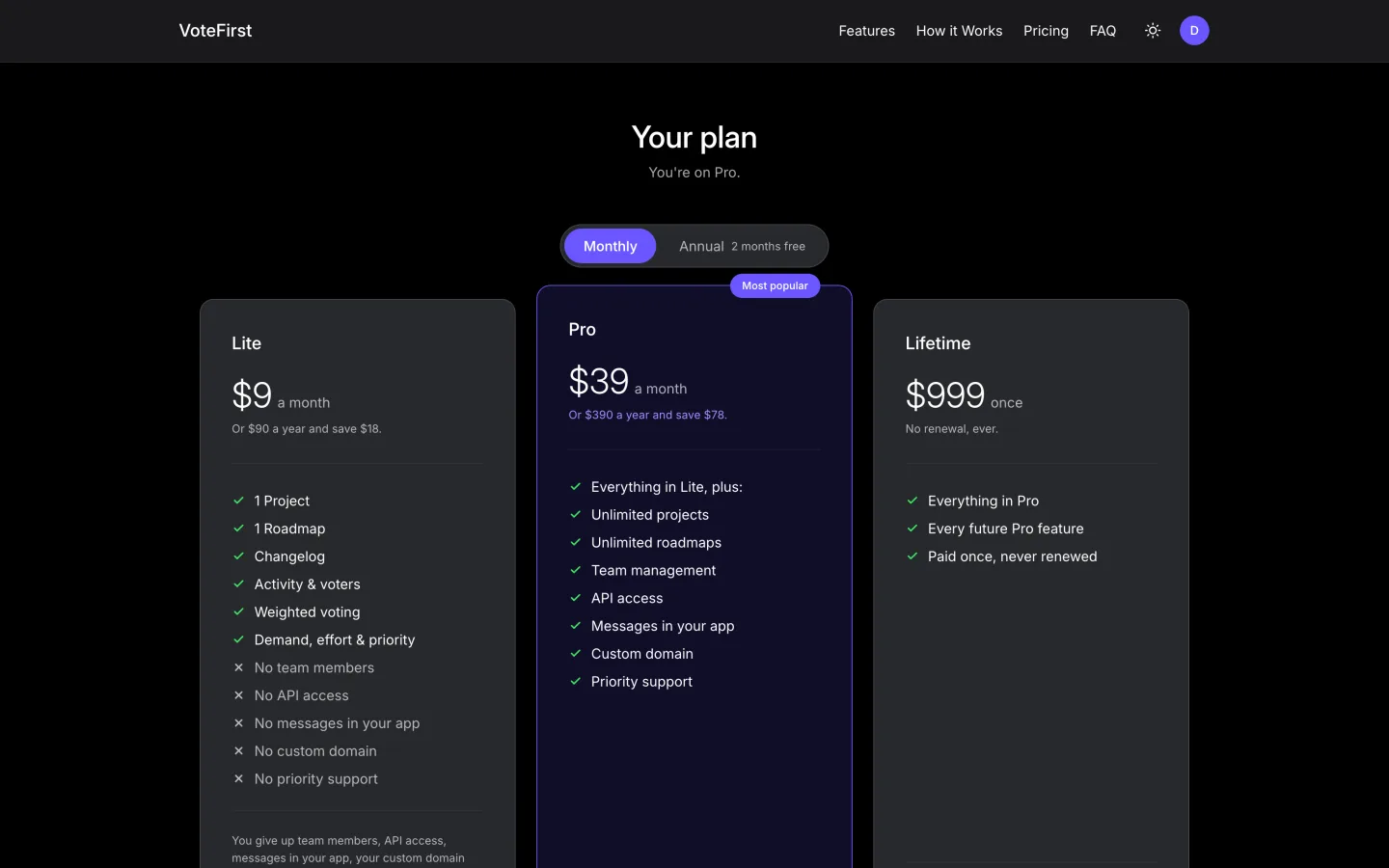
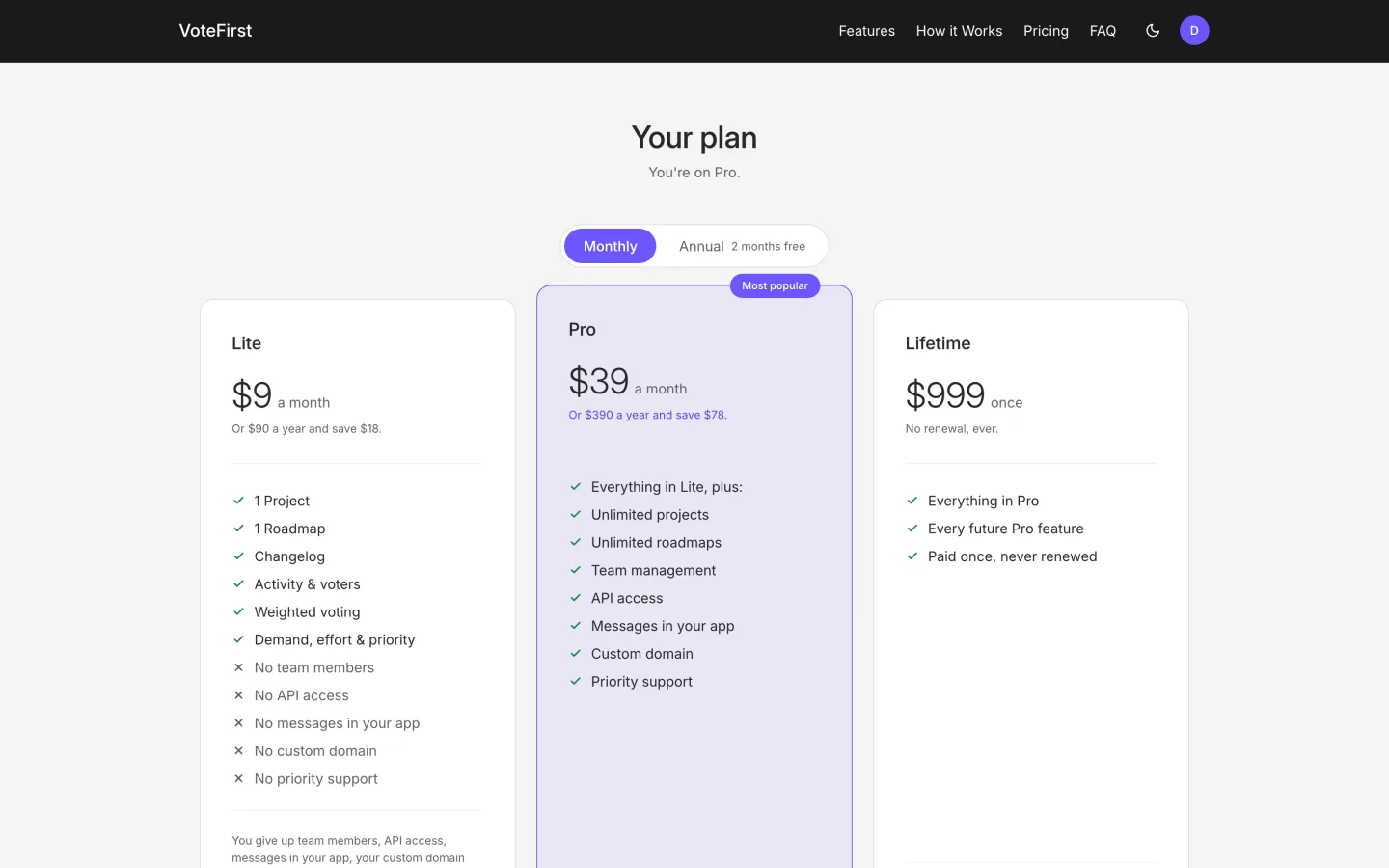
Nine dollars a month, one project, and nothing counts the people who look at it. Voting needs no account at all, so a visitor can vote, comment and suggest from the first page load without signing up, which is the whole design of the board.
The roadmap is an ordinary page with its own address rather than an app screen shared by a link.
Now the part we would rather you heard from us. The application serves one robots file for every host it answers on, a customer's own domain included, and that file disallows every path, so a crawler that obeys it does not read a board of ours.
The page itself is built for the opposite, with a title, a description, a canonical link and no instruction in the markup to stay away, and the file in front of it says no anyway.
The canonical link was missing until we checked it for this page, and it is on every public page of ours now.
One board of ours is listed in search results even so, because an address can be indexed from the links pointing at it without its page ever being fetched, which is the least useful version of being found.
So on the fourth situation above we are not the answer this week. It is our own file and our own defect, and it is not a one line change either, because the same host carries boards whose owners may not want them public and opening it decides that for all of them at once.
Everything else on this page we are happy to be measured against. The full field with the unit each vendor bills on is one page, and what each one costs at a number of voters you choose is another.
14 days, a card at signup, then $9 or $39 a month.