Miro has no roadmap object of its own. A roadmap is a board, started from a template, with Miro's separate Voting tool run on top of it when a decision is needed. Dot voting, in Miro's own words, is not a second tool but this same Voting feature pointed at a dot voting template.
Every rule below is from Miro's own help center, template pages and pricing page, read 3 October 2026.
The roadmap templates
Miro's Product Roadmap Template, made by Miro, is built to "communicate the vision and progress of what's coming next for your product" and to serve as "an important asset for aligning teams and valuable stakeholders, including executives, engineering, marketing, customer success, and sales, around your strategy and priorities."
For a Now, Next, Later layout, the template library's closest match is "Product Roadmap (Now, Next, Later, Trash)," a template from Miro's community rather than one Miro made. It lays out four columns: Now, for items achievable within about three months; Next, for lower priority work queued behind it; Later, for ideas not yet scheduled; and Trash, for items dropped from the roadmap entirely. Miro's roadmap template collection holds other layouts beyond these two, among them horizontal timelines, Kanban style boards and portfolio roadmaps.
Building it, step by step
- Open the Product Roadmap Template, or any other roadmap template from Miro's library, to start with its frames and headings already placed.
- Add one sticky note or card per feature or request, and move it into the stage it belongs in.
- Click Share in the upper right corner, then choose Can view, Can comment or Can edit next to Anyone with the link. This also opens the board to people without a Miro account.
- To collect votes, open the Facilitation tools and Reactions icon on the collaboration toolbar and select Voting.
- In the voting panel, set the voting area, the number of votes per person (up to 99), an optional toggle limiting each person to one vote on an object, and a session length in minutes, hours or days.
- Click Start. Every board participant, registered or not, sees a pop up announcing the session and how long it will run.
What the Voting tool, and dot voting, actually do
A search for "dot voting in Miro" turns up a technique, not a different feature. Miro's own FAQ answers "Do you provide a Dot voting tool?" by pointing to a dot voting template used with the same Voting feature described below.
What that one tool does, as Miro documents it:
- Who starts it. Team members with board editing rights.
- Who can vote. "All users on the board," per Miro's FAQ, a group that includes "registered users and non-registered users" by Miro's own description of a session starting.
- Votes per person. Set by whoever starts the session, from 1 up to a stated maximum of 99.
- Anonymity. "Voting is anonymous" and "all votes are anonymous," Miro's page states twice. The facilitator sees who has finished voting in the Participants list, never what any one person voted for.
- Duration. A session runs for a fixed length chosen at setup, not left open indefinitely.
- Results. Participants see the top 3 results once a session ends, with a See all results option for the full list, and the facilitator can choose to leave results showing on the board afterward.
- Plan. Voting is "Available for: Starter, Business, Enterprise, and Education plans." Free is not on that list.
What a visitor without an account can do
Setting a board to Can view, Can comment or Can edit for Anyone with the link makes, in Miro's own words, "the board...available for unregistered users as well." Miro calls this kind of person a visitor: someone who "doesn't have to be registered with Miro and can access public boards without a Miro account," on "any plan."
Miro's feature table for visitors, guests and members lists "set up and join video chat, screen sharing, and voting sessions" as something a visitor can do, the same as a guest or a signed in member. So a stranger holding only the link can cast a vote in a live session with no account at all, provided the board owner is on a paid plan and a session is actually running at the time.
What that same table and FAQ do not describe is a visitor starting a session, casting a vote once a session has ended, or being found through search. On the last point Miro's own FAQ is direct: "Miro strives to keep public boards from being indexed by search engines like Google or Bing. However, anyone with the link can access these boards, and the link might be shared beyond your intended audience." A public Miro roadmap is meant to reach only the people handed its link.
Who hears when something ships
Miro's notification settings sit in each user's own Profile, under the Notifications tab, where a registered user turns on or off alerts for board activity, comments, Tables, Spaces and team activity, by email, mobile or Slack. Miro's help page on notifications describes this as a setting each registered member configures for themselves; it does not describe a notification triggered by a vote, and it does not describe any message reaching a visitor who voted without a Miro account.
What each Miro plan costs
| Plan | Price a member a month, billed yearly | Billed monthly | Voting |
|---|---|---|---|
| Free | $0 | $0 | Not included |
| Starter | $8 | $10 | Included |
| Business | $20 | $25 | Included |
| Enterprise | Custom pricing, from 30 members | Custom | Included |
A visitor who only views or votes on a public board costs nothing; the prices above are per paid member, the people who own and edit boards.
What that gap is worth
Across 634 public feedback boards measured in October 2026, boards that stay open for months, the median request carries 2 votes, the poster's own included. A Miro voting session is a different thing: a timed round inside a workshop, with a facilitator watching the clock, not a page a customer finds and votes on weeks later. That is no fault in Miro. A workshop vote and a standing public vote are built for different moments, and Miro's pages describe only the first.
VoteFirst beside Miro
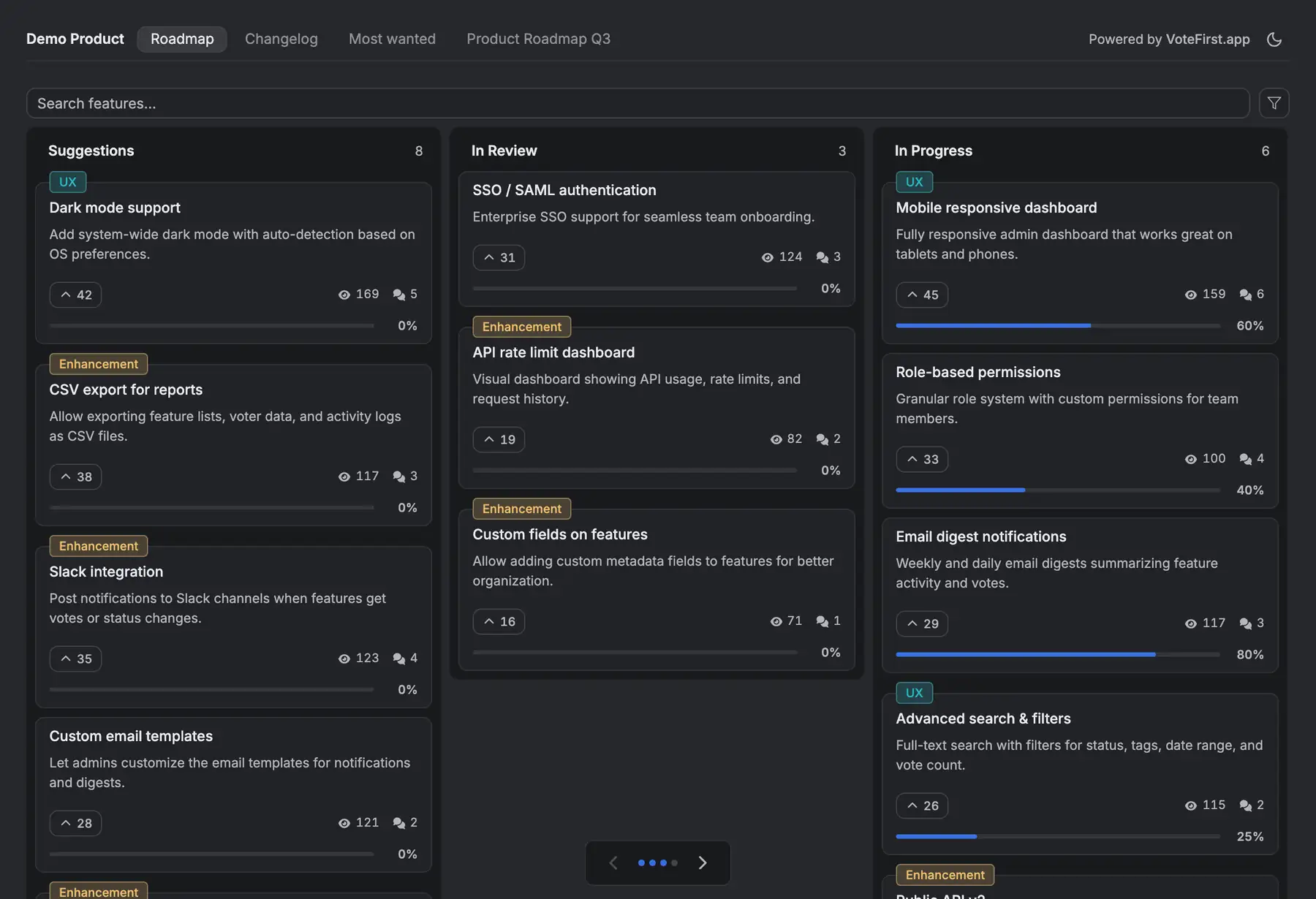
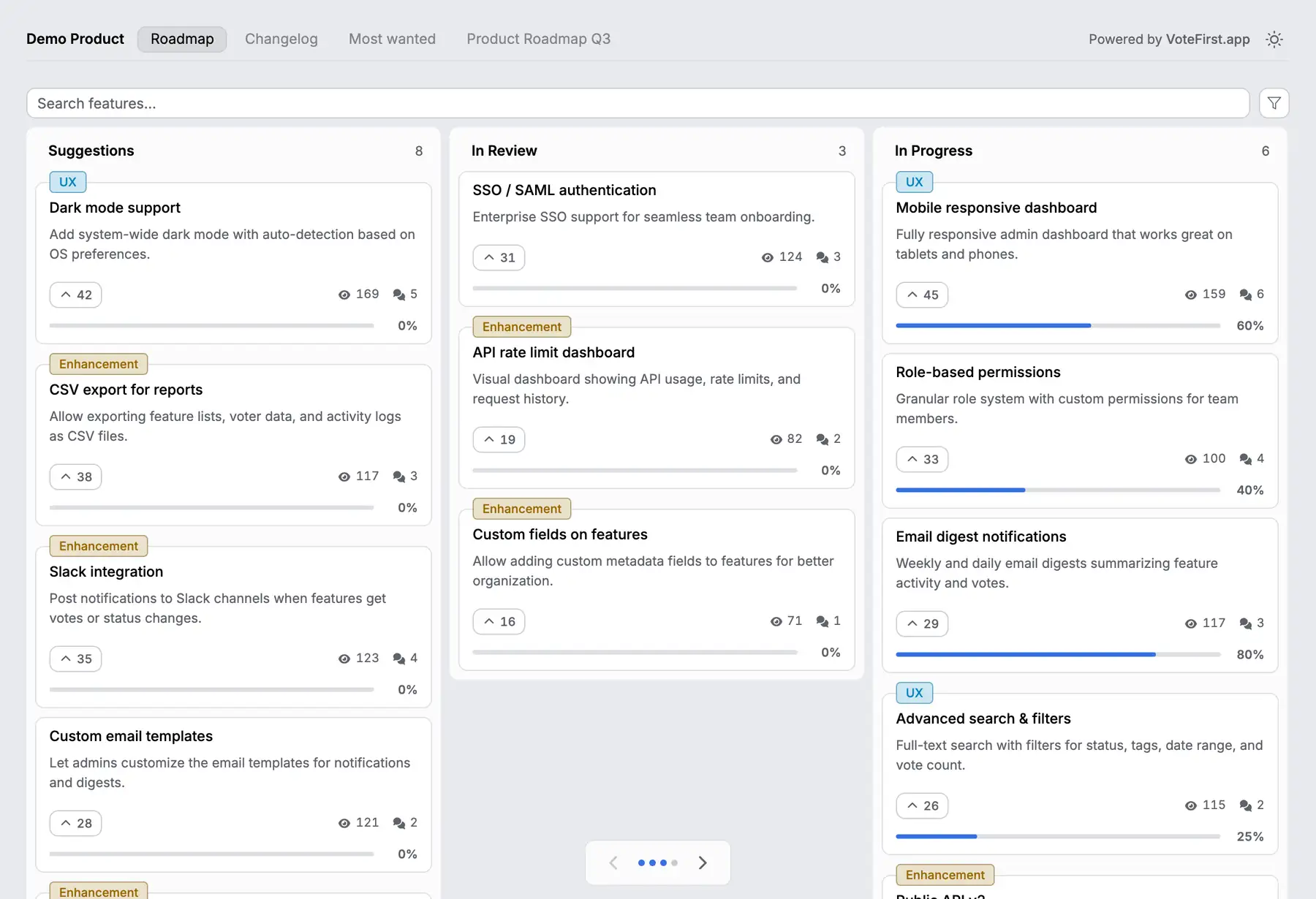
VoteFirst is a public board and roadmap where a visitor posts a request and votes with no account; a cookie identifies them instead of a login, and the board stays open for votes with no session to start or close. Voters who leave an email are notified when the request they voted for ships. Lite is $9 a month for one project, Pro is $39 a month for unlimited projects, a custom domain, the API and a team. Every plan exports its requests to CSV.
VoteFirst has no Miro integration of any kind: no board import, no sync in either direction. A team can keep a Miro board for the facilitated planning session and put the customer facing board in front of it, moving a decided item onto the roadmap by hand.
14 days, a card at signup, then $9 or $39 a month.